


smithacat
Members
-
Joined
-
Last visited
Everything posted by smithacat
-
Awesome! :D I've been playing 0.1 almost non stop, this is so good! Thank you once again for the great modification! :D EDIT: Download server is overloaded I think LOL 19.2kb/s
-
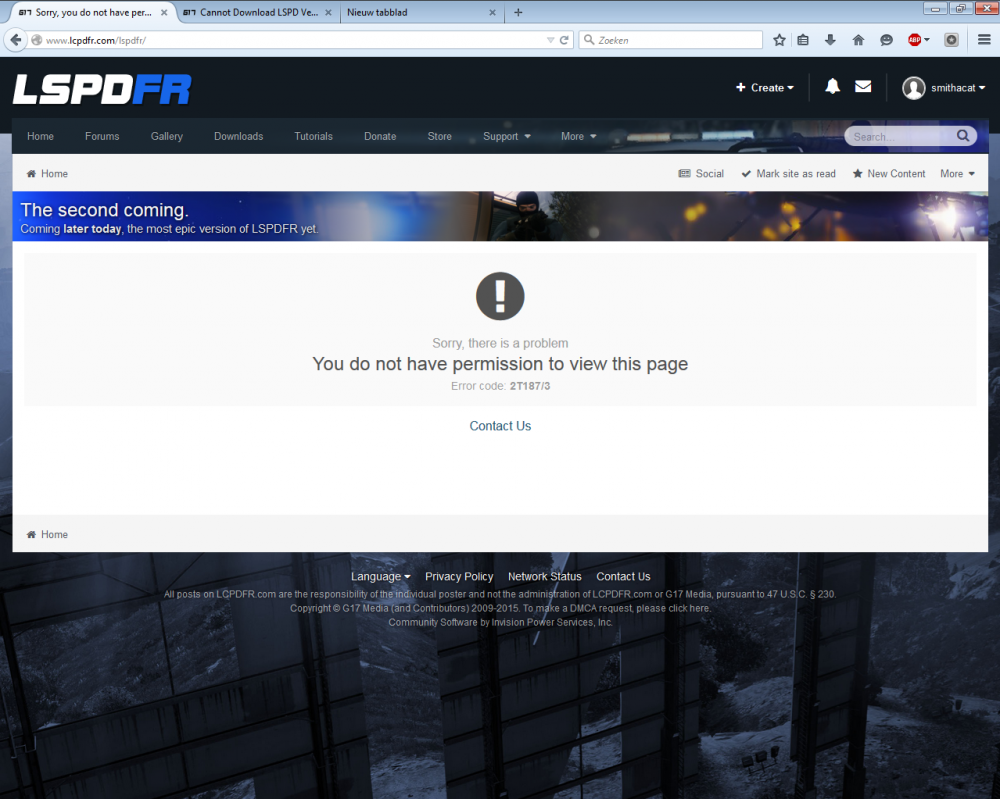
Getting the same error aswell.
-
Hi! I've decided to try livestreaming out, and thought LSPDFR would be nice to play :) I hope it's allowed to post this here, but if it isn't, please let me know! http://www.twitch.tv/hdcat Note: I might have to AFK sometimes for a few mins, and I have a lil bit of background noise.
-
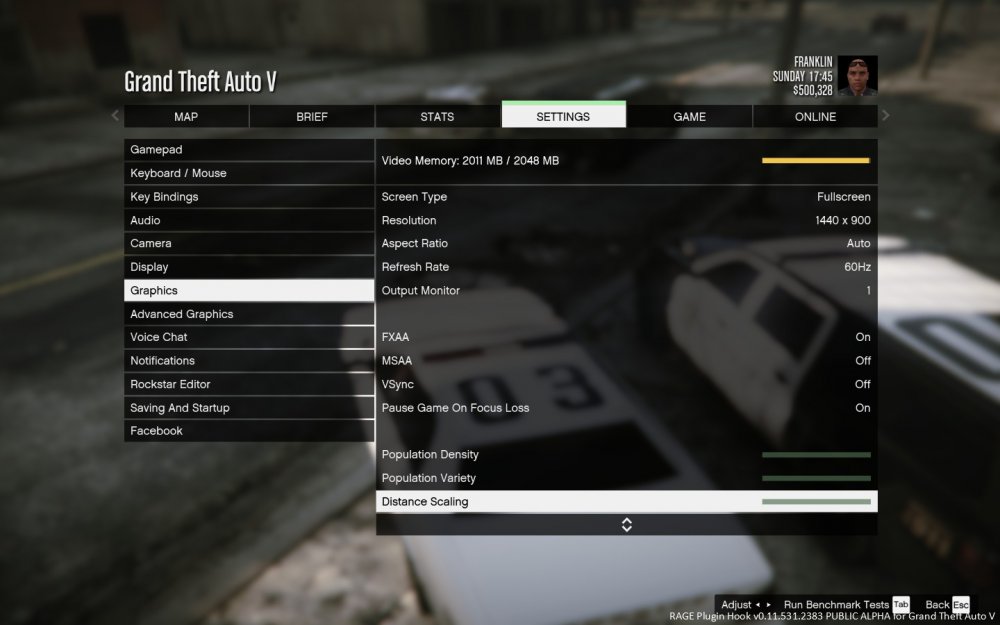
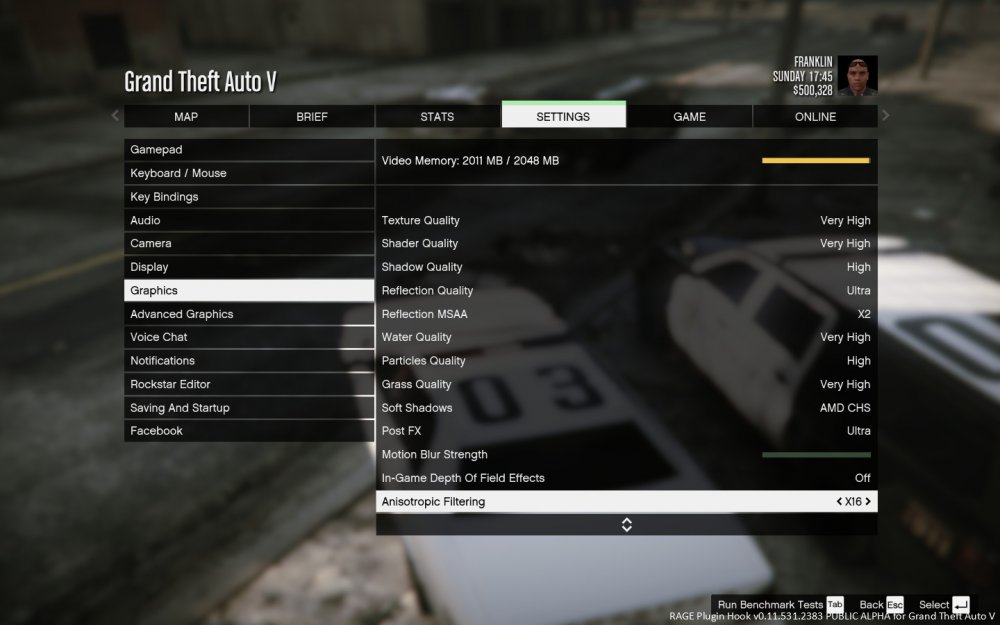
I've got almost everthing maxed out. I use 1440x900 resolution, if that's what you mean.
-
I had this problem too, and I fixed it by removing SweetFX and Reshade. I guess ENB would make you crash aswell, but haven't tried it yet.
-
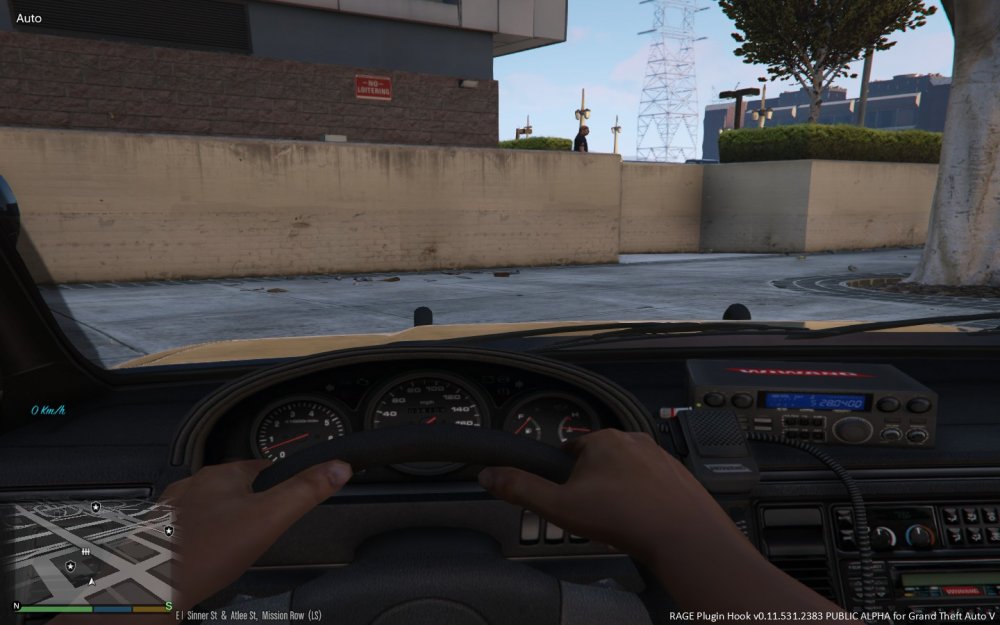
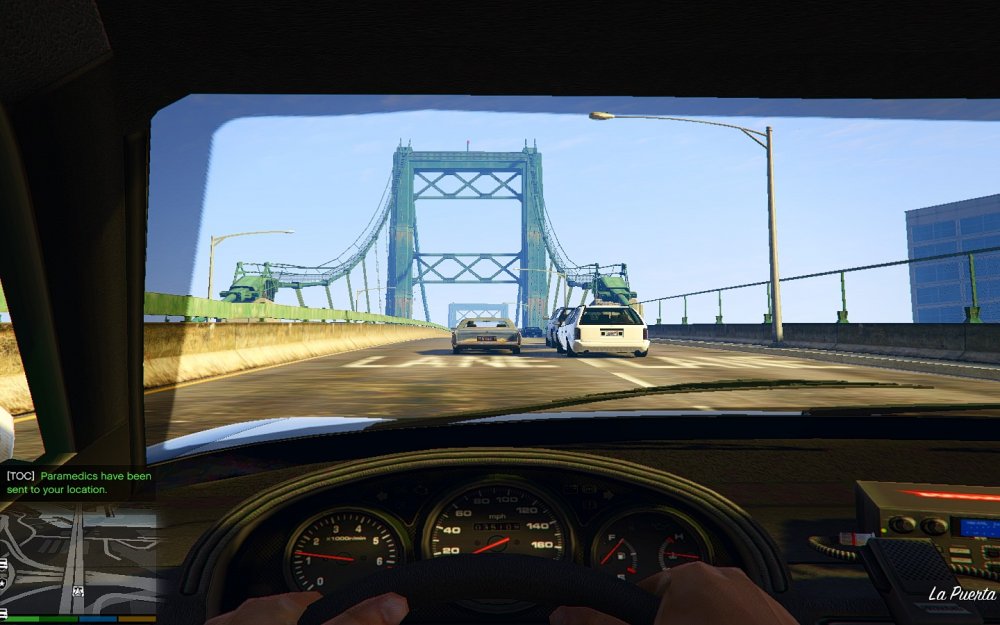
Hi, I've got a small problem. I've put my texture settings on Very High, but textures tend to be blurry. For example, the numbers on my dashboard's speedometer are really blurry. I've posted an example below. Specs: AMD Phenom II X4 980 Processor @ 3.70 Ghz, AMD Radeon HD 6870 2gb, 8gb RAM.
-
Damn, looks sweet! Can't wait to play :D


