



AShay
Members
-
Joined
-
Last visited
Everything posted by AShay
-
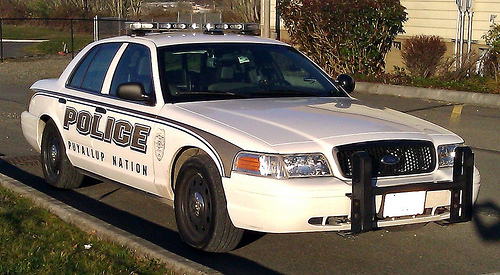
I got a question for all of you. I have been using the added police cars carvariations and vehicles meta with no problems until now, I have 5 cars loaded and GTA works fine every time i try to install a 6th car the game crashes on loading and populating game world. i have tried moving the 6th car to a different folder with no change can anyone help with this. Thanks, A. Shay
-
 I love all your work you have done. one thing i would to see is if you get a stolen vehicle it also would show up on the court system. but outstanding work keep on going albo1125!
- 1,178 comments
- 137 reviews
-
 i love this tool! it's made tracking down problems so much faster and a lot less time of reinstalling gta. thanks aldo1
- 379 comments
- 113 reviews
-
-

- 1
-

