



Daywalker1974NL
Members
-
Joined
-
Last visited
Solutions
-
Daywalker1974NL's post in ultimate backup peds with random clothes? was marked as the answerOke,
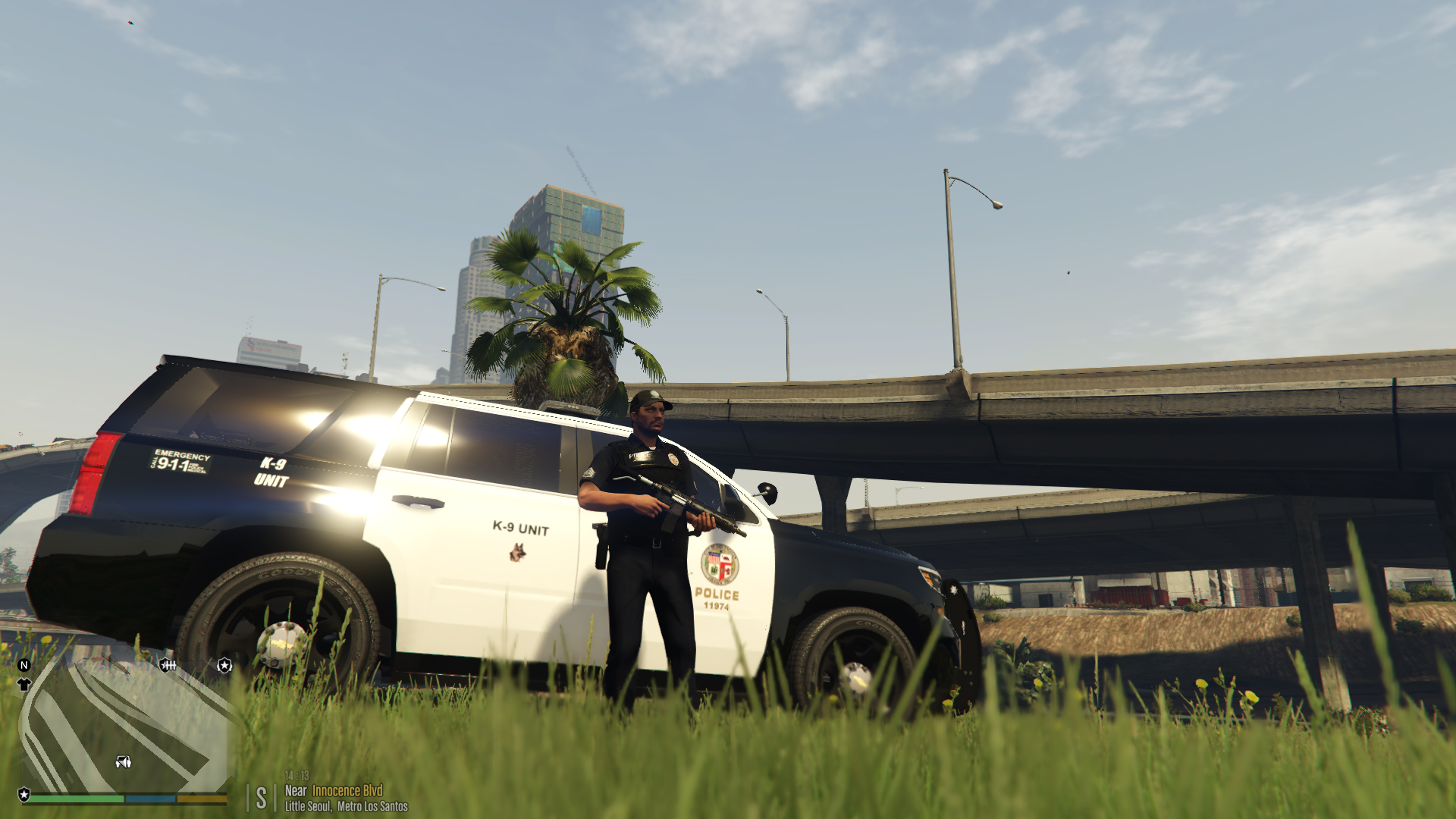
I found the solution for the minimap on a widescreen monitor:
Open openIV: go to GTAV - mods - update - update .rpf - common - data - ui and edit the frontend.xml
for safe copy that file to desktop to have a backup.
than in the file search for minimap
and change ''ONLY these 3 lines. at posX'' to these
<data name="minimap" alignX="L" alignY="B" posX="-0.17" posY="0.002" sizeX="0.150" sizeY="0.188888" /> <!-- WARNING! Feed MUST match sizeX -->
<data name="minimap_mask" alignX="L" alignY="B" posX="-0.14" posY="0.032" sizeX="0.111" sizeY="0.159" />
<data name="minimap_blur" alignX="L" alignY="B" posX="-0.195" posY="0.022" sizeX="0.266" sizeY="0.237" />
It works for me 🙂
