


DMDub
Members
-
Joined
-
Last visited
Everything posted by DMDub
-
I have done that and works fine I believe it the the theros state wide pack i have done everything it says to do but can't get it to work would really love to use that pack
-
-
I figured it out sorry for the late response I forgot to put the xml files for the cars that wasn't working
-
sorry for the late response been working I tried it and it worked Now I am having problems with the els lights not working
-
I tried loading regular GTA and it crashes
-
I just did and it still didn't work
-
I tried it with it and it still didn't work so I removed I installed the better emergency lights mod
-
That didn't work for me but thanks for the info
-
Where do you find those settings so that I can try it I am trying anything and everything at this point
-
I have tried that on my game and it crashes immediately without rage so I have no idea whats wrong on my end I have verified my game files and all
-
here is my rage plugin log RagePluginHook.log
-
Hi community I am having and issue were rage plugin is trying to hook instance and it crashes I changed the name to my mods folder _mods removed ELSasi verified game files been trouble shooting all day and haven't come across a solution asiloader.log RagePluginHook.log
-
-
 I recently downloaded the file but the DLC file wasn't included love the pack but can't use the DLC file because it wasn't included
- 143 comments
- 23 reviews
-
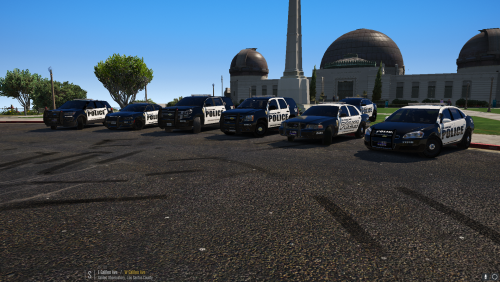 I want to install the whole pack I was wondering how do I do that so all the cars are in at the same time some of the cars use the same slot This pack is amazing one of the best that I have seen.
- 27 comments
- 5 reviews
-
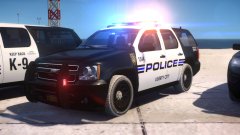 The cars look amazing I cant wait
 -
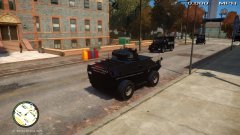 and peds if poss that look great as well kepp up the great work
 -
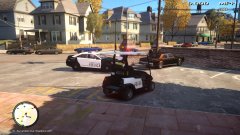 Cars looks awesome can't wait for the car pack
 -
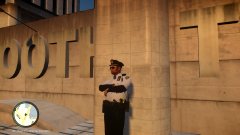 great photos cars look great
 -
-
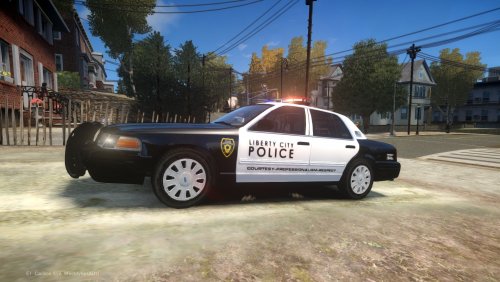 I was wondering are you going to make a full pack with the textures it would be awesome and thank you for the good hard work
- 15 comments
- 4 reviews
-
-

- 1
-
-
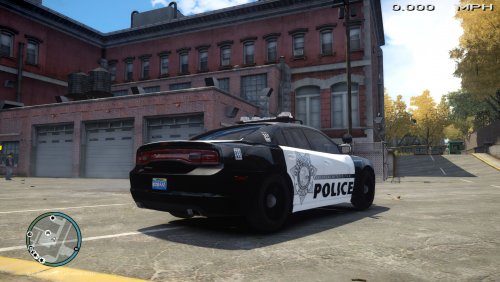 I found out what the problem is what ever car is in the noose slot the lights aren't working right its stuck on a certain light pattern
- 36 comments
- 6 reviews
-
I tried to everything and the lights are working the way they are suppose to could you send me your els file for the fpi please
- 36 comments
- 6 reviews
-
els is installed and I assigned everything where they are suppose to go I will try I again and update you
- 36 comments
- 6 reviews
-
yes I did and the lights aren't rotating they are steady burning i but the charger next to it and the charger works fine and the fpi doesn't
- 36 comments
- 6 reviews

