CountryGuy95
Members
-
Joined
-
Last visited
Everything posted by CountryGuy95
-
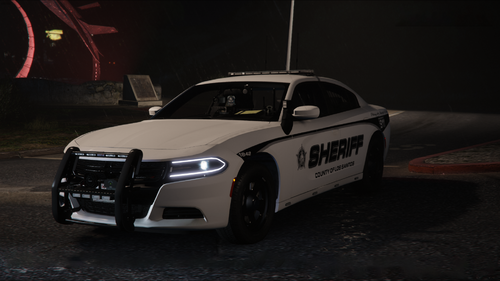 is there any chance you would or are going add the 2013/14 Tahoe to the pack in a update/future? Just wondering
- 90 comments
- 13 reviews
-
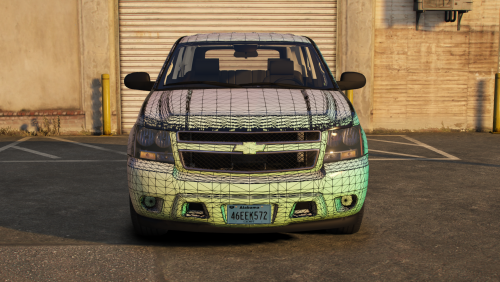 Do you know I might be getting this error from the model when I try to import it into zmodeler: Not a ZModeler 1.x version Z3D file. file:oldz3dimportexport.cpp line:304 plus I have the official paid Zmodeler?