
Officer 219
Members
-
Joined
Everything posted by Officer 219
-
For some reason for the nypd door file still show lcpd door so either the install got broken or something or you didnt add the nypd door and only add the lcpd door for both folders
-
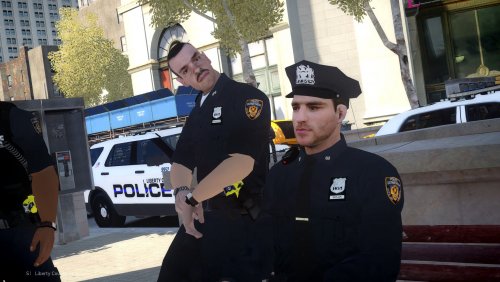 Really love this LCPD ped pack especially the police belt amazing like the details are 10/10 I just wish the police patch was a bit better like you know the texture but overall great pack I really enjoy it
- 26 comments
- 8 reviews