
Officer911
Members
-
Joined
-
Last visited
Everything posted by Officer911
-
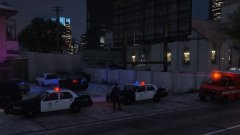
From the album: GTA5 Emergency Vehicles
-
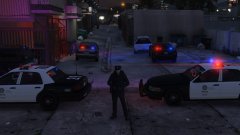
From the album: GTA5 Emergency Vehicles
-
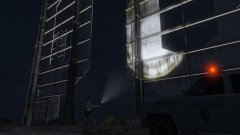
From the album: GTA5 Emergency Vehicles
-
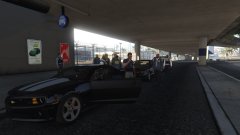
From the album: GTA5 Emergency Vehicles
-
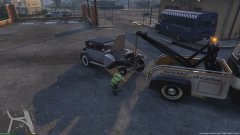
From the album: GTA5 Emergency Vehicles
-
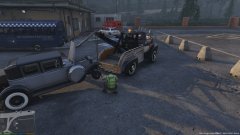
From the album: GTA5 Emergency Vehicles
-
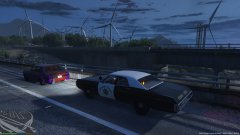
From the album: GTA5 Emergency Vehicles
-
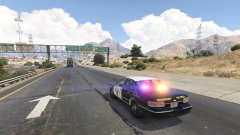
From the album: GTA5 Emergency Vehicles
-
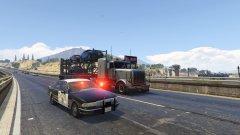
From the album: GTA5 Emergency Vehicles
-
From the album: GTA5 Emergency Vehicles
-
From the album: GTA5 Emergency Vehicles
-
From the album: GTA5 Emergency Vehicles
-
From the album: GTA5 Emergency Vehicles
-
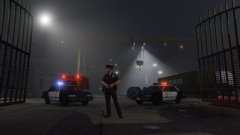
From the album: GTA5 Emergency Vehicles
-
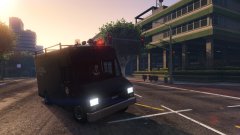
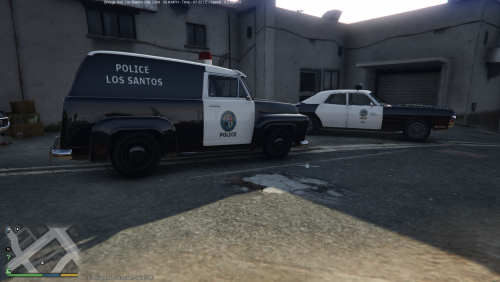 Of course, it has been added to the same location. Adds the Code of "Slam Van Police Transport" on top of the "BOB CAT Park Ranger".
- 27 comments
- 2 reviews
-
It was added under< variationData> in the top, but is this OK? In this MOD, correctly Light was activated in this way.
- 27 comments
- 2 reviews
-
I did not understand the meaning of the code. That is, </ VariationData> </ CVehicleModelInfoVariation> Is a grammar, which means the end of the code, I mean there is a need to place the code in front of this.
- 27 comments
- 2 reviews
-
-
-
I pasted from the included Readme. <variationData> Is the need to add where to?
- 27 comments
- 2 reviews
-
-
-
It was introduced as that has been described, but the red light does not well lit. Do you wrong somewhere?
- 27 comments
- 2 reviews
-
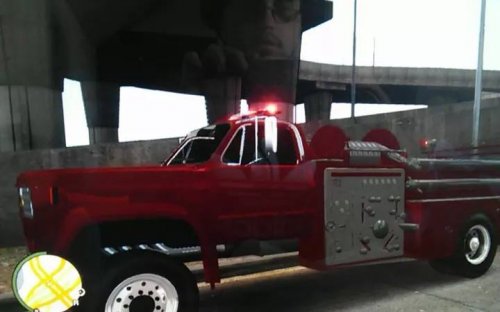 That's Great !! But easy to fall down...
 -