


Donnzy
-
Joined
-
Last visited
Everything posted by Donnzy
-
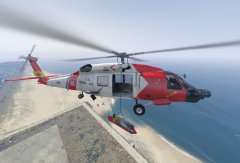 SICK AF
 -
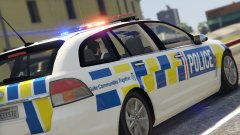
From the album: New Zealand Emergency
-
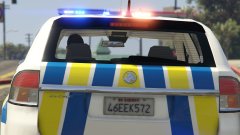
From the album: New Zealand Emergency
-
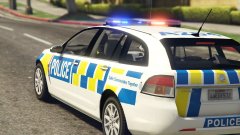
From the album: New Zealand Emergency
-
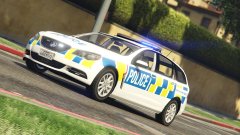
From the album: New Zealand Emergency
-
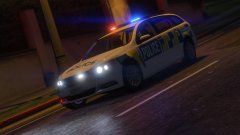
From the album: New Zealand Emergency
-
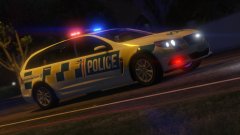
From the album: New Zealand Emergency
-
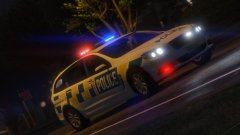
From the album: New Zealand Emergency
-
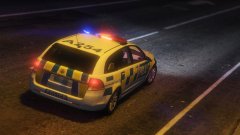
From the album: New Zealand Emergency
-
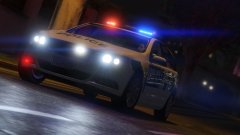
From the album: New Zealand Emergency
-
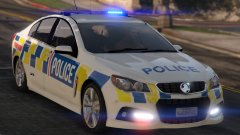
From the album: New Zealand Emergency
-
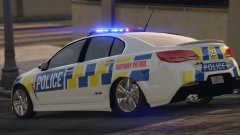
From the album: New Zealand Emergency
-
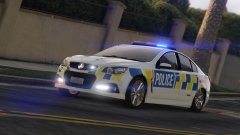
From the album: New Zealand Emergency
-
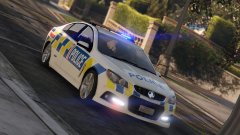
From the album: New Zealand Emergency
-
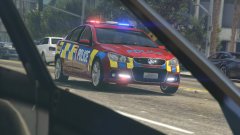
From the album: New Zealand Emergency
-
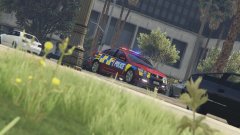
From the album: New Zealand Emergency
-
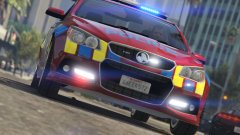
From the album: New Zealand Emergency
-
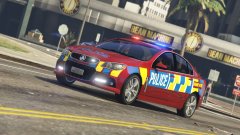
From the album: New Zealand Emergency
-
alright boys your in the yellow ford today. ah shit they gonna see us a mile off... no quota for me today :( - cop proberly
-
i dunno what your talking bout m8 >.> *waves hand*
-
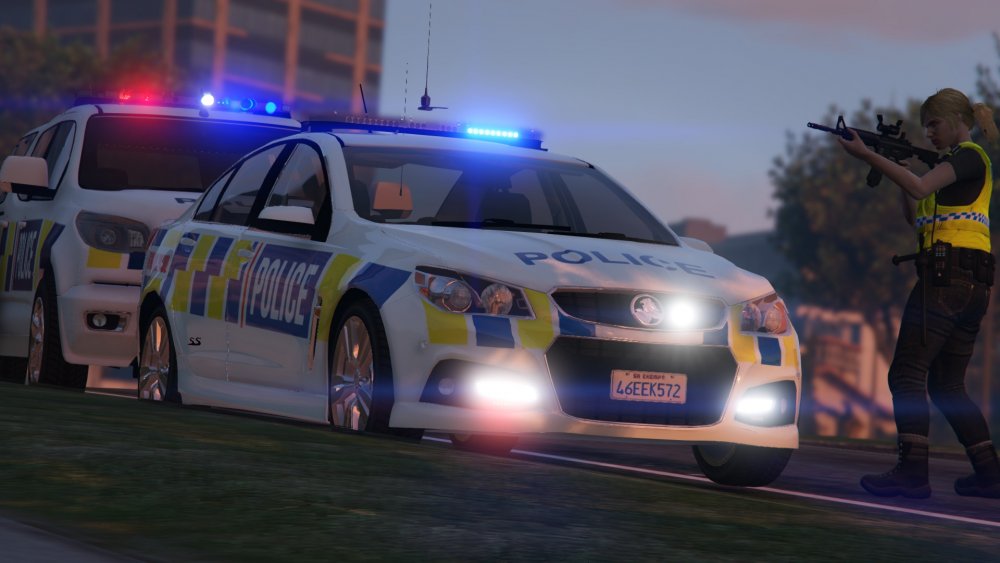
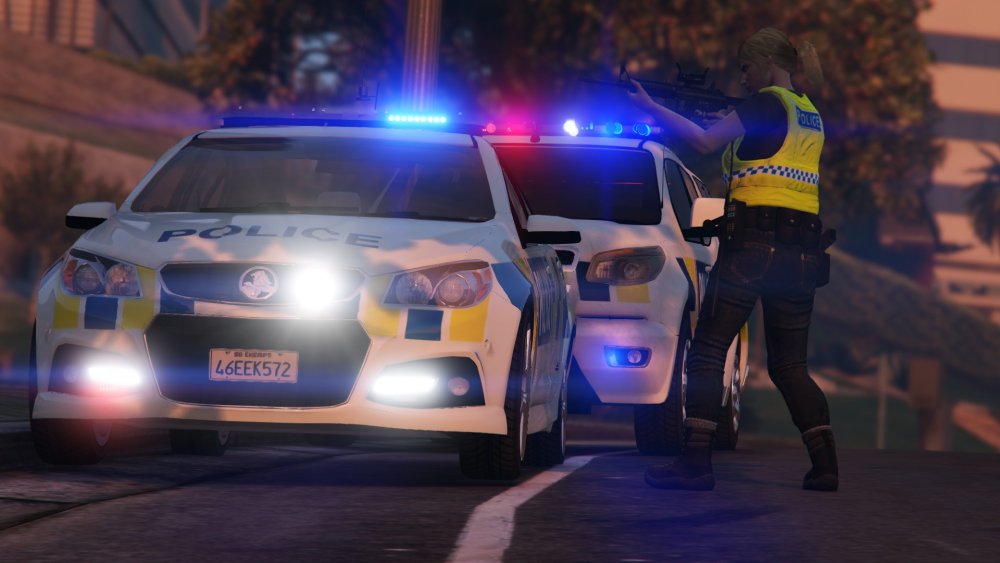
redoing my highway patrol vf to bring it upto date code 3 bar is pretty *waves hand* ignore floating antenna, its only like that in rockstar editor
-
Evoke template is the exact same as the SS apart from the bumper ;) even then my nz skin worked perfect without any changes. Le'Mac is the master of templates
-
it'll work fine in patchday9ng cos its a newer patch. works fine for me Police3 i normally put in patchday3ng & patchday4ng & x64e dunno why i just have issues with the models loading some times another commodore to fill the ranks!
-
AND I JUST CANT HIDE IT
-
very nice mr moose



