BontanaMack
Members
-
Joined
-
Last visited
Everything posted by BontanaMack
-
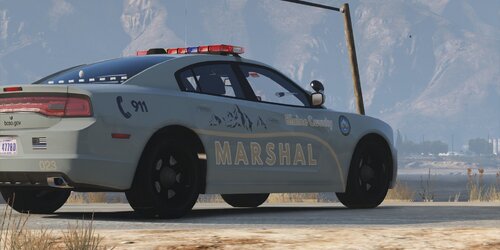 Inspired by the Bayfield Marshal's Office COLORADO, now the GTA 5 version from Blaine County with a few design changes. The texture is for the 2014 Charger. The Charger in the photos was taken from: New York State Police Mega Pack [ELS] 1.1.0 I am looking forward to your feedback. :))
 -
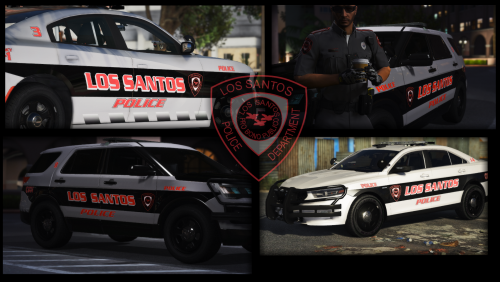 4K is totally unnecessary. That just fills the RAM...
 -
Try this. It works for me.
-
Does it look like this?

-
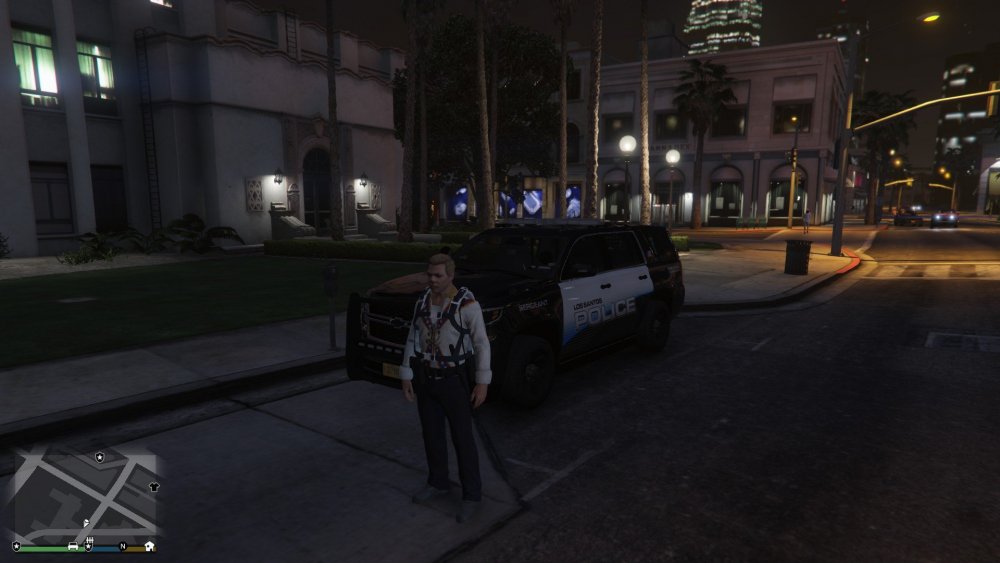
Hey, I installed everything correctly. LSPDFR works perfect. BUT The cops uniforms totally mixed up inGame. All cops wear parachutes. And clowns tops. In the uniforms selection, are all uniforms mixed with civilian clothes. And every uniform wears a parachute. New installation or uniforms mods did not help. HELP ❤️ Edit: The Problem is solved. I downloaded this 3 Files (XML, EUP LEO and EUP SAR) and it works (for me)