
Engineer
Members
-
Joined
-
Last visited
Everything posted by Engineer
-
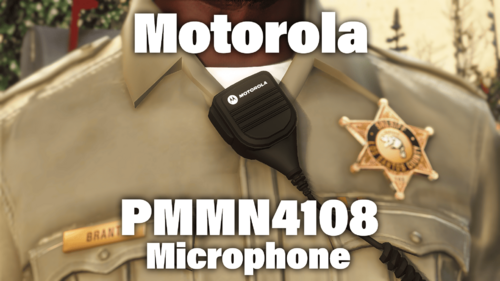 Of course! I'll get you some!
 -
Hey man! Nice models, Just a few notes from someone who uses APX4000s with these mics on a daily basis. the mics do seem small and the connector from the mic to the radio is on the wrong side (most people won't notice lol) if you'd like I can send a picture of the mics next the a ruler and my hand for scale. But overall very nice work! Mad respect to you for taking on something so iconic!
-
 Wow.. That's all I can say. As someone who sees these chargers IRL on the daily this pack has the best color matching out of any GSP based pack. 10/10.