U1T1MATR1X
Members
-
Joined
-
Last visited
Everything posted by U1T1MATR1X
-
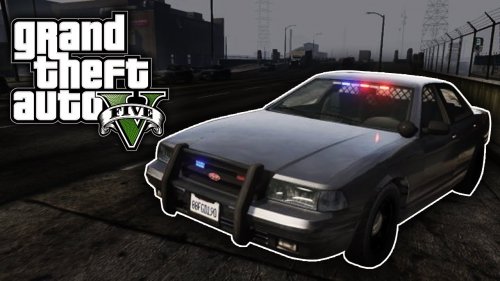 Have you found the EMS and LSFD sirens yet. Because when i installed the EMS Siren it was missing the yelp. I re downloaded it again and ill see if it works but just wondering if it was just me.
 -
Sorry I watched the old videos. They sound great once I installed them sorry about the misunderstanding.
-
You should record these in GTA V. these are very low quality you didn't even have the priority right for some of sirens. You really need to remake these sirens they are really bad sorry man.
-
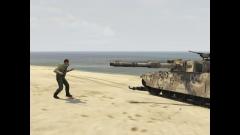 The deputy ran out of ammo shooting at a tank so he used his baton.
 -
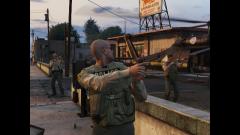 nope I took these pictures on xbox 360
 -
-
-
-
-
-
-
-
-
-
-
-
-
-
-
-
-
-
-
-