


OSAEliasQ
Members
-
Joined
-
Last visited
Everything posted by OSAEliasQ
-
Oh, sorry, I did not know!
-
The problem occurs when I go into a persecution, among many lights and sirens, it is labeled and restarts the application, where it crashed.
-
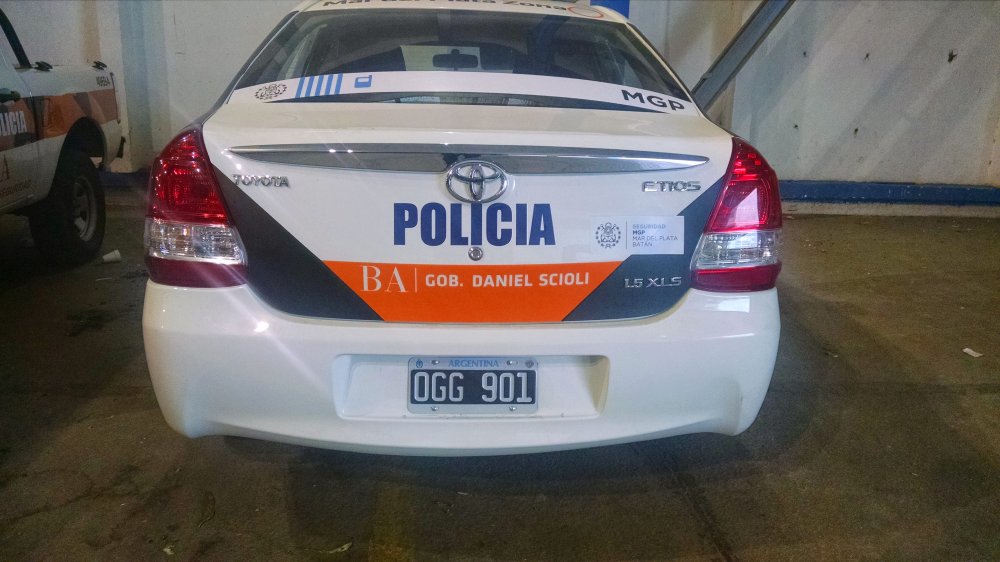
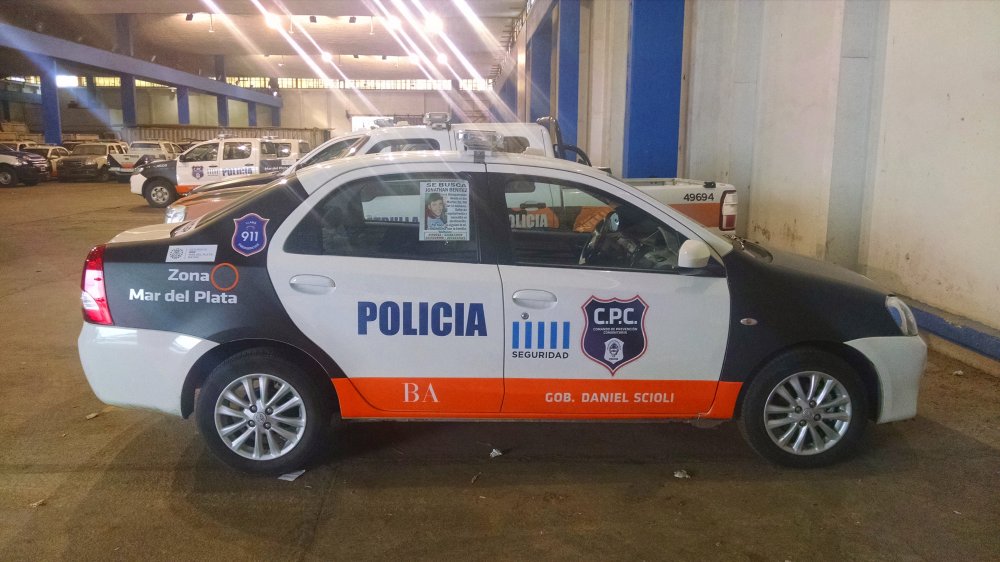
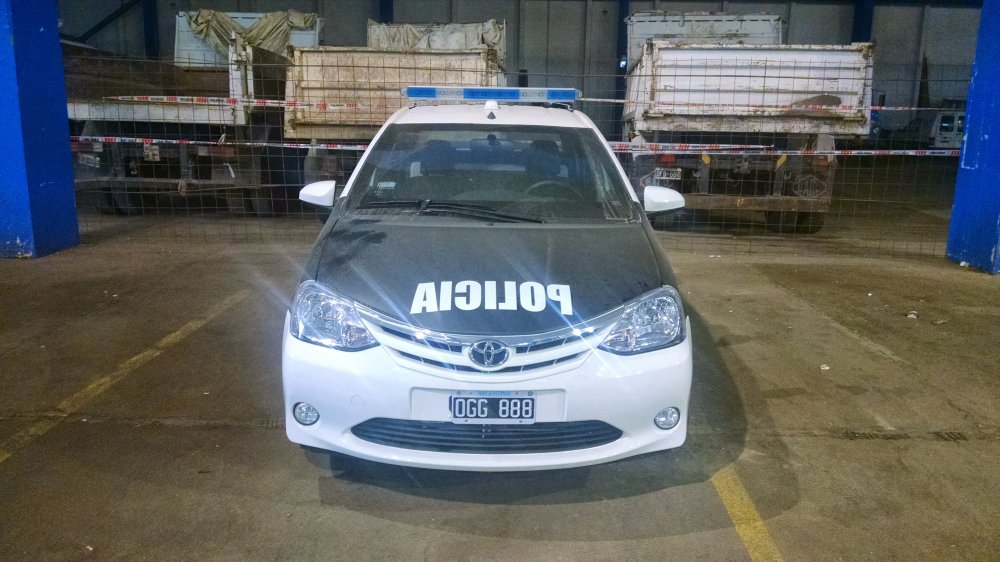
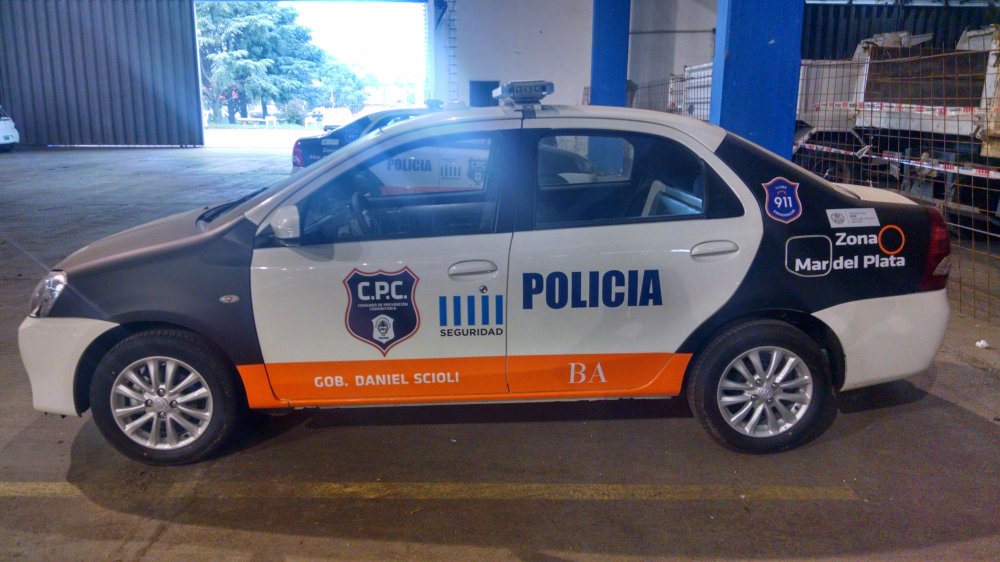
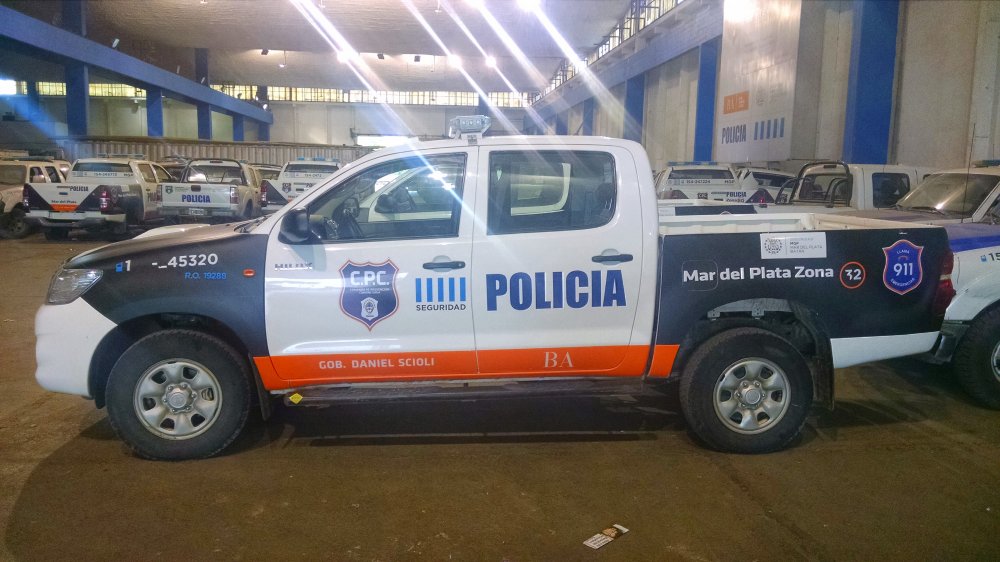
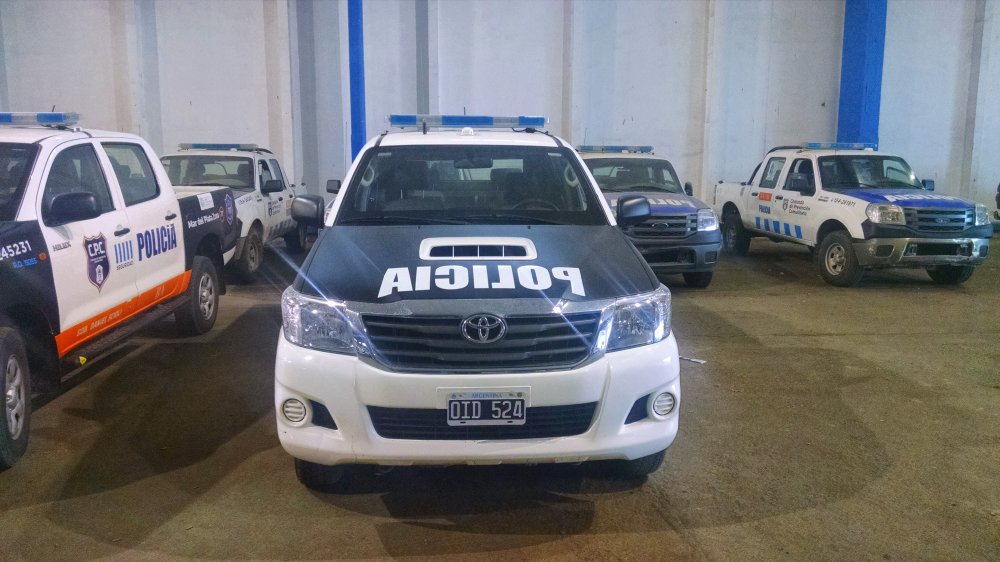
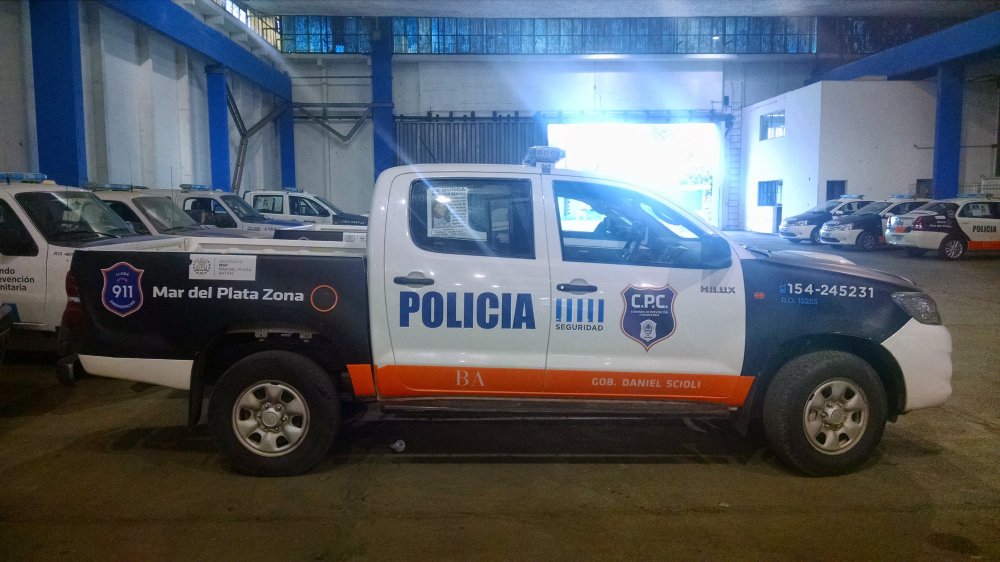
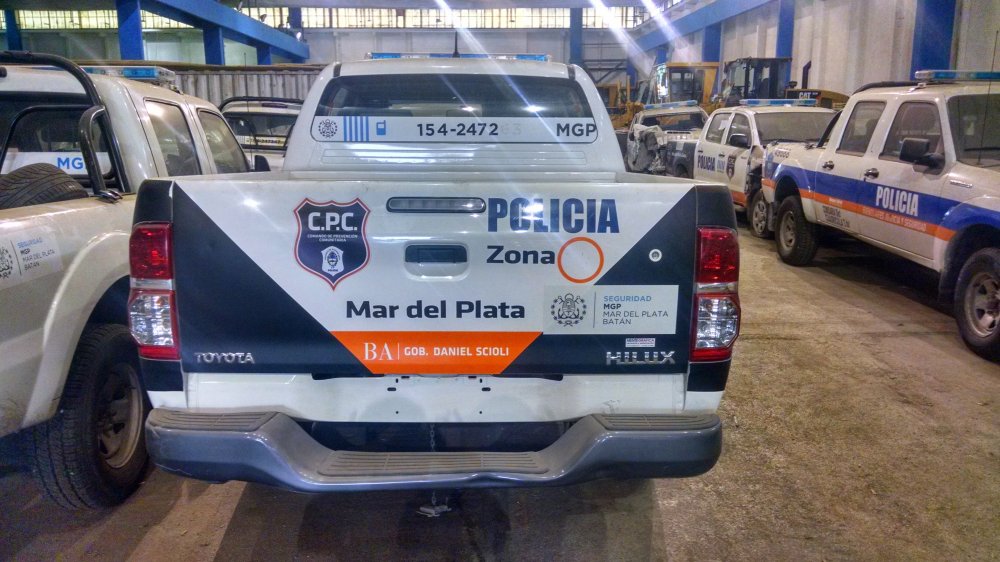
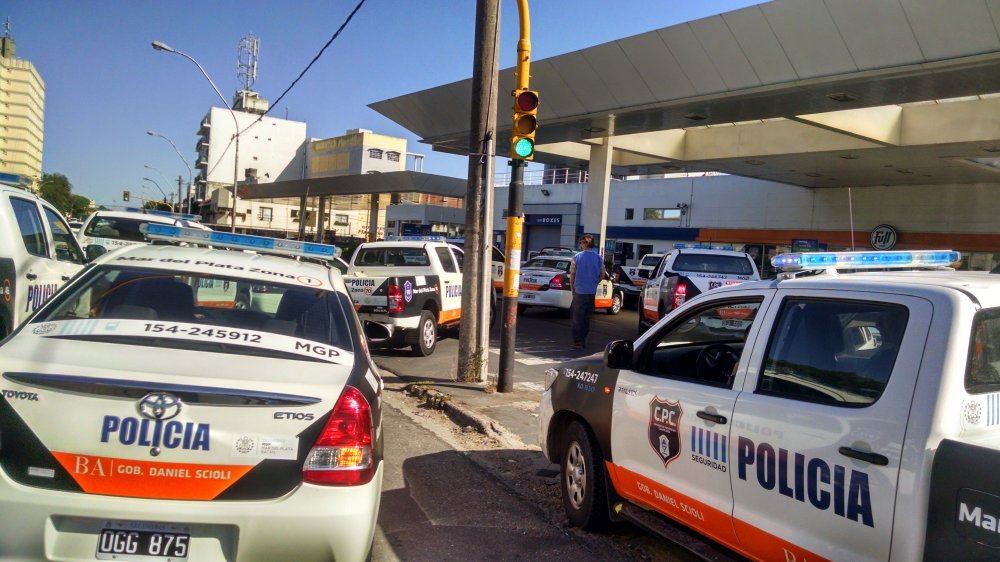
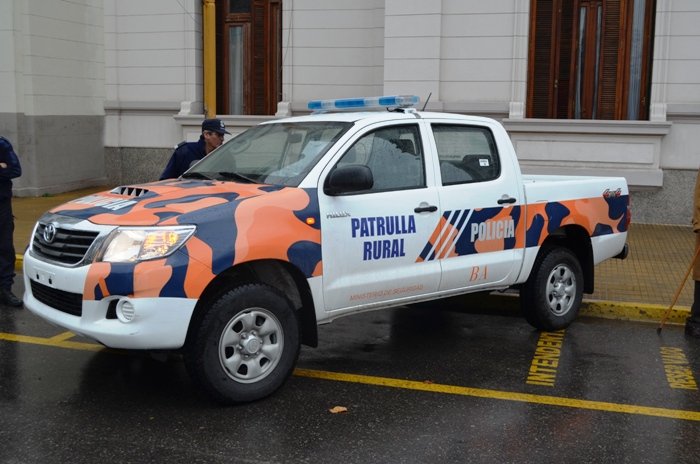
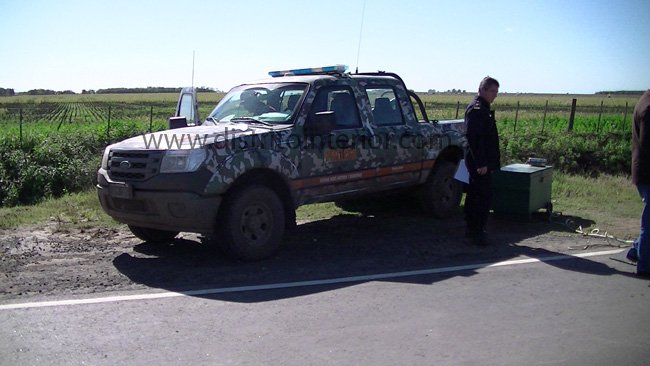
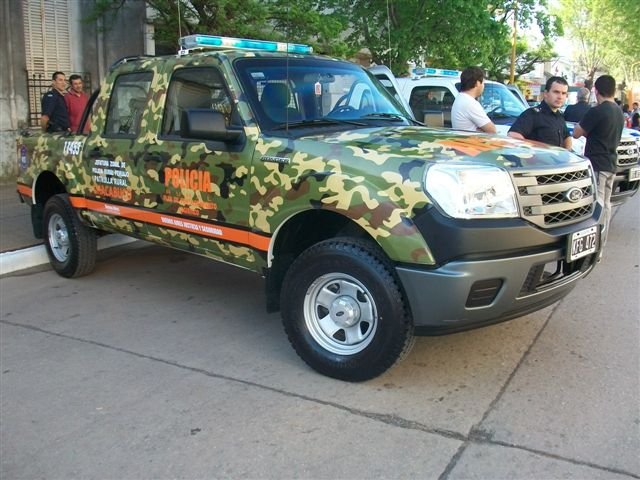
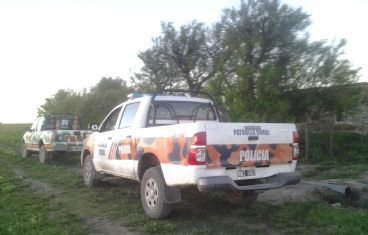
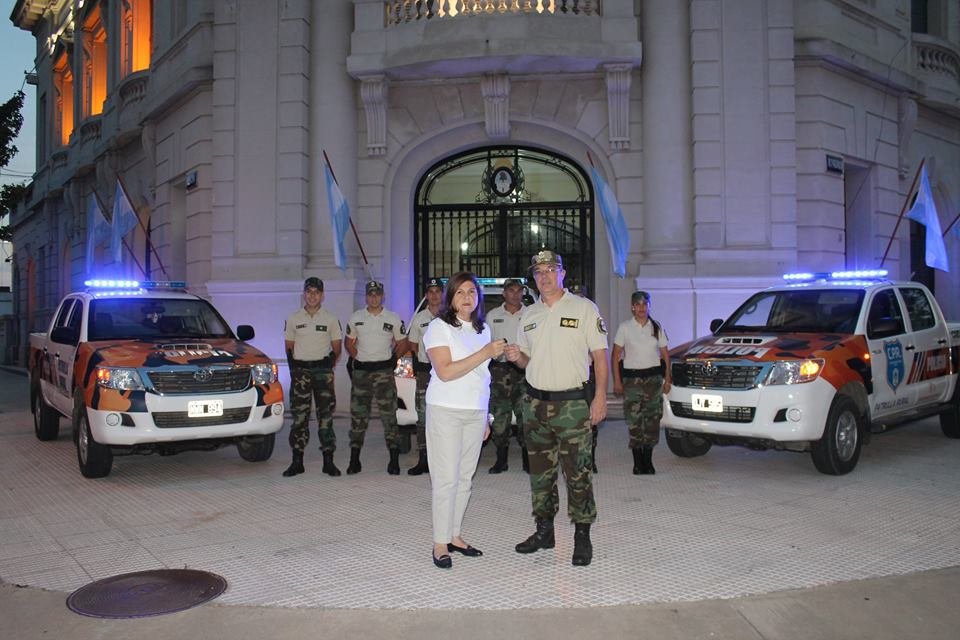
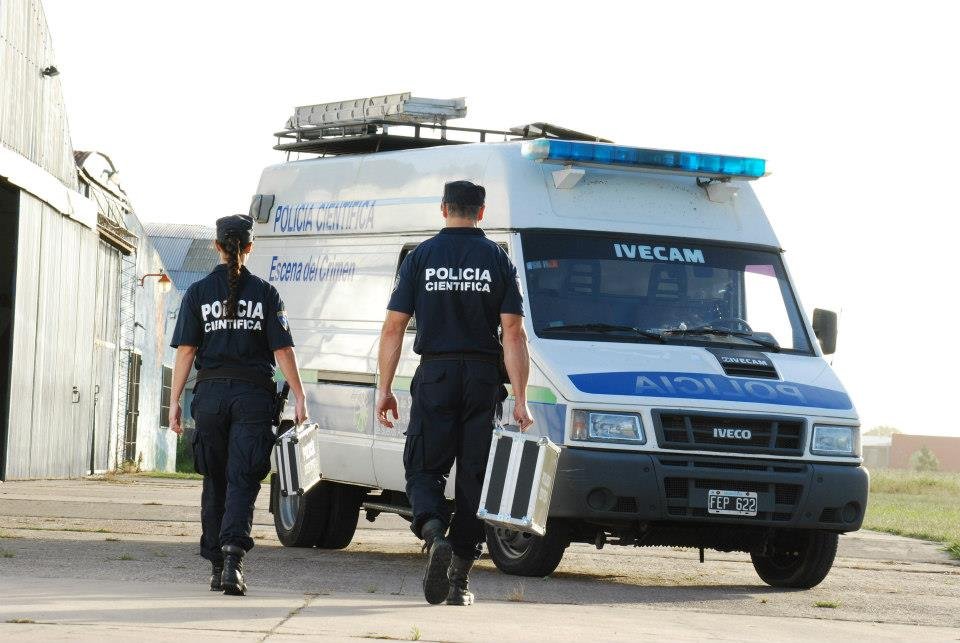
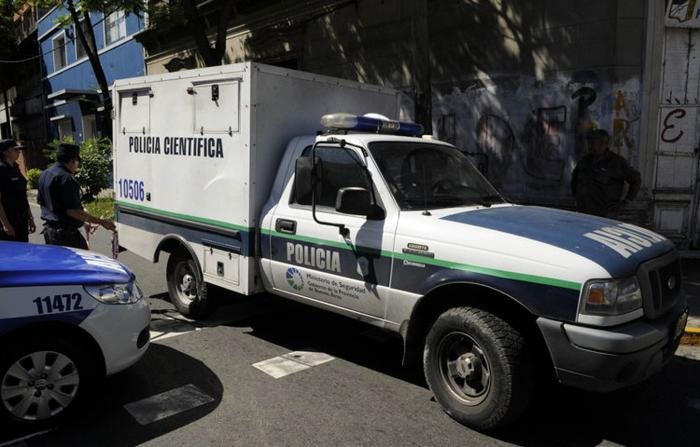
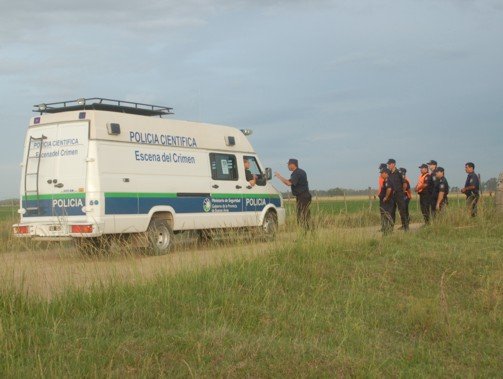
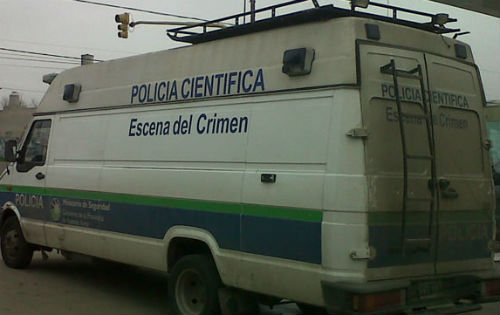
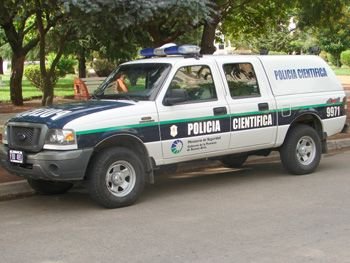
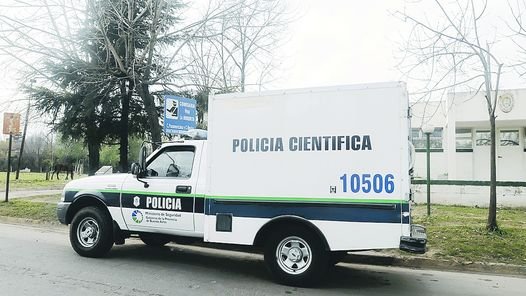
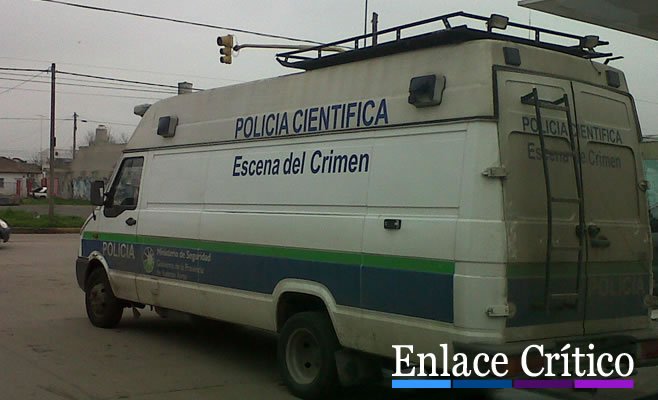
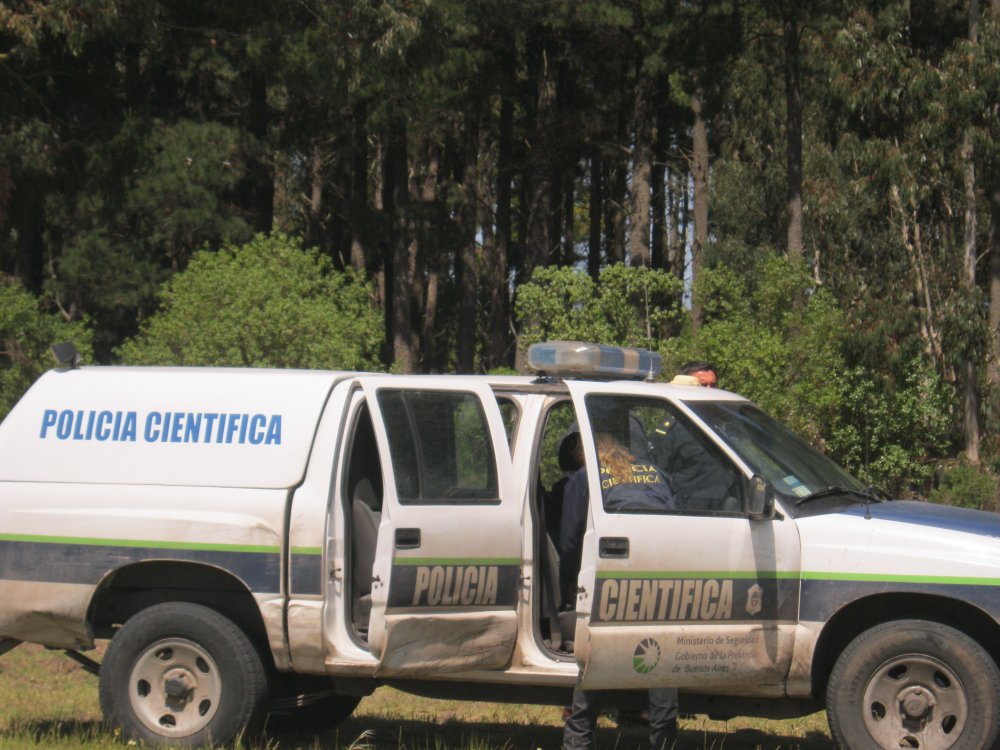
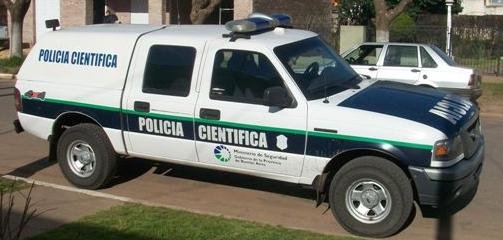
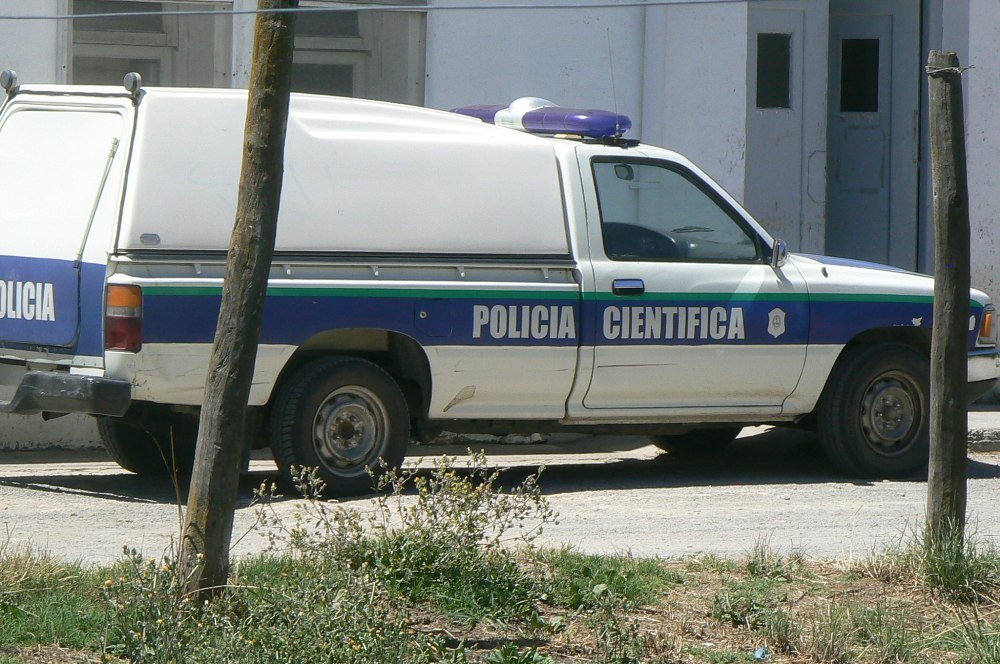
Hey guys, here I share some images of police Mobile Command Prevention Community of the Buenos Aires Provincial Police. These vehicles are the Toyota Etios Toyota Hilux South American and South American! Now I share images of different Patrol troopers using Rural or Rural Command Prevention of Buenos Aires Provincial Police ... These models correspond to the 2010 version of the Ford Ranger, and the new version of Toyota Hilux. Finally, I approached images of mobile crime scene investigation using the division to which I belong. Forensic Science of the Buenos Aires Provincial Police. I hope you like. Los camiones corresponden al Fiat Iveco, mientras que las camionetas morgueras son la version 2007 de la Ford ranger y la version 1997 de la Toyoya Hilux cabina simple 4x2.
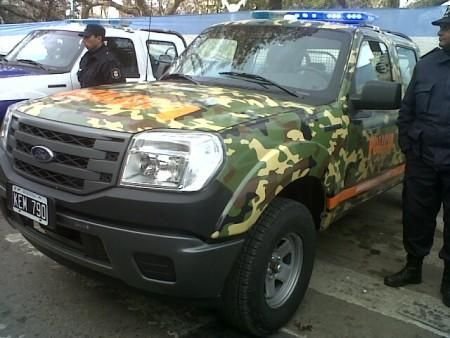
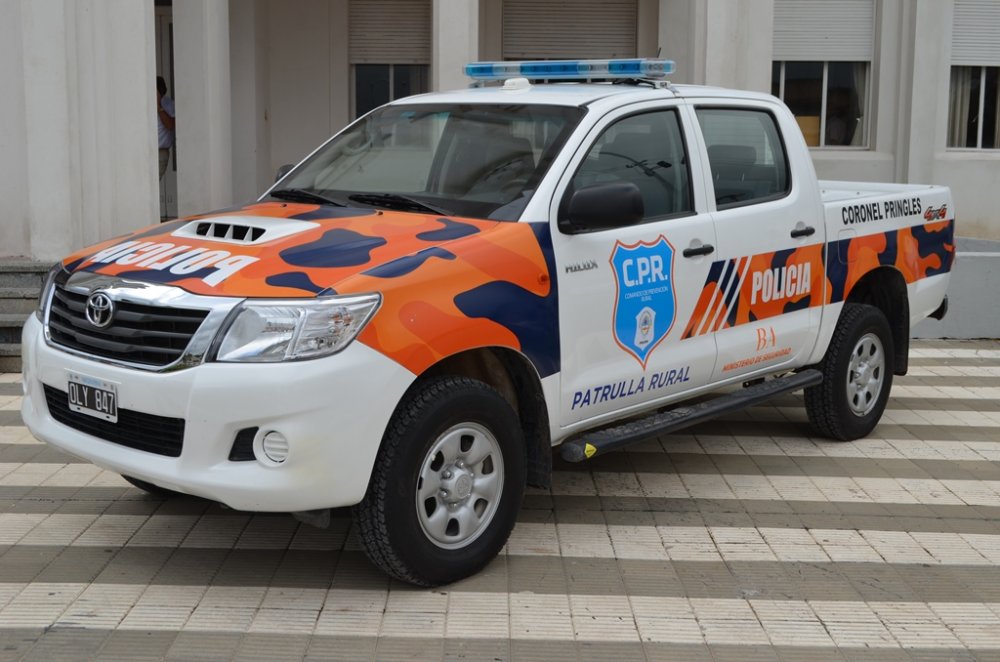
.thumb.jpg.44ee4ca7ccbe798f40f2174d2279192d.jpg)
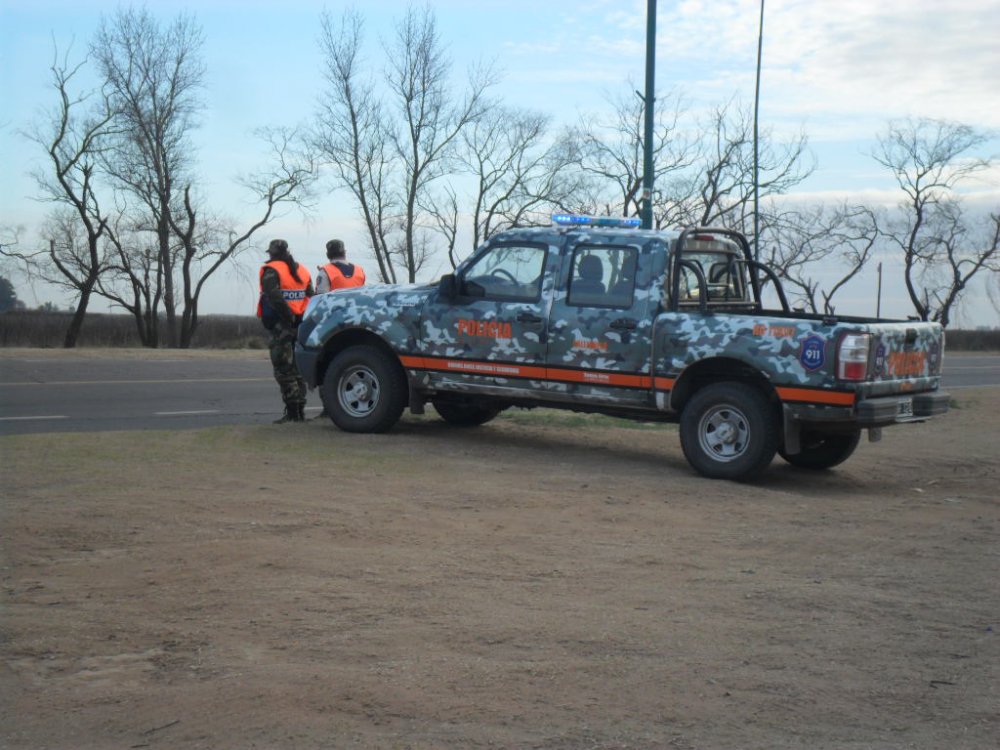
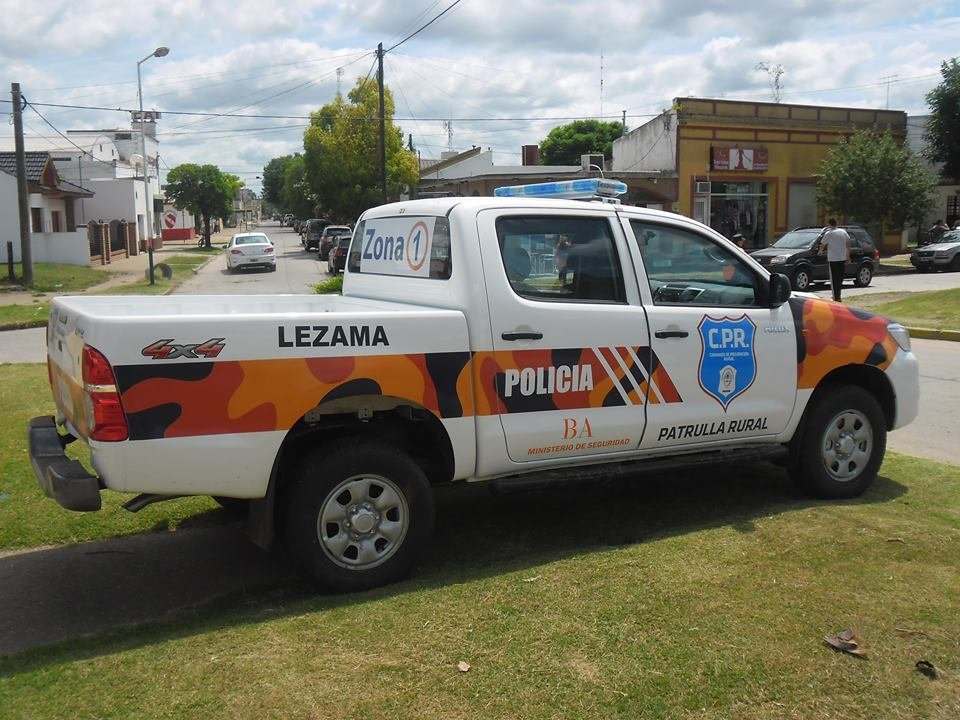
-
hi guys, be as I can help! I restarted the game very often, while using the application of LCPD FR, does anyone know of a patch that you can solve this trauma?
-
It would be great to go up patrols Toyota Etios is the new wave of the Buenos Aires Provincial Police!



.jpg.889b3d5fb0927f783fb8c68bd6c423f6.jpg)


