


JohnMcClane
Members
-
Joined
-
Last visited
Everything posted by JohnMcClane
-
-
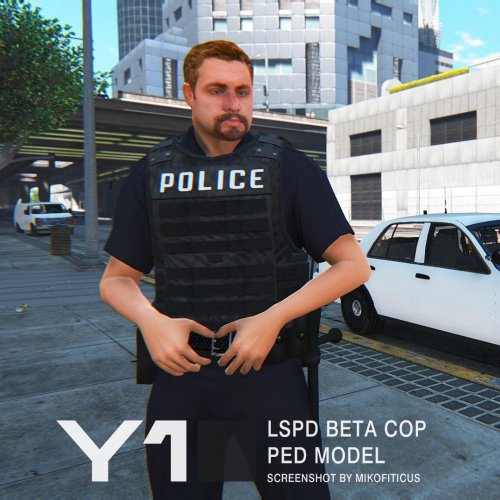 Great work Yard1 ! What is the name of original ped which used for latino head ? (i'm curious)
- 17 comments
- 6 reviews
-
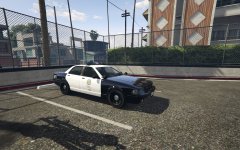 Do you share your work ? ^_^ I very love it
 -
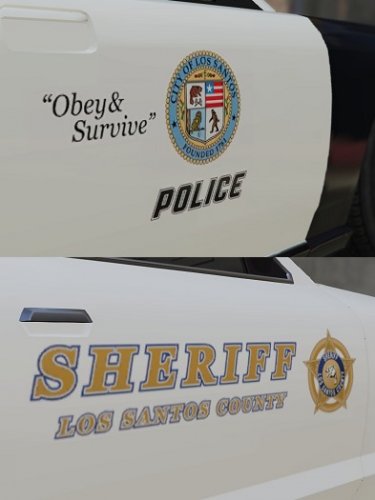 Just beautiful ! Excellent work =)
 -
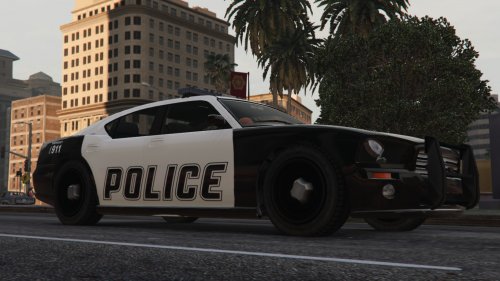 Me to. I play with the two, it's changes.
 -
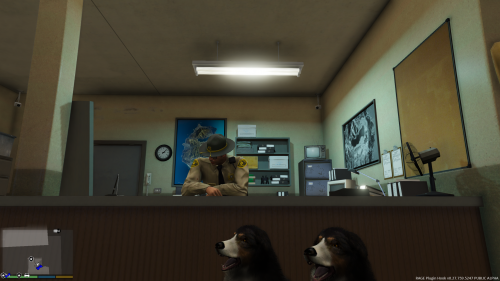 Do you think it's possible to use the sheriff (and highway cop) dispatch voice for the LSPDFR police scanner ?
- 41 comments
- 13 reviews
-
-
 Have you removed the vanilla number on the roof ?
 -
 I can't wait for your skin pack ! =)
 -
GTA5 2016-01-20 19-15-31-24.bmp
-
-
 Very very nice work !
 -
 Thanks. Keep doing great job !
 -
Coming soon ? ^-^
-
-
Nice work ! Do you envisge do the same with the stainer ?
-
 Beautiful work. Do you share it ?
 -
 Thank for your response
 -
Hello, when you release your LSSD pack ?
-
 Sorry it's me, again I ve a second problem; when I've a partner I can't arrest anybody. Do you have a solution ?
- 542 comments
- 98 reviews
-
-
-
Hello, Firstly good work and thanks for this, LSPDFR crash when I double press "g" for take a partner. I give you the RagePluginHook.log RagePluginHook.log
- 542 comments
- 98 reviews
-
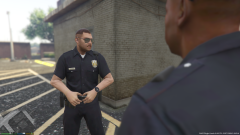 I did it with Gimp then I took the sheriff (002) hair and put on my skin which is based on yours (facial hair) ;) PS: It is my first try.
 -



