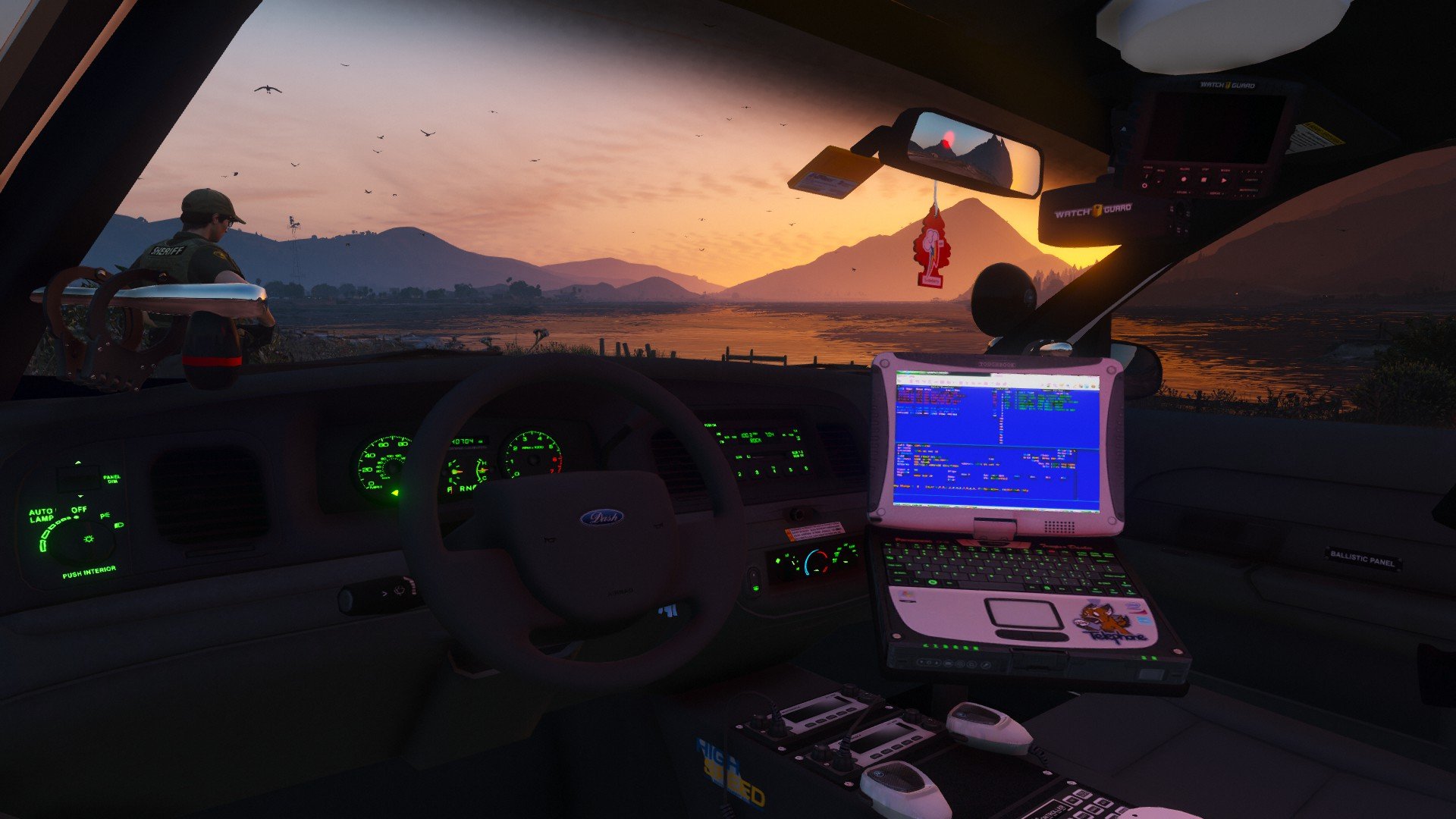
I am a deaf Canadian with all-consuming interest in the fire, police and emergency medical services, with ardent knowledge of the emergency vehicle signal warning products ( lights and sirens.) I am a real-life emergency vehicle technician, and a passionate Grand Theft Auto player. I have been involved in the Grand Theft Auto emergency service communities dating back to the early days of GTA : San Andreas.
With over 340,000 + downloads combined from all of my released modifications ( on LCPDFR.com and GTA5-mods.com ), as well as official involvement in the development of Lt.Caine's Emergency Lighting System, I still strive to provide top quality audio/miscellaneous modifications for YOU -- as a collective effort to promote awareness of the real-life front-line guardians that serves and protect our communities.
As of 11/24/2018, I have taken an indefinite hiatus from Grand Theft Auto modding. Thank you for the adventure.