
AlexVonShep
Members
-
Joined
-
Last visited
Everything posted by AlexVonShep
-
-
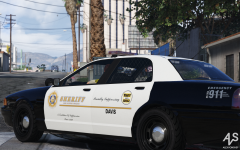
From the album: AlexVonShep's Works
LSSD's Davis Suppression Unit. Part of Skins o'Plenty project.© AlexVonShep
-
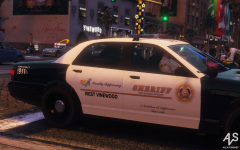
From the album: AlexVonShep's Works
A Stanier from nonexistent West Vinewood LSSD Station. Notice the custom West Vinewood seal. Part of Skins o'Plenty project.© AlexVonShep
-
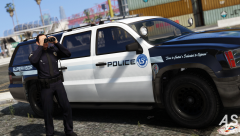
From the album: AlexVonShep's Works
LS Port Authority Police Granger, made for RDExtended/RDE 3.1 purposes.© AlexVonShep
-
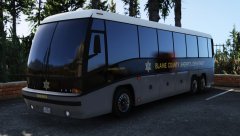 Old liveries were a custom shitty mix of decals, basing the BCSO off one department which logo was partly reproduced by Cockstar is a great step on the road to major RDE doctrine: lore + maximum realism. Calling this agency either BCSO or BCSD is a personal choice of everyone, still The Realism Team and I prefer the first variant.
 -
From the album: BCSO 2.0
© AlexVonShep
-
 There are no problems with liveries, everything is created as should be and as we see it. USAF and SADCR don't use computers afaik. PieRGud gonna be updating Computer+ soon to match RDE.
- 1,524 comments
- 85 reviews
-
Of course no. #fucktherealcars #lore4life
-
-
Generally acts like an asshole, makes laugh of shitty textures others create, hates all the beta testers. Drinks vodka every day.
-
The only thing that was done to Transporter is renaming it to Police Burrito. Model itself is really useless.
-
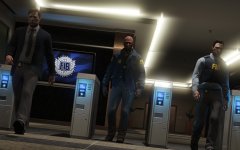 Раз, два, три, cykablyat
 -
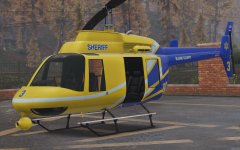
From the album: BCSO 2.0
© AlexVonShep
-
I'm planning to make motorcycle units for The Sheriffs of Blaine Extension (successor of BCSO Addition Project)
-
*facepalm* Just Cockstar being Cockstar
-
-
-
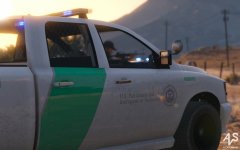
From the album: AlexVonShep's Works
© AlexVonShep
-
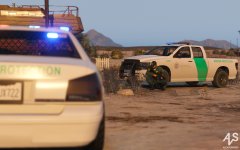
-
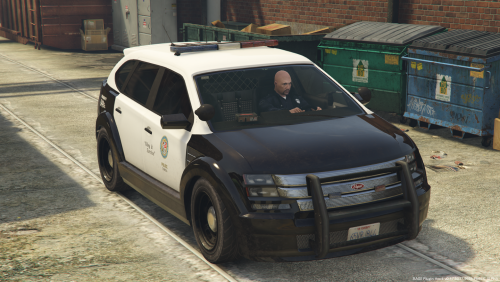 Officially the ugliest police SUV. Even Ford Explorer looks pretty parked near this beast.
- 6 comments
- 3 reviews
-
-

- 5
-
-
In case Yard stops being a lazy bone
-
Lol, "ironing bugs out" means replacing all agencies fleets with more realistic configured ones. Also thanks to me, BCSO peds and helicopter still aren't done.
-
Hahaha, nice joke mate
-
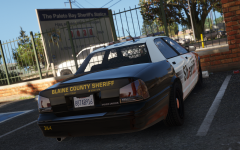 Yard stole it, damn Polish thug
 -
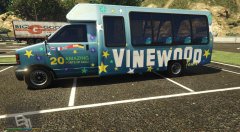 Totally a police fleet vehicle lmao