




Gwar Against the Pigs
Members
-
Joined
-
Last visited
Everything posted by Gwar Against the Pigs
-
 I like this plugin. But is there a way to modify the offenses? Texting and driving or using the cell phone while operating or anything related isnt there. Also while writing a report, getting the names of multiple passengers is a hassle.
- 1,743 comments
- 172 reviews
-
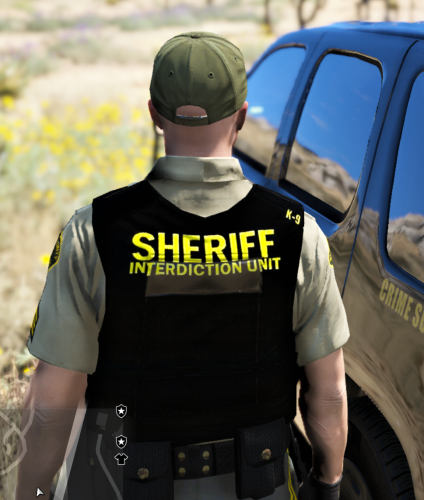 Not sure where this eup path is. Edit: Never mind i got it to work. nice job.
- 22 comments
- 7 reviews
-
-

- 1
-

