



14torre
Members
-
Joined
-
Last visited
Everything posted by 14torre
-
 I can not get the cars to appear in game. I think it might be a problem with my dlclist.xml because I am also having issues with Emergency Uniform Pack not showing as installed. I installed RDE using the package installer method and double checked all the files and they seem to be correct.
- 1,524 comments
- 85 reviews
-
-
I am having trouble getting this mod to work. It keeps crashing my game at the title screen. I have used it for a long time with no issues but know it keeps crashing. I have reinstalled it several times. If anyone can please help.
- 1,524 comments
- 85 reviews
-
It is very simple to change the Rage Hook Console Command key. Simply hold LShift as you click on the RageHook.exe. A menu will open allowing you to change any of the settings including the Console Command key. Now yes it would make sense to have an .ini file for this but it is not something to argue about. You can use this if you want too or not.
-
I am not sure if anyone else is having this issue but for some reason I can not spawn in the addon vehicles like POLICE5 and SHERIFF3. It does not work with simple trainer nor does it work with the Rage Hook Console. I have reinstalled RDE several times and still no luck.
- 1,524 comments
- 85 reviews
-
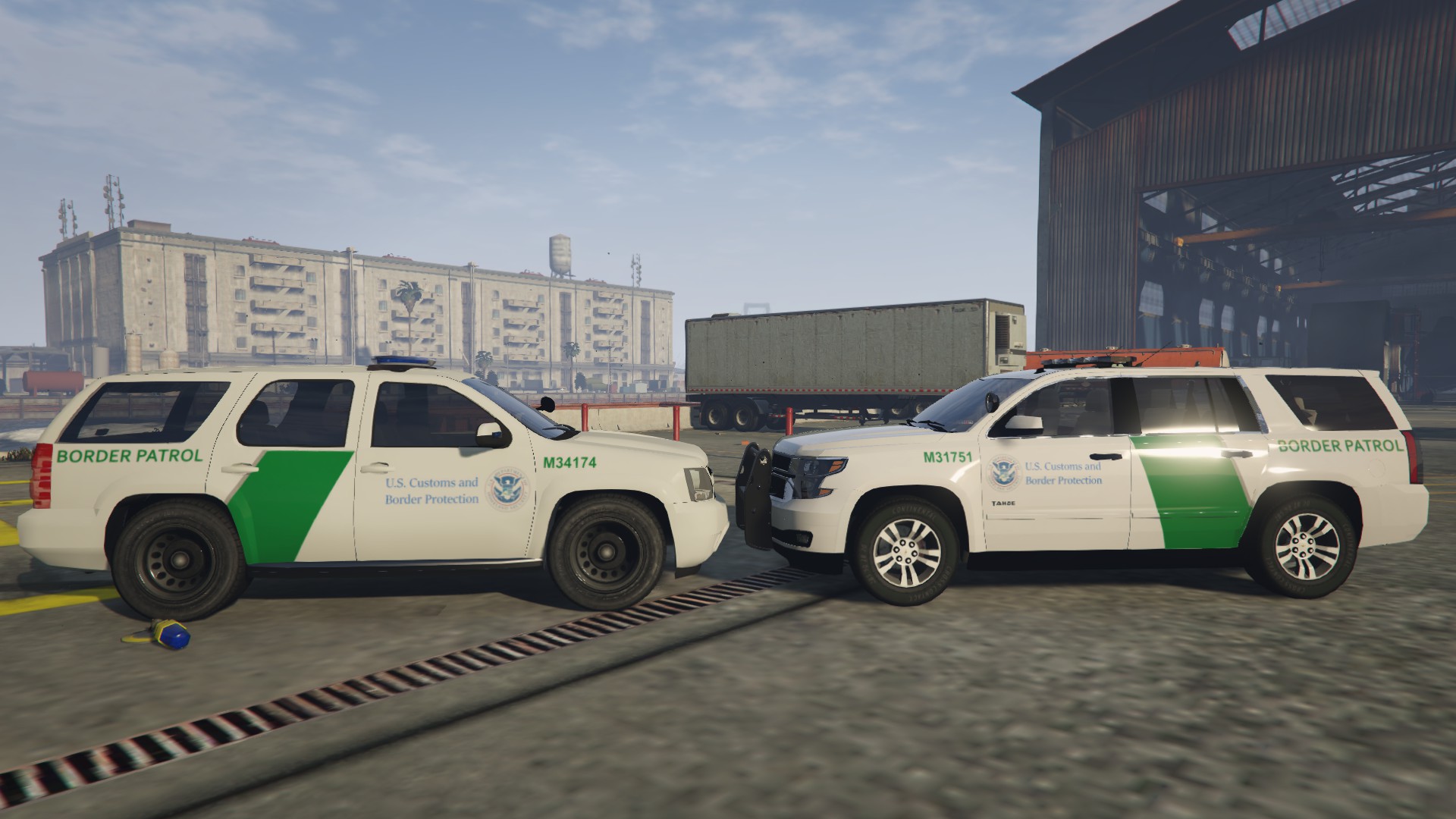
 This is just a skin I did not make the model. Besides where I live they have them.
 -
Thanks. Good job with the Tahoe I have been waiting for a long time for a 2015 Tahoe.
-
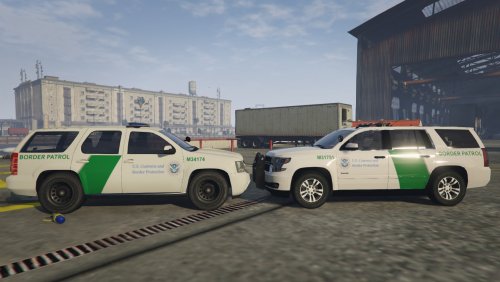
These are US Border Patrol skins for the 2008 Chevy Tahoe and the 2015 Chevy Tahoe. If you would like me to make these for any other vehicle please PM me and I will make it. 2008 Chevy Tahoe 2015 Chevy Tahoe *Although these are easy skins to make please do not upload these to any other website as your own.*
-
.thumb.png.6cb084ef886311a23f34046117f6c736.png) Nice and accurate. Now we just need a 2015 Tahoe PPV model and it would be just like real life, or a Ford Interceptor Utility.
Nice and accurate. Now we just need a 2015 Tahoe PPV model and it would be just like real life, or a Ford Interceptor Utility.- 5 comments
- 1 review
-
.thumb.png.ec895337dacce4a8884a46fdbe04b80c.png) I live in Pembroke Pines and this is spot on.
I live in Pembroke Pines and this is spot on. -
 Thanks for letting me know. I just release an update I will make sure to fix those issues for the next one.
- 15 comments
- 11 reviews
-
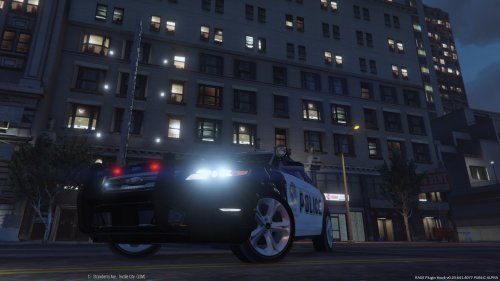
This is the Ford Police Interceptor. This is a work in progress and contains many bugs. This will be worked on. Please give me time this is the first time I have made a model for any GTA game and the first time I have used zmodeler. Feel free to make custom skins but remember to properly credit. Do not upload this model to any other website. If you wish to build onto this model and release it to the public please ask me for permission prior to doing so. If you come across any other bugs please let me know. Known Issues Windows don't shatter. Trunk opens wrong direction. Interior currently low quality. And many more. Installation This is to replace the Police 3 vehicle in game. Use OpenIV and go to: GTA V/update/x64/dlcpacks/patchday4ng/dlc.rpf/x64/levels/gta5/vehicles.rpf Replace all Police 3 files. Disclaimer I am not responsible for damage you may cause to your game. Use at your own risk. Credits Original Model from: F5544 Converted to GTA 5 by: 14torre
- 15 comments
- 11 reviews
-
-

- 7
-
-
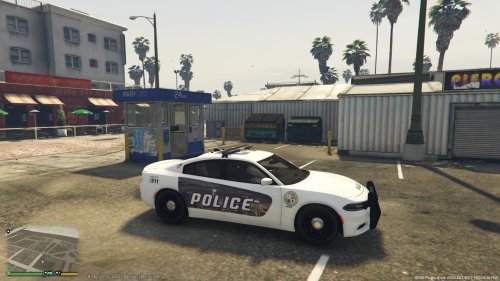 This is my first attempt at making a skin for GTA. It is a work in progress but I wanted to put it out there for others to leave feedback on the design. Please feel free to leave comments on how it can be improved. Installation: Use Open IV and replace the policenew_sign_1 in the Charger's .ytd. I did not make the Charger here is a link to download it:

.thumb.png.6cb084ef886311a23f34046117f6c736.png)
.thumb.png.ec895337dacce4a8884a46fdbe04b80c.png)
