


LuKe1234
Members
-
Joined
-
Last visited
Everything posted by LuKe1234
-
that sucks haha, ill delete my mods folder and start again. thank you for your help
-
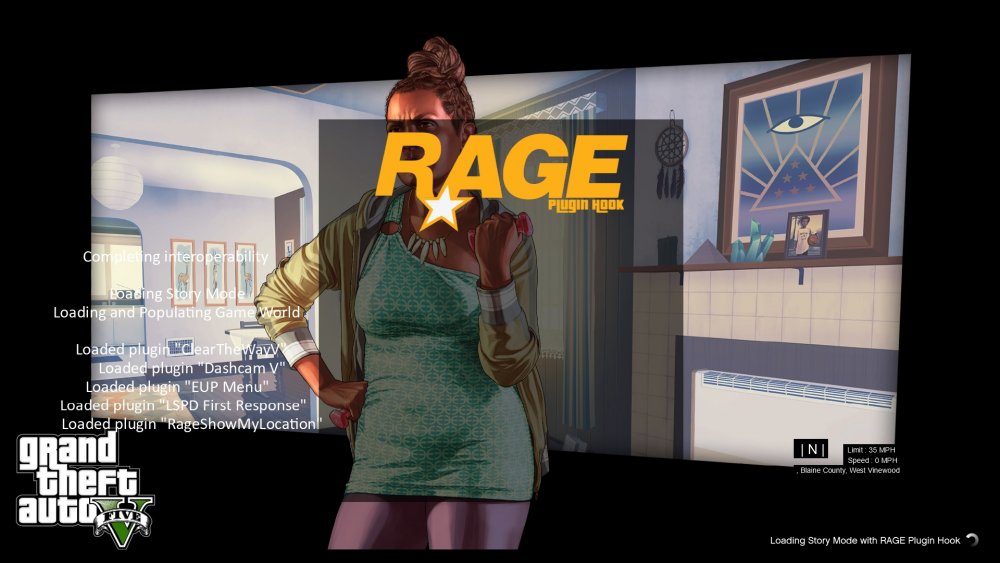
Already have a mods folder, tried renaming it, and verifying the game files. still hast made no differencecan anyone help. ive been away for a while and installed a fresh copy of GTA 5 and mods that are all up to date ( as far as i know). the game keeps crashing when it gets to hooking the game. it just goes back to the desktop screen THIS IS THE CRASH LOG:Every time i start my game, i get to this screen and then that's it, it doesn't get no further its only been doing it a few days but its killing me not playing haha
 when i download it, it keeps downloading as a note and i cant open anything. any help would be appreciated
- 2,699 comments
- 240 reviews



