



Vegas725
Members
-
Joined
-
Last visited
Everything posted by Vegas725
-
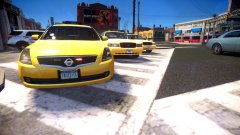 Thanks, I might release it tonight as soon as I find the credits
 -
From the album: IV Models
© ©Vegas725 Modifications 2016
-
-
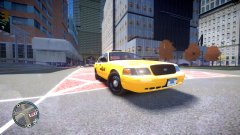
From the album: IV Models
Decided to remake Kanyo's NYPD taxi (Most of the credits go to him for parts from his unlocked taxi).© ©Vegas725 ModsIV2016
-
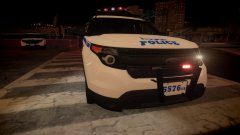
From the album: IV Models
-
-
-
-
-
-
-
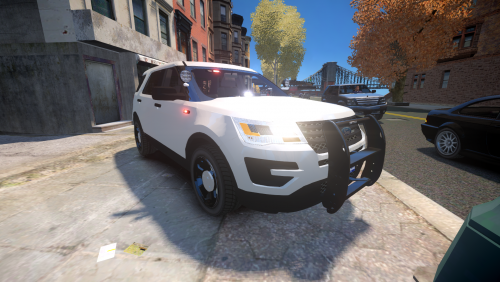 Update is here, Added Unmarked 16 Explorer One day, a friend of mine's wanted me to make a NYPD Utility and I made it. I know there may be inaccuracies here & there but I really cant do nothing about it at the moment. The model is high poly, DO NOT USE IF YOU HAVE A LOW END PC, I F**KIN WARNED YOU. Credits are in the readme ©Vegas725 Modifications 2017 A few Videos by @Dualift & myself Bugs - SmartSiren dosen't show up(Trying to fix it), Base model has a lot of bugs(Can't Fix it) Enjoy! This work is licensed under a Creative Commons Attribution-NoDerivatives 4.0 International License. By Downloading this File You Will Agree To These Terms, If you can't, Just don't download the file. - I(Vegas725)or anyone listed in the credits is not responsible if you break or damage your game. Make Backups, Your using THIS FILE AT YOUR OWN RISK - YOU THE DOWNLOADER IS NOT REUPLOAD, RIP, and/or MODIFY THE FILE WITHOUT PRIOR PERMISSION. - If you use this car in a clan, PLEASE ASK FIRST or WE WILL HAVE A BIG PROBLEM. - If anyone decide's not to obliges to any of the terms, Punishment will be applied and action will be taken
- 30 comments
- 7 reviews
-
-

- 11
-
-
-
-
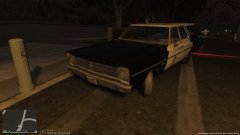
From the album: LAPD
© Vegas725
-
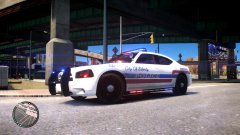
From the album: IV Models
-
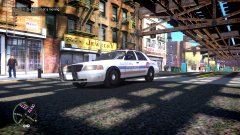
From the album: IV Models
-
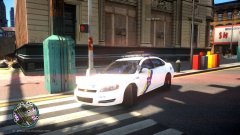
From the album: Philadelphia Police Department
-
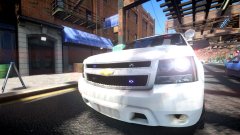
From the album: Philadelphia Police Department
Four down -
-
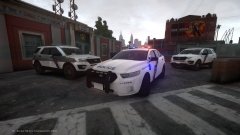
From the album: Philadelphia Police Department
-
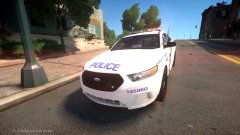
From the album: Philadelphia Police Department
-
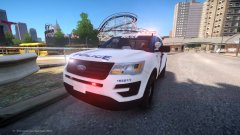
From the album: Philadelphia Police Department
© ©Vegas725
-
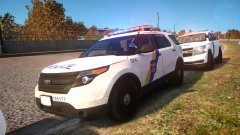 I have to redo the skin which will take a while since I'm working on another car for the pack
 -
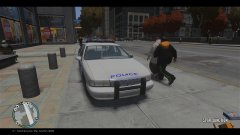
From the album: Philadelphia Police Department



