

brycemilne31
Members
-
Joined
-
Last visited
Everything posted by brycemilne31
-
UPDATE: i have fully reinstalled GTAV, i installed LSPDFR and RAGEPluginHook, but now in game when ever i click F4, My screen freezes, if i click it again it unfreezes. Also when loading the game up it doesnt have the text saying "populating game world" or whatever. So if you have any suggestions please let me know. Thanks
-
Its currently 10:41, i tried reinstalling everything, still the same problem.
-
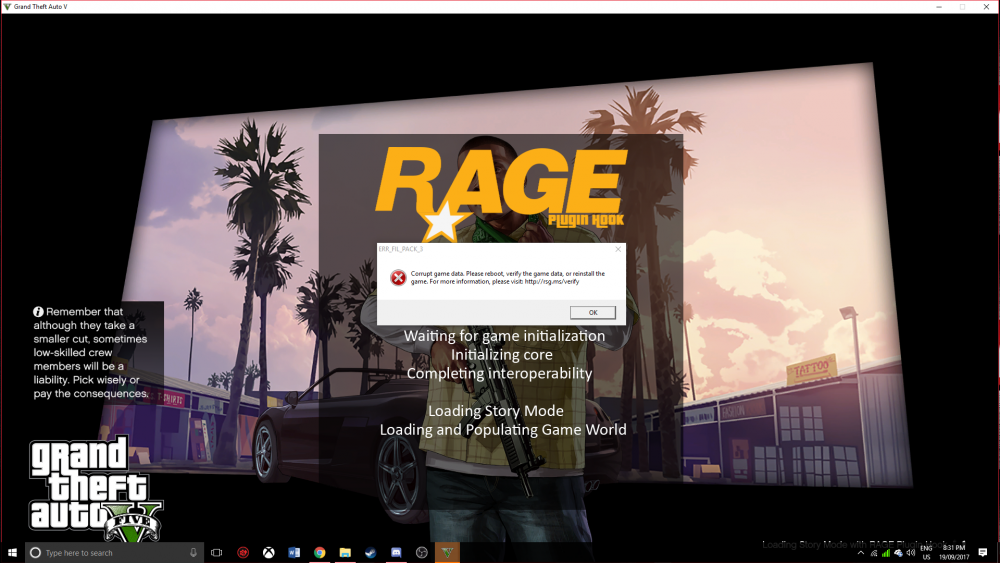
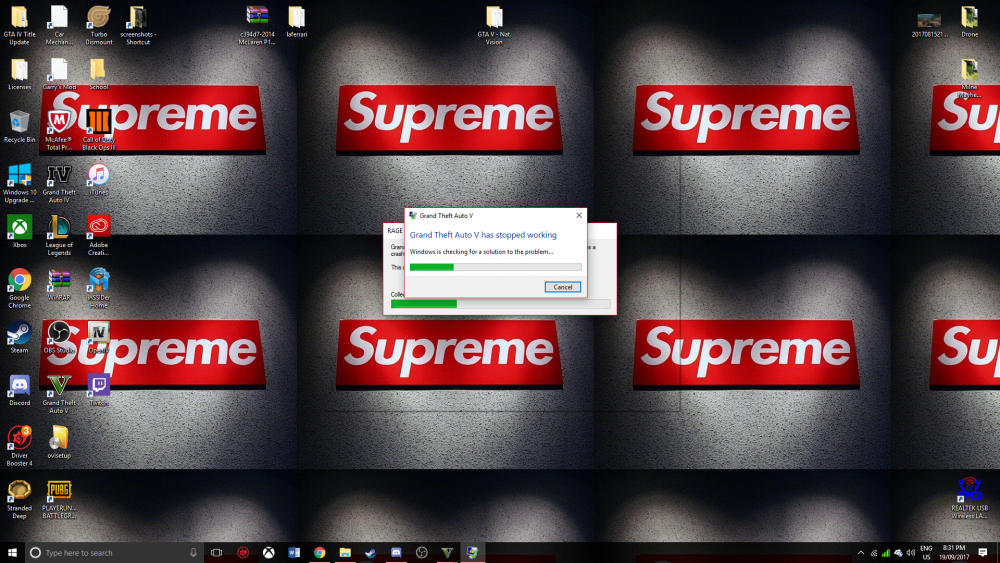
Ok thanks but now when i load the game up this happens As of right now, i have deleted that file and am going to try it with my copied file. I have made a copy of the copy, i will update this issue when everything is done installing
-
Not realted to this topic, but Kallus could you take a look at my issue on my profile please? would greatly appreciae it thanks for your time
-
If someone has any suggestions please let me know! i just wanna play :(
-
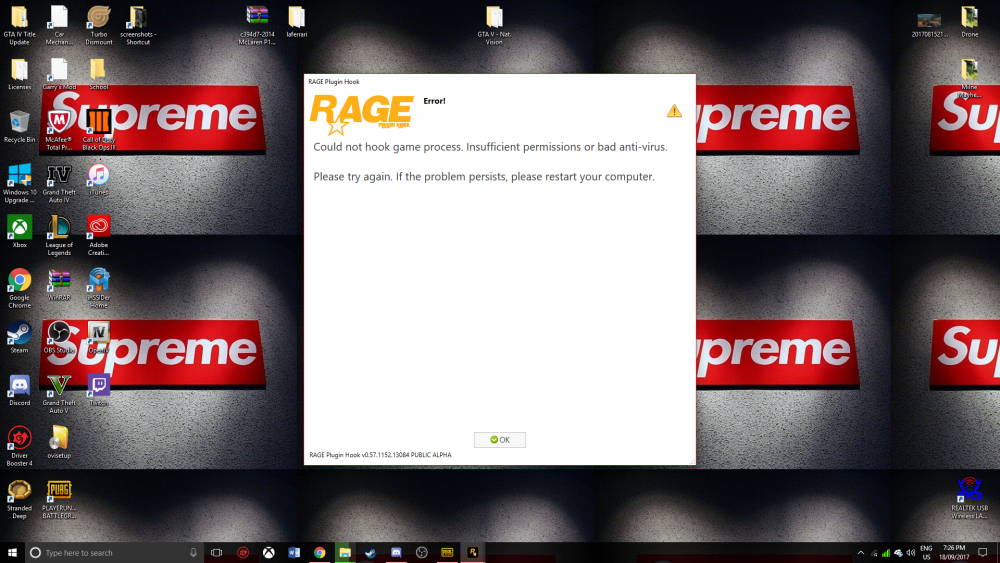
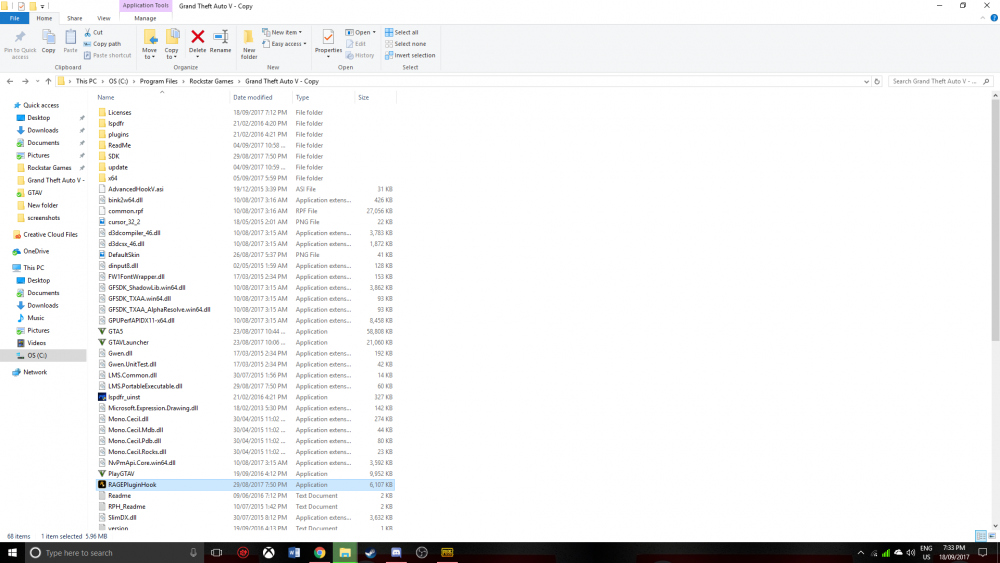
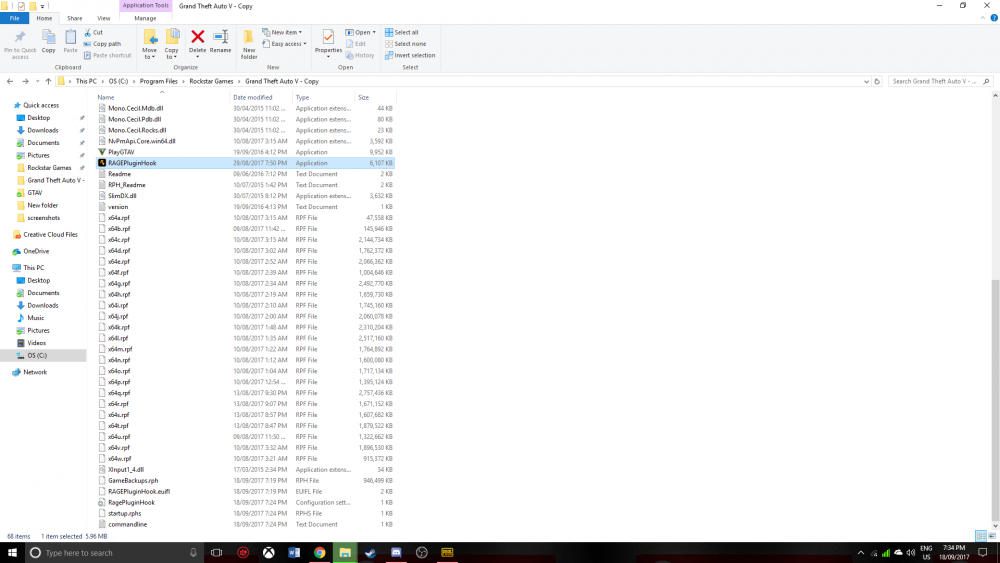
Hey all, So i just recently downloaded LSPDFR not so long ago, about a few months ago. It was working fine until i kinda messed up the file while trying to download add-ons. Anyways, while i try starting up GTAV via Rage, this pops up (See image below). I have tried reinstalling everything (GTA Included) and reinstalling everything but it never seems to work. Below i have also attached a screenshot of my GTA V file, maybe i am missing something. Thanks in advance! -Physics
-
i have the same issue