


CanadianinNY
Members
-
Joined
-
Last visited
Everything posted by CanadianinNY
-
 Some of the required mods for 2.0 are replacements and its not indicated anywhere which to replace i looked under the agency.xml and duty_selection.xml to piece it together but tbh I could have just done that myself without these updated lists.... like I like the idea of what your doing here but if your going to release a new update make sure to at least explain hey you need to change the car file names or these models wont be where you want them. Also it says in the description UB support coming nov 1st but doesnt seem to have ever been completed. I like your updated xml TOTAL time saver and with a good pack selection too but come on man have some dang communication bc most people who drag and drop and try to play will be disappointed
 -
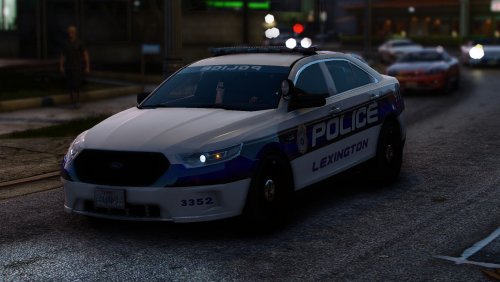 yall act like bro is getting paid for this if you dont like it take the models and make them yourselves ..... " the fonts wrong " " the hubcaps are wrong" gtfo of here lmaoooooo
