


hitpoint
Members
-
Joined
-
Last visited
Everything posted by hitpoint
-
I did that and now it works. It just stucks on loading screen when I want to enter the garage while ingame. But I found a way around that so its cool 🙂 Thank you
-
Appreciate the answer man, but I am not going to delete the AV for a plugin... It has to work with an AV on...
-
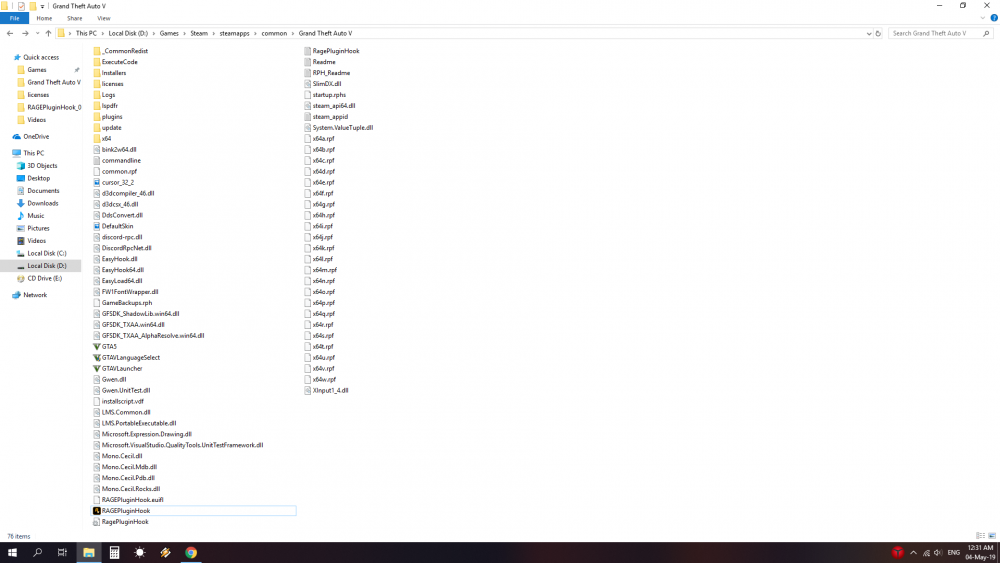
Hello all! I tried fixing my issues by reading the forum but no luck. I have a fresh GTA 5 steam install. I did both the auto and manual installations of LSPDFR. I even downloaded the latest RHP and still no luck. The game runs fine when launched from Steam. I tried windowed and bordeless window, I tried to change the plugin timeout threshold to 30 000 and no luck. It is always the same. I use Avast Free anti virus. I attached the RH txt file. What else can I try? Thank you. Deni RagePluginHook.log
-
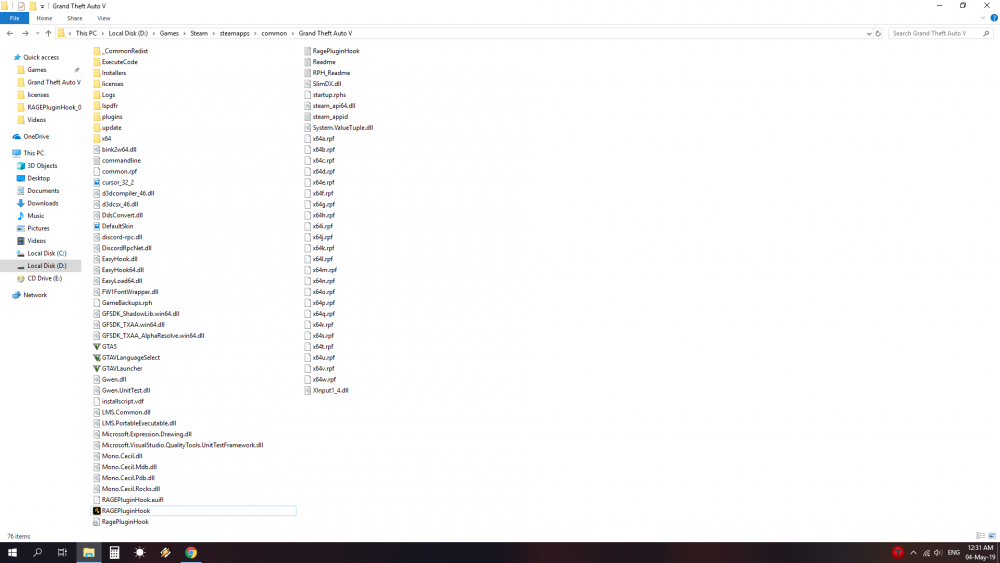
Hi. Game runs fine when opened via Steam. RH doesnt work and I get an error after 2 seconds, Grand Theft Auto exited unexpectedly. Fresh install on GTA, tried both auto and manual installation of the mod and RH.. No luck RagePluginHook.log
-
Had the same error and I did all the steps (again)... No luck.. RagePluginHook.log
-
Same here... RagePluginHook.log
-
Same here people.. There must be a solution to this.. Fresh install, did both manual and auto installations, tried RH manual install too... I get a black screen for 2 seconds and than the error Grant Theft Auto exited unexpectedly. Game works fine when normally opened...Same here people.. There must be a solution to this.. Fresh install, did both manual and auto installations, tried RH manual install too... I get a black screen for 2 seconds and than the error Grant Theft Auto exited unexpectedly. Game works fine when normally opened ...
-
Same here man.. what to do? I tried both manual and auto installations and the same happens... My GTA install is clean...

