Skip to content
View in the app

A better way to browse. Learn more.

LCPDFR.com

A full-screen app on your home screen with push notifications, badges and more.

To install this app on iOS and iPadOS
  1. Tap the Share icon in Safari
  2. Scroll the menu and tap Add to Home Screen.
  3. Tap Add in the top-right corner.
To install this app on Android
  1. Tap the 3-dot menu (⋮) in the top-right corner of the browser.
  2. Tap Add to Home screen or Install app.
  3. Confirm by tapping Install.

Sgt. Jackson

Friends of LSPDFR
  • Joined

  • Last visited

Image Comments posted by Sgt. Jackson

  1. Maybe I am drunk, but in some part of the game, might be part of the DLC, I thought you took over the hotel, and shot your way to the rooftop or something. I swear, because you were fighting in the interior.


    That's the mission where you have to kill Isaac in his hotel room, but there ain't no NOOSE officers directly involved.

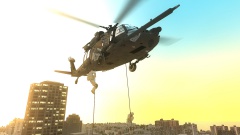
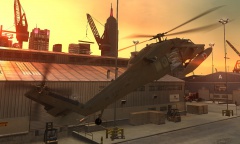
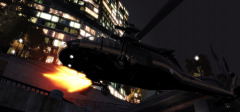
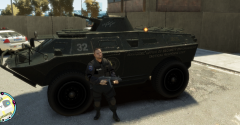
  2. I think what Skyline did is just add the custom skin to the NOOSE guys and the Hawk to the Annihilator, and in the story mode there is a mission that includes the NOOSE soldiers fast roping to come kill Niko and his friends.


    I certainly don't remember that mission.

Account

Navigation

Search

Search

Configure browser push notifications

Chrome (Android)
  1. Tap the lock icon next to the address bar.
  2. Tap Permissions → Notifications.
  3. Adjust your preference.
Chrome (Desktop)
  1. Click the padlock icon in the address bar.
  2. Select Site settings.
  3. Find Notifications and adjust your preference.