


OfficerWakham
Members
-
Joined
-
Last visited
Everything posted by OfficerWakham
-
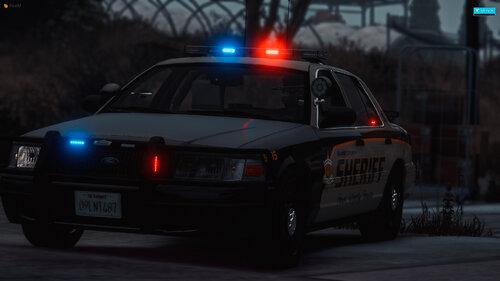 doesnt work
 -
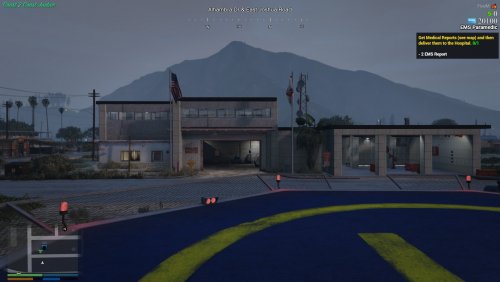 I have tried everything to get this to work with all the previous comments as guides. It still doesn't work however. PLEASE HELP! Trying to install on FiveM Server.
- 51 comments
- 2 reviews
-
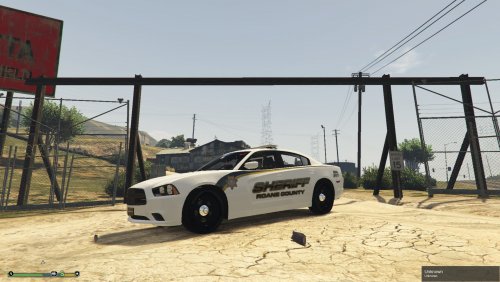 This took a lot of work from officerhirni and I so we hope you enjoy!
 -
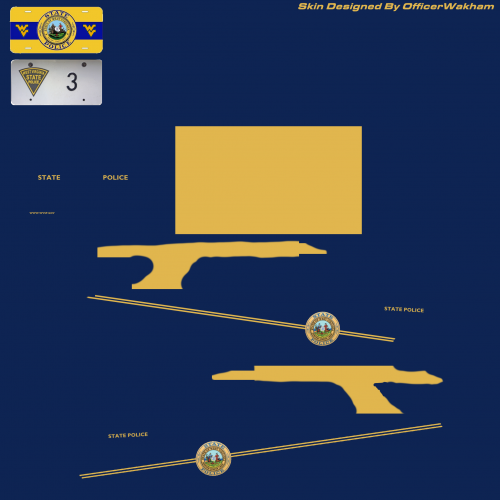 Use open IV to go to the vehicle file, open the wtd file and replace the texture. Tested with bxbugs' 2013 Explorer
 -
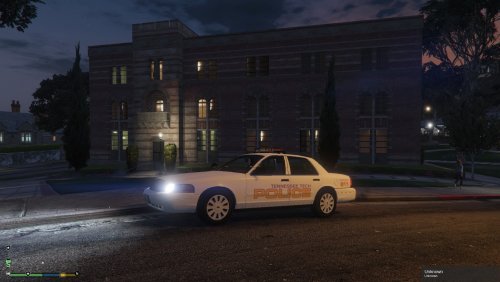 To install go to the vehicle you want to be changed over in your directory. open the YTD file in OpenIV. Find the livery (usually has the name Sign_1 with it) and use the replace button to replace the textures. NOTE This skin was modeled after OfficerUnderwoods 2011 CVPILink is in the download
- 1 review
-
-

- 1
-
-
To install go to the vehicle you want to be changed over in your directory. open the YTD file in OpenIV. Find the livery (usually has the name Sign_1 with it) and use the replace button to replace the textures. NOTE This skin was modeled after bxbuggs' 2014 charger. There is a link to it in the download! A HUGE shoutout to officerhirni for helping me with this skin

