



gfxle
Members
-
Joined
-
Last visited
Reputation Activity
-
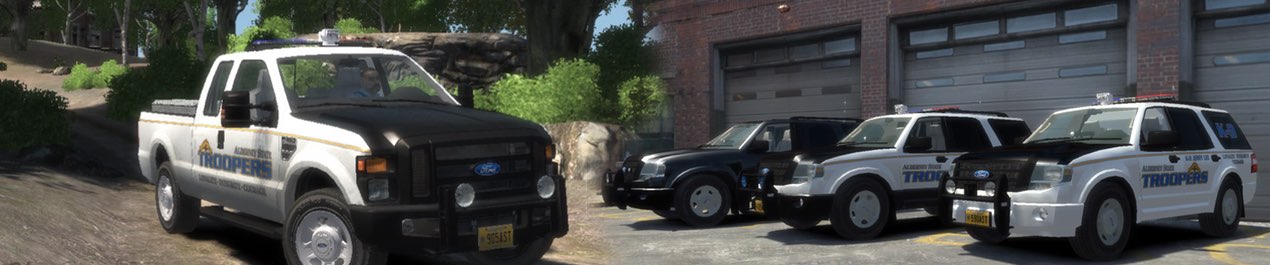
 gfxle got a reaction from Steiger4044 for a file, Unmarked Ford Super Duty Traffic Division⏳ Original date of release (version 2.6.9) : 12/26/2012
- VERSION SDTY-V2.7X ELS
- SPECIAL MODEL ELS
- LIGHTBAR N/A
- EXTRA PARTS N/A
- LIVERIES N/A
- OPTIMIZED FOR Police Patriot
- CREDITS gfxle (see notes)
- MOD STATUS Closed
NOTES
- (Re-)upload due to closure of gtapolicemods.com.
- Make sure to read the readme.txt!
- Model made by UBISOFT Reflections, ripped by RacingFreak, modified and converted to GTA IV by gfxle
- Cap, emergency lighting and interior police equipment made by gfxle
- Parts and rack by Rockstar Games
- Custom dirt visuals by Lt.Caine
- Main body (color 1) can be changed in-game or via the carcols.dat file
- The spotlights can be turned on with the "Taxi lights" function of a trainer with ELS on
- Best experienced with GTA IV: San Andreas
FILES INCLUDED
- polpatriot.wft
- polpatriot.wtd
- Readme textfile
- Preview thumbnails
VIDEO
