



Blobby
Members
-
Joined
-
Last visited
Everything posted by Blobby
-
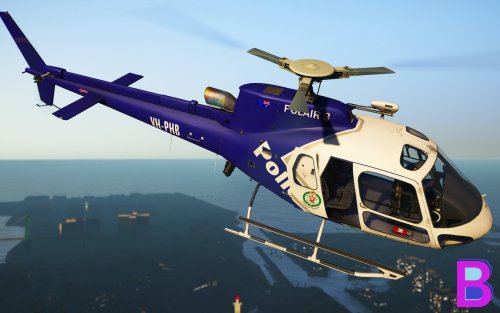 NSW Police Helicopter Skin for AS350 (Eurocopter H125) - VH-PHB This pack includes the NSW POLAIR 3 skin for the AS-350 Ecureuil found here, and a POLAIR pilot skin. The beautiful model is made by the one and only SkylineGTRFreak and is available at GTA5Mods: https://www.gta5-mods.com/vehicles/as-350-ecureuil VH-PHB- One of two AS350 helicopters in the NSW fleet. It was introduced in 1997 INSTALLATION: **************************** Install SkylineGTRFreak's LAPD AS350 available here https://www.gta5-mods.com/vehicles/as-350-ecureuil Open up the helicopter txd file in OpenIV and drag in the two png texture files. Drag in the files from the 'Pilot' Folder into mods/update/x64/dlcpacks/patchday15ng/dlc.rpf/x64/models/cdimages/patchday15ng.rpf Drag in the files from the 'Helmet' Folder into mods/update/x64/dlcpacks/patchday15ng/dlc.rpf/x64/models/cdimages/patchday15ng_p.rpf Disclaimer: I am not responsible for any data loss, computer crashes or nuclear disasters etc that happen in relation to using this mod. THIS MOD IS NOT TO BE REUPLOADED ANYWHERE IN ANY CIRCUMSTANCES I will allow this to be used in clans HOWEVER IT IS NOT TO BE PUT IN ANY CLAN PACKS- ANY DOWNLOADS MUST BE FROM THIS PAGE. Another skin by Any suggestions or problems that I need to fix please leave a comment or chuck me a PM 🙂
 -
Skin isn't
-
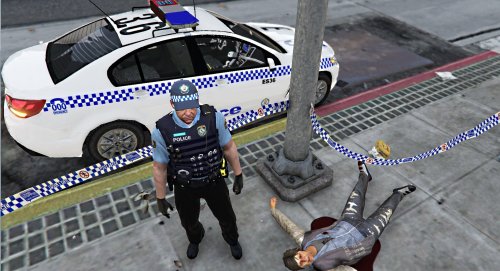 Just something I whipped up for a quick release, NSW/Australian Police Tape!! (I'm not sure if the rest of Australia uses the same tape, pretty sure they do) For the one and only PNWParksFan Police Tape mod By BlobbySmutho DISCLAIMER I AM NOT RESPONSIBLE FOR ANY DATA LOSS, COMPUTER CRASHES OR NUCLEAR DISASTERS etc THAT HAPPEN IN RELATION TO THIS MOD. Feel free to use this in youtube videos etc. however any modifications of this texture is to be for PRIVATE use only.
- 12 comments
- 1 review
-
-

- 1
-
.thumb.png.a8f56bdfe4aa7517ee4660233dc163a7.png) I'm using the new option to 'force' the patient into my custom ambulance model but I can't get him out when I arrive at the hospital
I'm using the new option to 'force' the patient into my custom ambulance model but I can't get him out when I arrive at the hospital- 101 comments
- 19 reviews
Nothing happened, it's still thereI'm back hopefully manage to get it into the game this time EDIT: I'm hopeless so @Bulldog Designs is doing it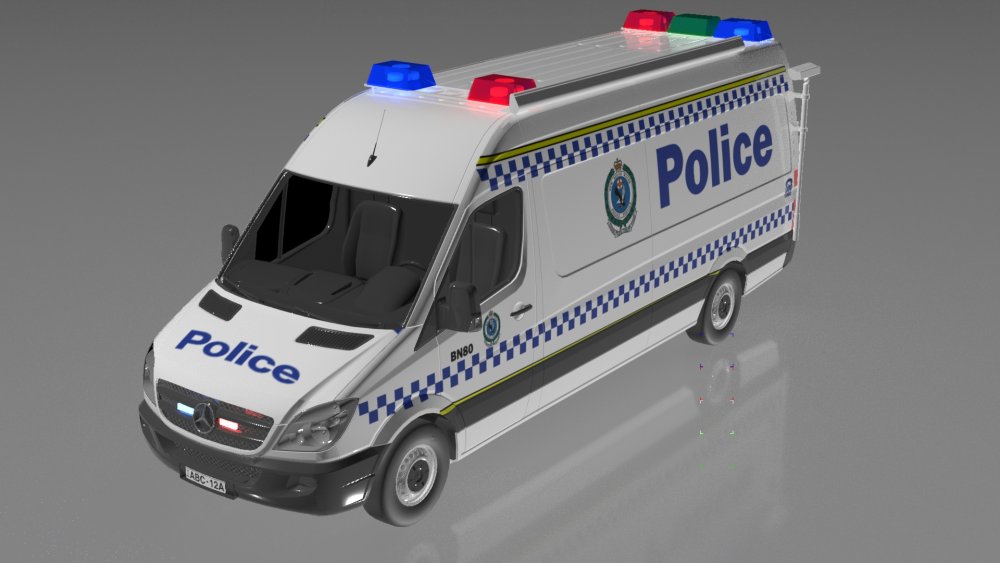
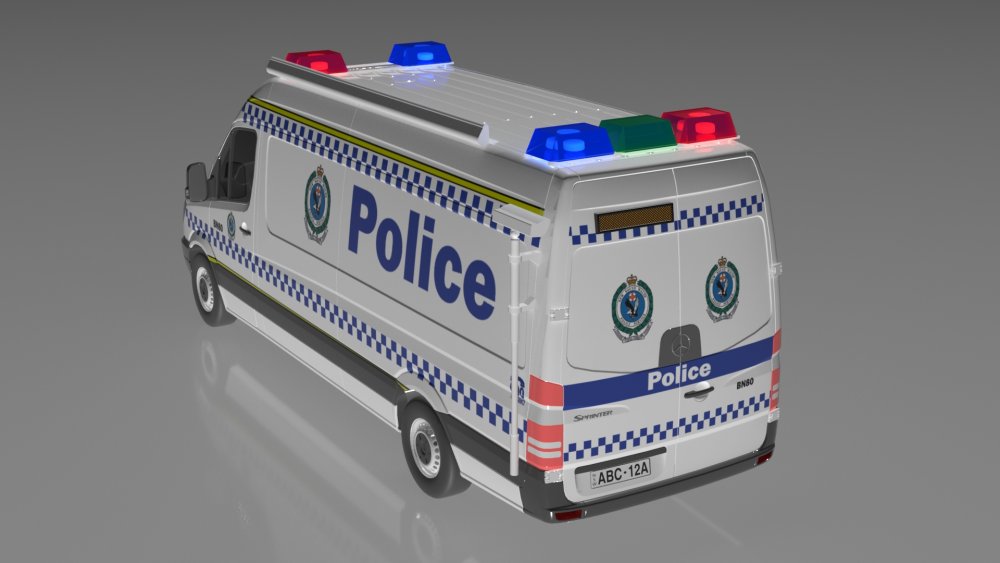 Gotta make an unmarked version of this, I've seen them start to come into service recently Actually saw an unmarked version of this on ANZAC day
 Release the bike skins sometime in the future JK just realised it's moose's bike model not just a skin@Darkmyre Is this still in development?Since manually installing map mods are **** (especially multiple ones) if you are Australianising Los Santos, form a modding team to complete the job. That way the big task is easier, and the release is in a single oiv.3ds max 2017 on windows 10Introduction to my extremely dodgy scratch modelling
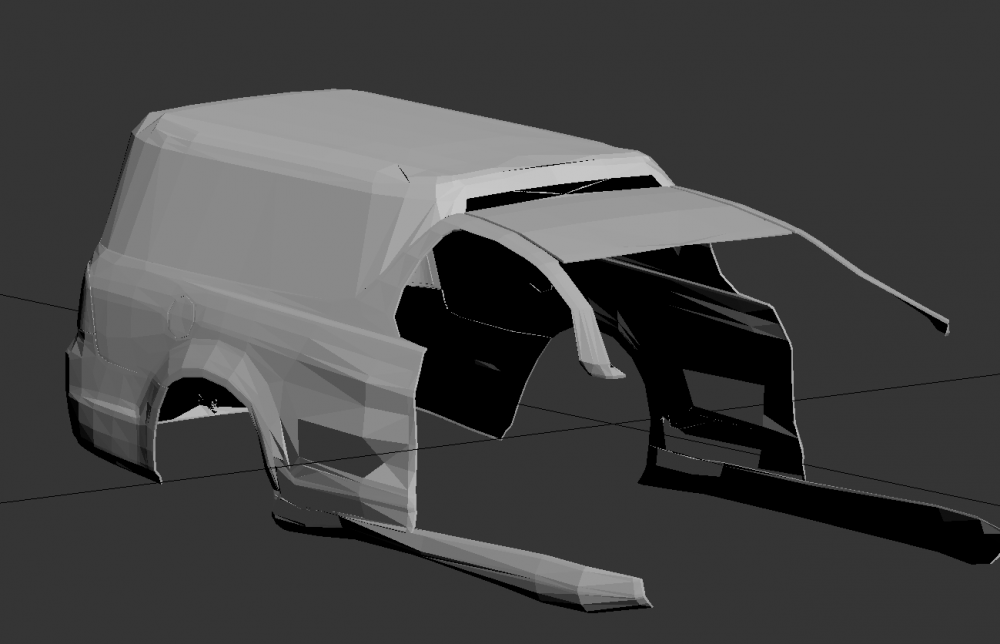 Casually somehow uses 3D Builder to model a podNice city callsignsWait so what pod is it? the divi pod?Wait i'm confused is this nsw or victoriaAutodesk is a company not a software The funny thing is there's 10 different Autodesk modelling software out thereTo join NSW police in the first place I think you need to have a P2 LicenceI saw an unmarked VF with red P plates lolTook you a while to realiseThere's your problemWell my quick attempt at one from a while back I could make you a better one if you want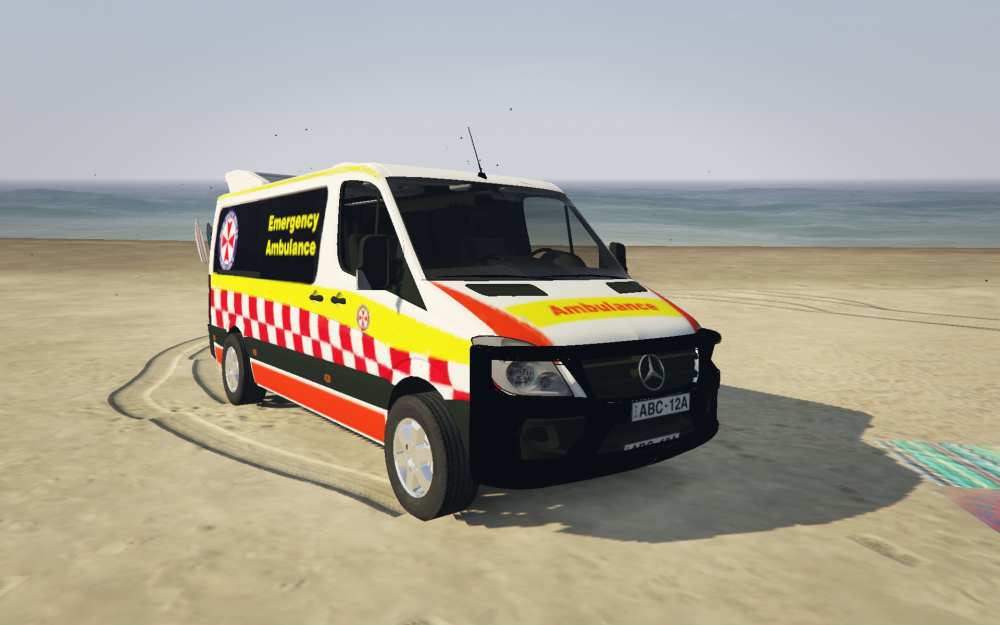


.thumb.png.a8f56bdfe4aa7517ee4660233dc163a7.png)


