hbombhenry
Members
-
Joined
-
Last visited
Everything posted by hbombhenry
-
-
Immediately after going on duty when i attempt to use native trainer or even drive my game experiences EXTREME input lag making me crash into things at speed and makes me unable to play. Everything before going on duty is perfectly fine but as soon as i forceduty/enter the station it turns for the worse. Any suggestions?
-
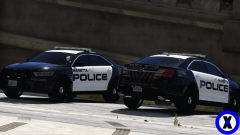 Are you going to release them to the public?
 -
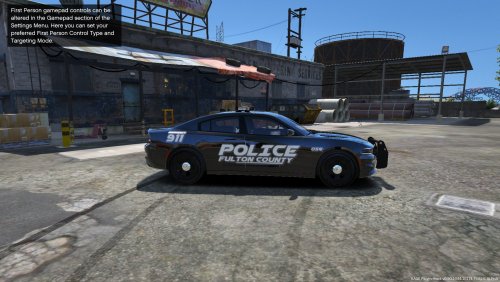 From what i've seen, these are the mot accurate out there, i live in east Cobb and i hope you can make a pack for us. :)
- 1 comment
- 3 reviews