


BRuef
Members
-
Joined
-
Last visited
Everything posted by BRuef
-
Yes, it is! Check it out at www.dcrscad.com. Also check out our new free MDT program, DCRS Respond.
-
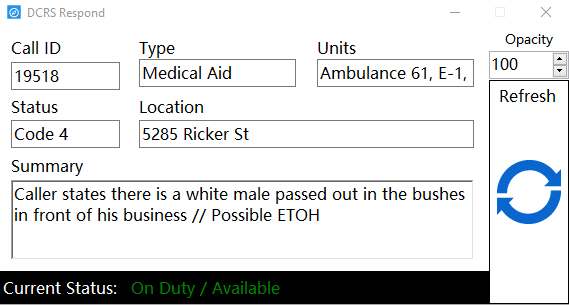
DCRS is introducing DCRS Respond today! It's a FREE (yes, really free) alternative to DCRS Mobile. We know that not everyone can afford DCR Mobile, so as a special thanks to our almost 3,000 users, we came up with DCRS Respond. DCRS Respond gives you all the vital information for your call, including your current status. Respond sits on top of all other programs, including some games like Grand Theft Auto 5, so there is no need to minimize the game to get your call. You can even change how transparent you want it to be, so you can still see whatever you are working on. If dispatch changes something about your call, like its location, the area around the new information will glow blue until you acknowledge the update by clicking it. Respond also gives audible notifications for things like getting a new call. Check out the screenshot below and go here to download! http://bit.ly/Respond_DCRS
-
DCRS Dispatch and DCRS Mobile are both on sale right now! There is no specific clan price, but if you message me, we might be able to work something out. Thanks!
-
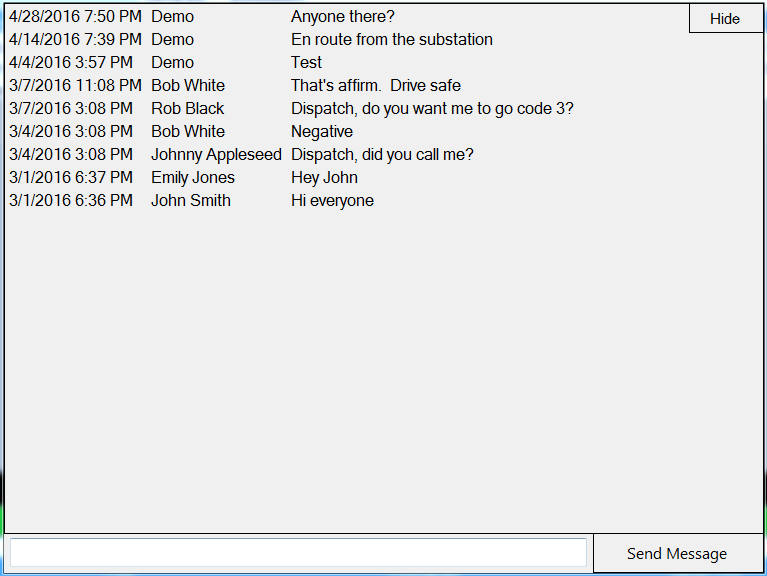
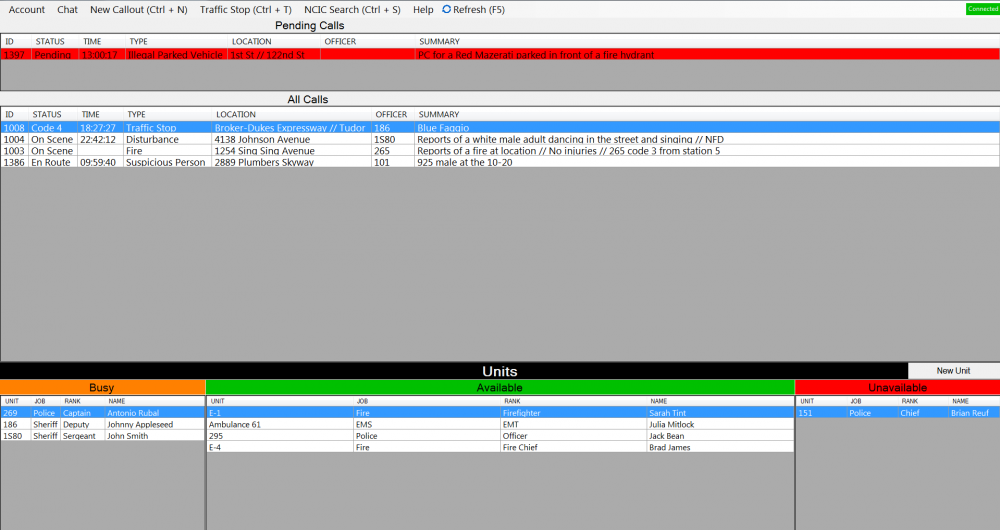
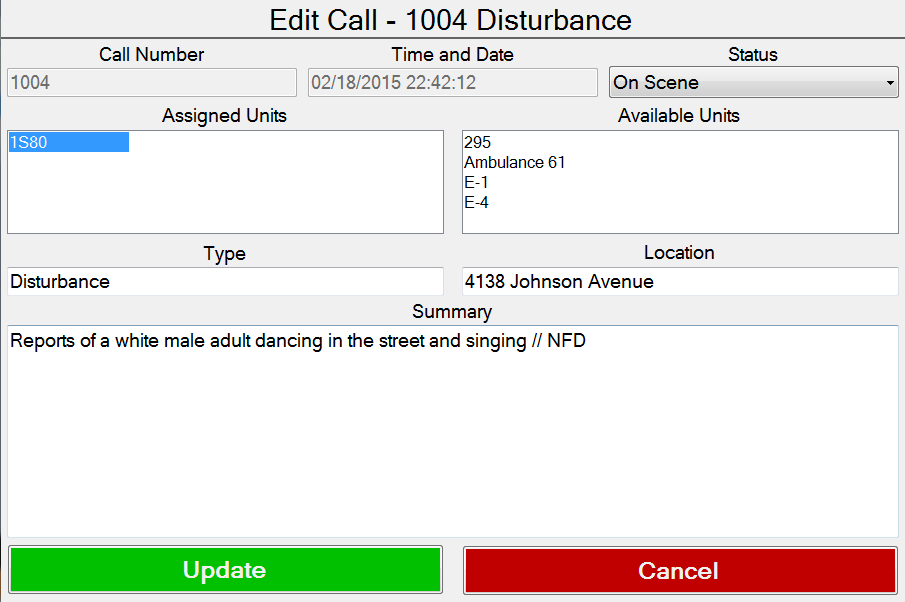
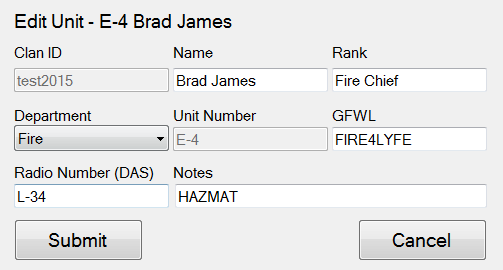
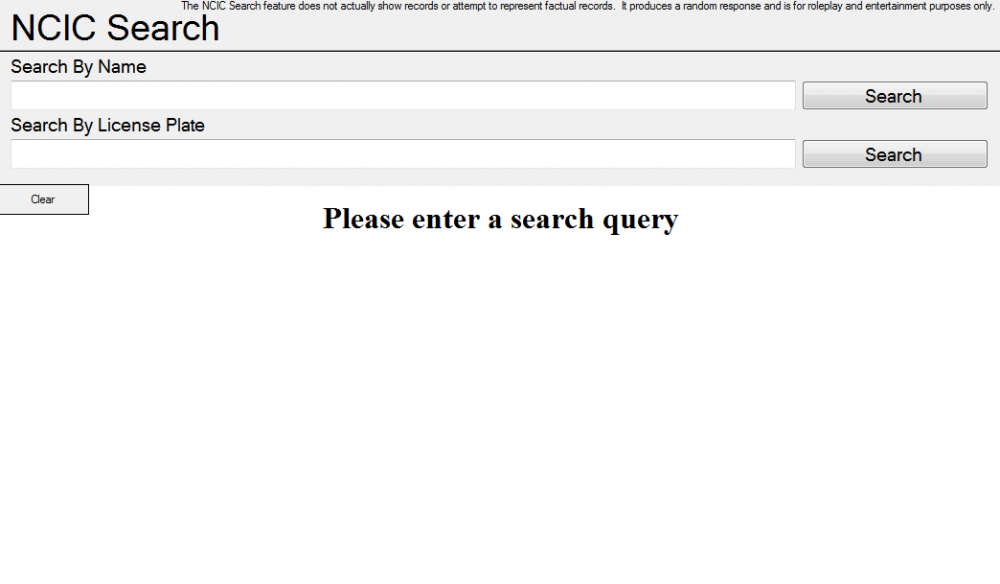
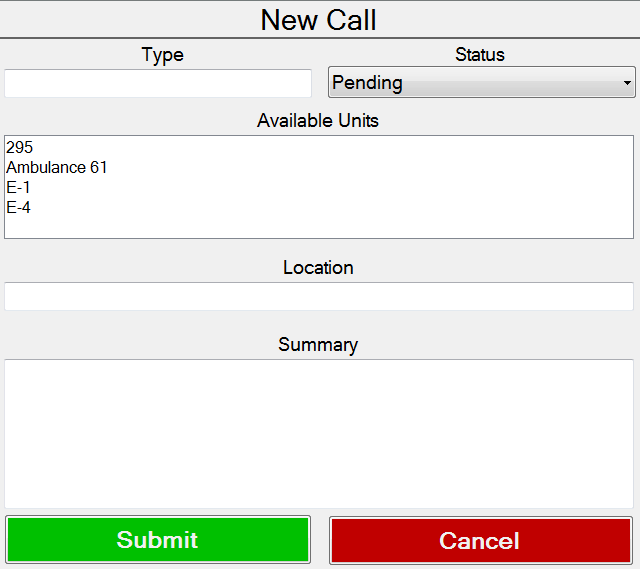
The new desktop version for DCRS Online has just been released! Check out the pictures below! http://www.dcrscad.com/ One of the coolest features, in my opinion, is the automatic unit status update. When you create a call and assign units. it automatically sets those units as busy, some goes for when you edit the call, and the opposite when you clear a call. It all connects to DCRS Online, so dispatchers online can see what you are doing, and vice versa.
-
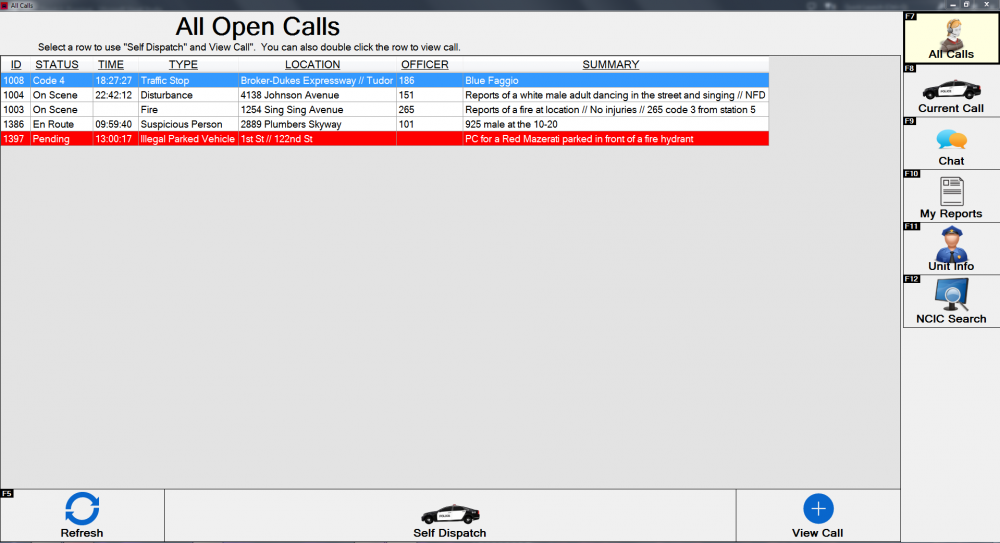
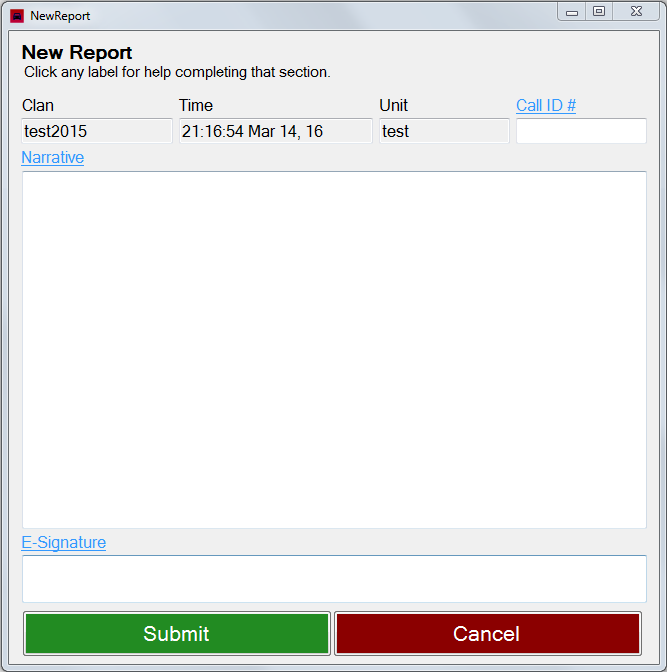
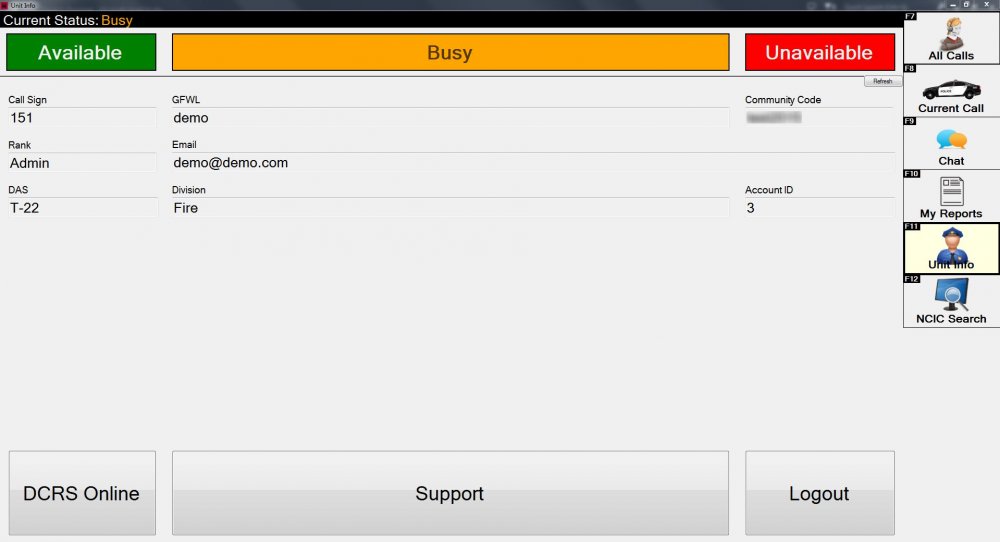
The final version is almost here! Check out the screenshots below!
-
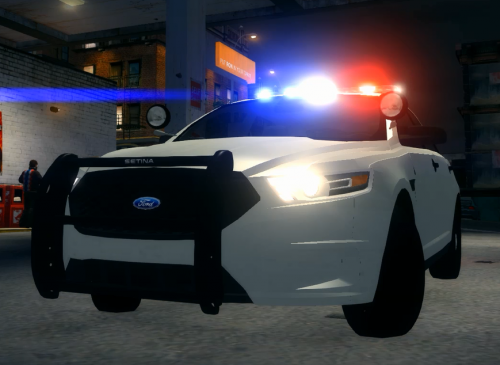 This is a Ford Taurus W/ a Whelen Legacy lightbar. It also features a Setina Rambar, Setina Cage, two spotlights, and a cosole.
 -
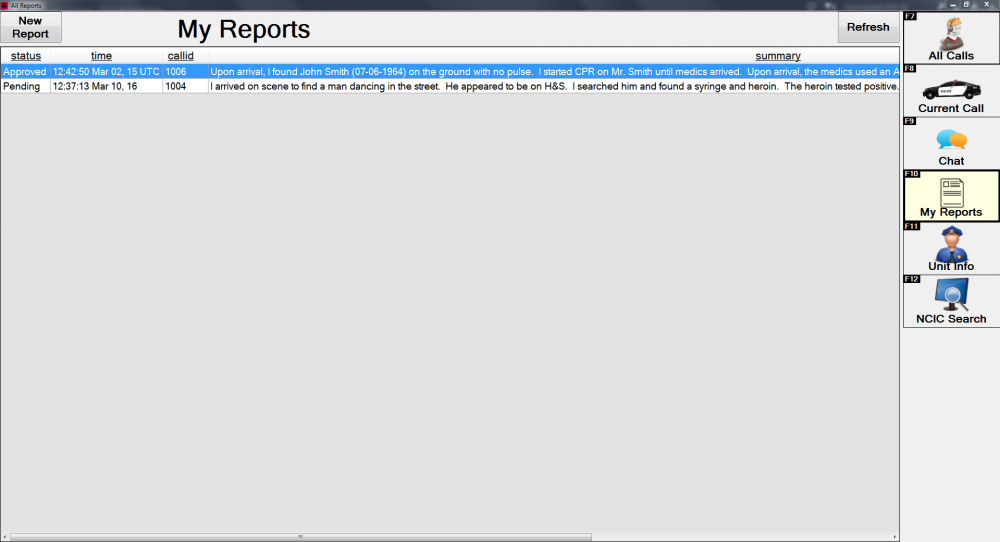
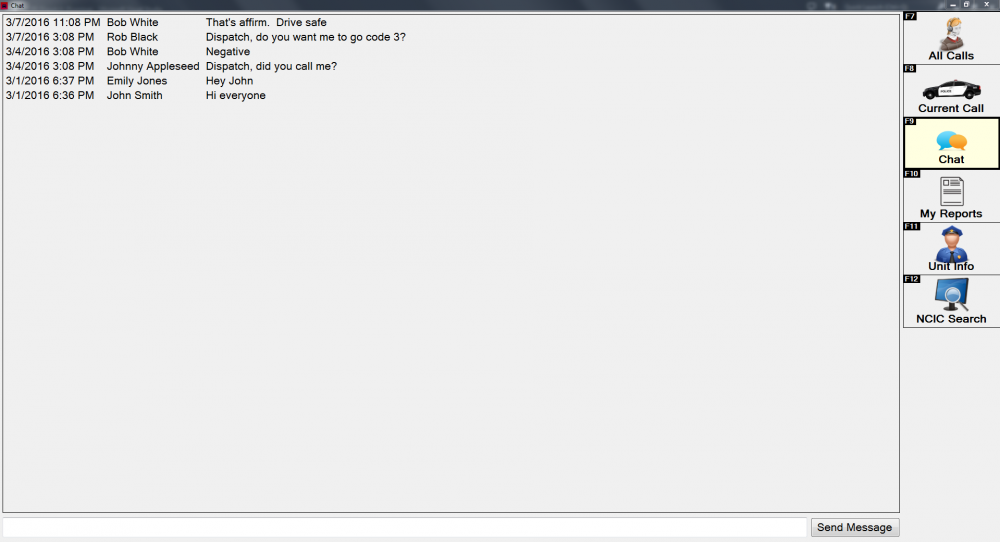
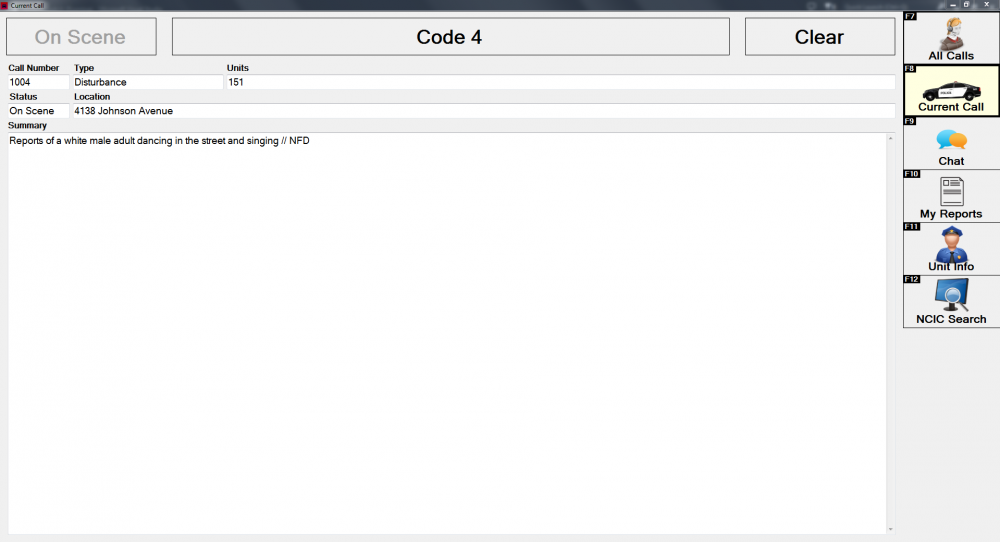
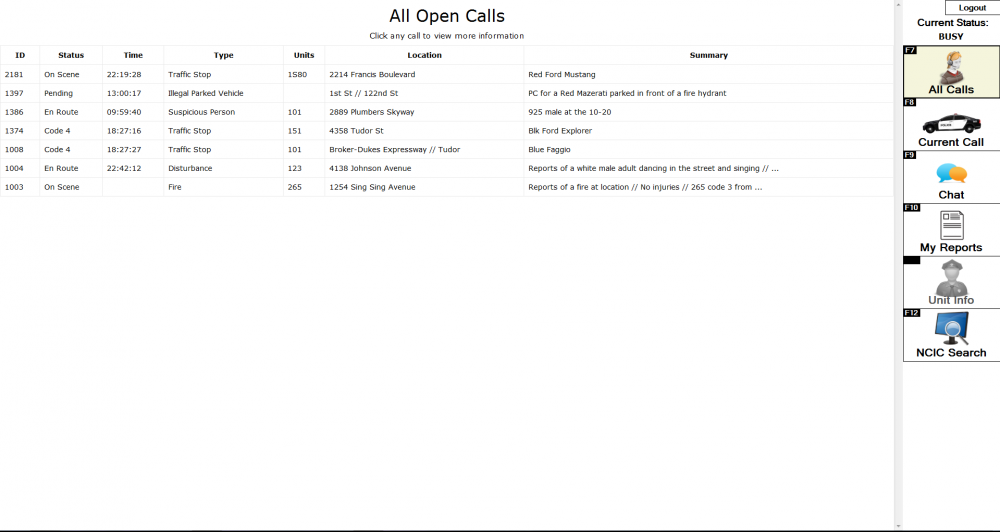
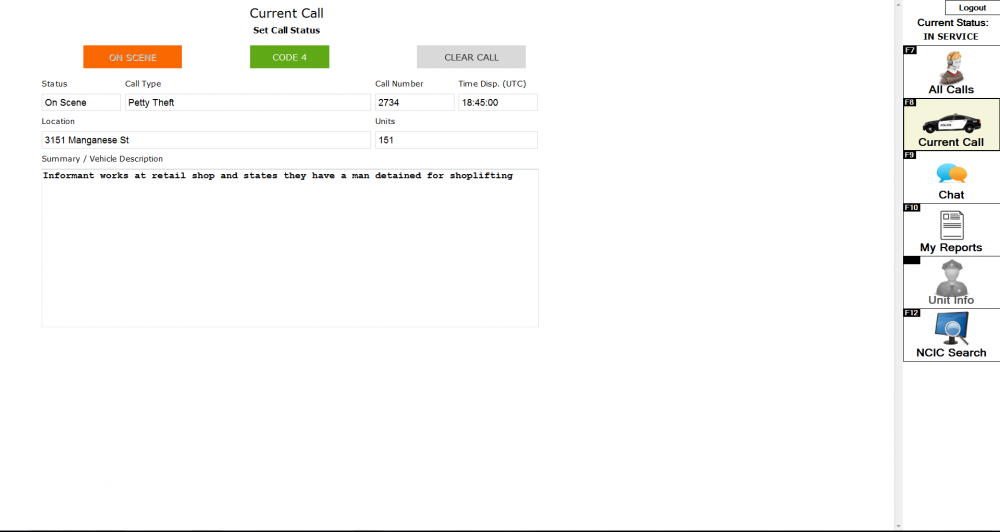
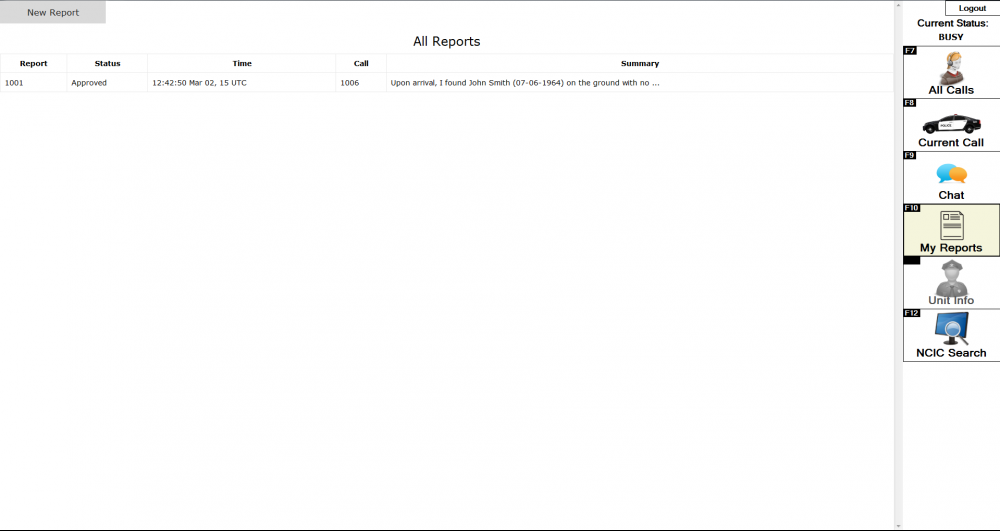
DCRS Mobile has been upgraded immensely! Here are the updated screenshots. Let me know if there is anything else you would like to see added. It is almost here!
-
-
-
From the album: DCRS Mobile V2
Updated view of Reports tab! -
From the album: DCRS Mobile V2
Updated view of Current Calls tab! -
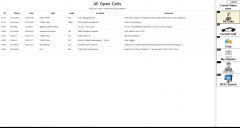
From the album: DCRS Mobile V2
Updated view of all calls tab! -
-
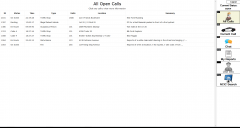
From the album: DCRS Mobile V2
-
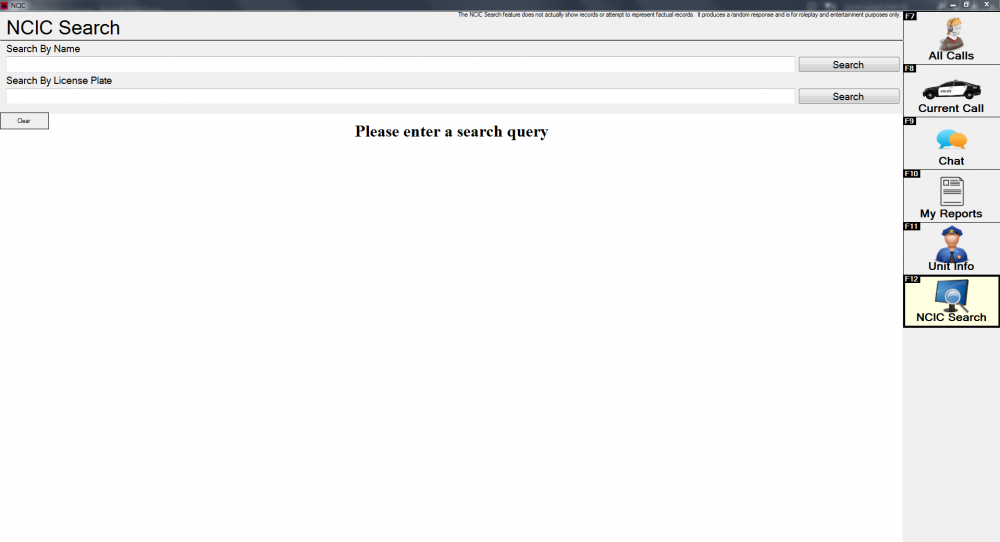
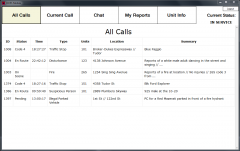
Hi everyone! I am here today to introduce everyone on another project I have been working on! I am nearing completion of my new DCRS Mobile software. It is an MDT/MDC program that connects to your DCRS Online CAD account. It is basically a desktop program of the MDT page on DCRS Online already, but integrates some other features as well. Users can not only view all calls and the call they are currently assigned to, but they can also write reports, view their old ones, and see if they have been approved by their community administrators, along with many other features. I would like to have some beta testing clans for it, so if you are interested, please send me a message! Below are some screenshots of the WIP. I can't wait to release this awesome piece of software!
-
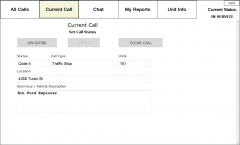
From the album: DCRS Mobile
© Copyright 2015 DCRS
-
-
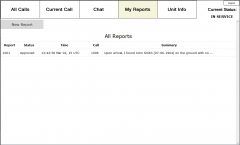
From the album: DCRS Mobile
© Copyright 2015 DCRS
-
From the album: DCRS Mobile
© Copyright 2015 DCRS
-
-
It has been up for a few months and is on version 4.0. Here is the link: http://www.dcrscad.com/online Have fun!
-
Hello everyone, In the past, I have made beta testing for DCRS Online closed to just close friends of mine. I now want to open this up as a semi-public beta program. I am currently looking to build a list of beta testers for DCRS Online. It will give you the opportunity to check out new features before being released to the general public! If you are interested, please private message me and I will get you set up. I am only looking for about 5-10 people, so it is first come, first serve. Beta testers will be expected to report back on how the experience is, how to improve it, and report any bugs they find. If you don't do this, you may be dropped from the beta program. In your private message to me, please include your full name, email, and describe your previous experience with DCRS Online. Thanks! I look forward to hearing from you! PS - There is a new feature set to be released within the week that is ready for beta testing. Right when you are set up as a beta tester, you will already have a new feature to test!
-
I have an MDC / CAD program that I made for online use. www.dcrscad.com/online It is free for everyone to use, so have fun!
-
-
I am having this problem too! Please help!





