


Minaunicorn72
Members
-
Joined
-
Last visited
Everything posted by Minaunicorn72
-
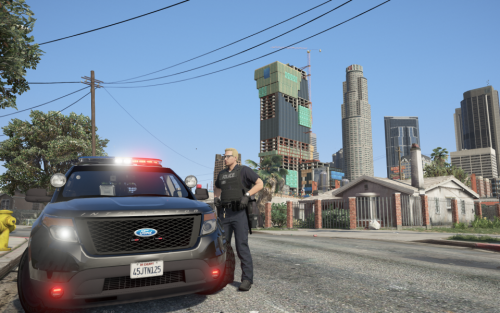 Ok so This must be really out of date. I am on the current GTA update as of 7/30/2018. We now have a patchday 19 file so I am wondering if putting these 3 packs in mychristmas2 and patchday 14 is obsolete because putting these there do NOT work in the game. Can someone please post an updated install instruction on where everything needs to go because even putting carvariations and the meta does not make this pack work. The install instructions need an overhaul. Please help.
- 78 comments
- 12 reviews
-
