Forrestthompson
Members
-
Joined
-
Last visited
Files posted by Forrestthompson
-
A second choice for all my Ford guys and girls out there. This skin is basically just for those (like myself) who prefer to have a Ford roaming the mountains rather than a Chevy. What's better than a Raptor?
#DNR
Once again, this skin goes well for those of you who need a replacement for pranger, and may I say... it is also a good asset to Wilderness Callouts.
- 87 Downloads
Submitted -
This is a game warden skin for Black Jesus's Chevy Silverado 1500.
This would probably be a good choice for the pranger slot.
Park ranger is so last year. Upgrade to the warden level.
It's definitely a nice asset to wilderness callouts.
- 165 Downloads
- 4 Comments
Submitted -
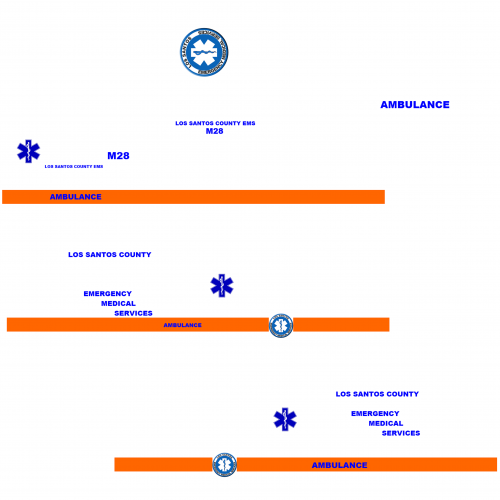
This skin was made for downcoldkiller 2015 Ford F-550 Ambulance.
This is just that special skin for those of you, like myself, who are not a big fan of Fire and EMS being one.
At least that's not how they do it around here.
This is my first upload, and I am testing to see how people like it. Other unit numbers may come in the future if requested. As of right now, the unit is M28 (Medic-28).
- 148 Downloads
- 4 Comments
Submitted
.thumb.png.380b31f24ea76ba3e0447c431a0ae833.png)
.thumb.png.86995f1d176fb2ba37a8e9f4f16a69a8.png)