



LilQ
Members
-
Joined
Everything posted by LilQ
-
From the album: GTA IV screenshots
:D -
From the album: GTA IV screenshots
- -
From the album: GTA IV screenshots
... sorry, but you don't have a chance pal. -
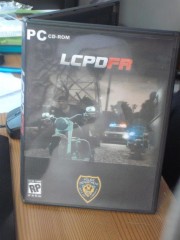 50% from that are mine XDDD
 -
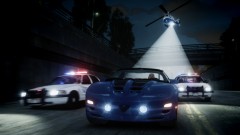
From the album: GTA IV screenshots
better quality : -
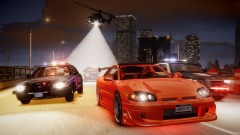
From the album: GTA IV screenshots
better quality : -
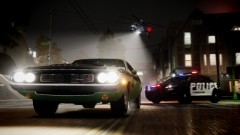
From the album: GTA IV screenshots
better quality : -
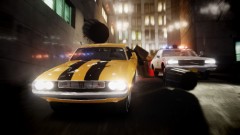 gtapolicemods.com
 -
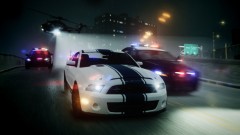
From the album: GTA IV screenshots
Finally found an amazing settings for EFLC. Minimal framerate loss even with enabled AA ! Thanks to lpf312 and the whole ENB series comunity ! -
From the album: GTA IV screenshots
Finally found an amazing settings for EFLC. Minimal framerate loss ! Thanks to lpf312 and the whole ENB series comunity ! -
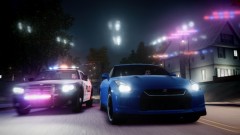
From the album: GTA IV screenshots
Finally found an amazing settings for EFLC. Minimal framerate loss ! Thanks to lpf312 and the whole ENB series comunity ! -
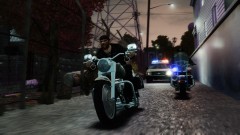 Not much... with AA somewhere around 10-15 .
 -
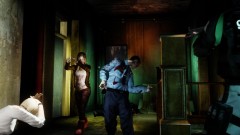 That's not a mod (except those peds). That's a staged situation made with SNT.
 -
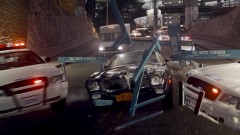 Hah, thanks Inqusition ! :whistling:
 -
From the album: GTA IV screenshots
Better quality ^ -
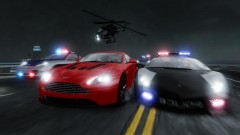
From the album: GTA IV screenshots
...supports LCPD ??? -
 DAMN ! Kickass picture dude ! :whistling:
 -
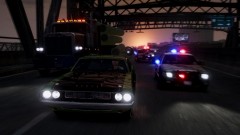 That's an in-game motion blur. ...and thanks !
 -
Better quality ^ , if someone's interested.
-
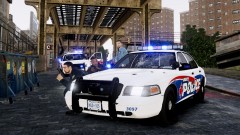 Special thanks to Inquisition for the Paintjob. :nuke:
 -

From the album: GTA IV screenshots
Pretty much like the one with chargers, just a little bit different. -
From the album: GTA IV screenshots
-
From the album: GTA IV screenshots
- -
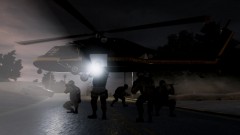
From the album: GTA IV screenshots
A picture of swat team from the picture "the resistance". -
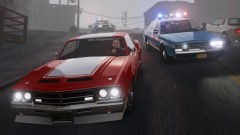 I will make more, as soon as ELS enabled 1983 Caprice will be released at GPM.


