


ANZI
Members
-
Joined
-
Last visited
Everything posted by ANZI
-
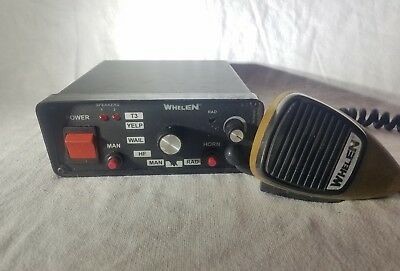 and sound\audio\sfx\resident sound\audio\sfx\weapons_player I have worked this path to work on the server and unfortunately it does not work What is the way you have configured it to work correctly on the server?
- 31 comments
- 4 reviews
-
I want to activate this RESIDENT.rpf in my server engine as the correct way to work
- 31 comments
- 4 reviews
-
Welcome friend I want to script my audio player in FiveM Server and resource ☹️💔
- 31 comments
- 4 reviews
-
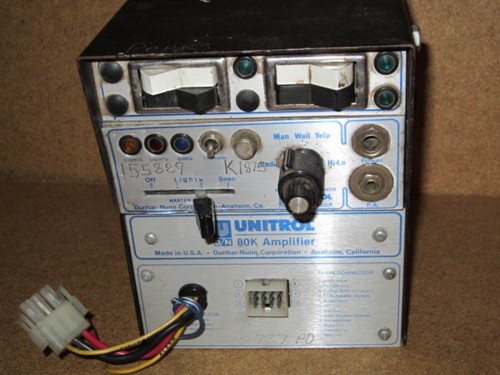 Welcome friend I want to script my audio player in FiveM Server and resource ☹️💔

