



FirstDue Digital
Members
-
Joined
-
Last visited
Everything posted by FirstDue Digital
-
From the album: Larimer County Vehicles
-
From the album: Larimer County Vehicles
-
From the album: Larimer County Vehicles
-
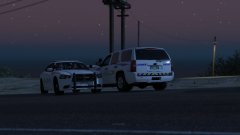
From the album: Larimer County Vehicles
-
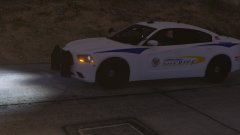
From the album: Larimer County Vehicles
-
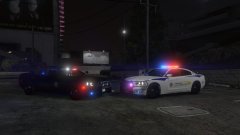
From the album: Larimer County Vehicles
-
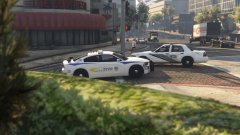
From the album: Larimer County Vehicles
-
From the album: Larimer County Vehicles
-
From the album: Deltado's Gallery
-
-
LSPD Runs Code 3
-
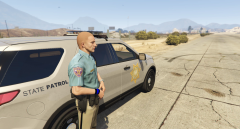 A trooper takes a minute to stretch his legs in the nice weather.
-
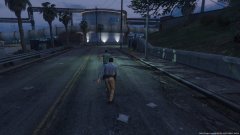 Troopers chase a suspect who fled his vehicle during a traffic stop.
-
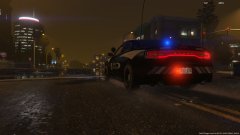 2015-10-14-00020.jpg
-
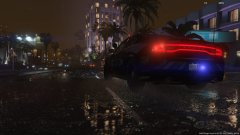 2015-10-14-00017.jpg
-
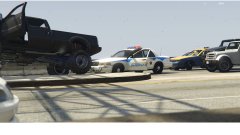 A Deputy's PIT forced a truck into the median.
-
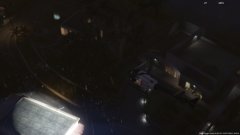 A Police helicopter assists in the tracking of a suspect wanted for home invasion.
-
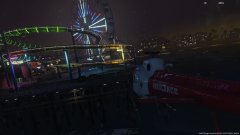 A Flight for Life helicopter begins its return to the hospital after a sea rescue.
-
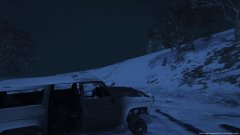 2015-10-12-00111.jpg
-
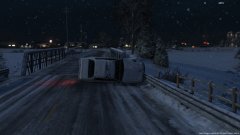 2015-10-12-00107.jpg
-
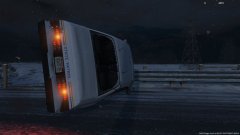 2015-10-12-00106.jpg
-
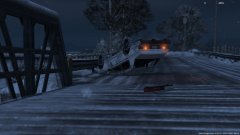 2015-10-12-00103.jpg
-
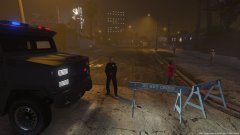 A Deputy blocks the road, as Los Santos Fire Rescue works on a structure fire.
-
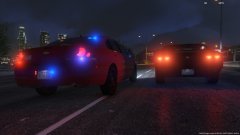 A Trooper in an unmarked car passes a motorist who failed to yield, as he attempts to catch up to a pursuit.
-
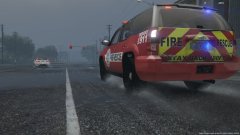 LS Fire Rescue responds to a motor vehicle accident
-
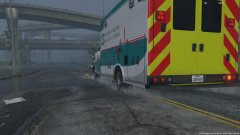 Medic 6 responds to an unconcsious civilian.
-
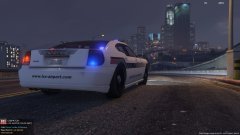 An Aviation Authority Police Officer responds to a report of a drunk driver
-
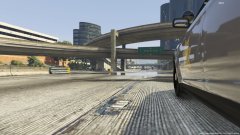 A Trooper patrols the freeway.
-
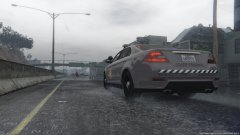 A Trooper races to catch up to a pursuit of an armed suspect.
-
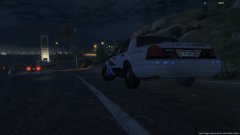 A State Trooper performs speed enforcement.
-
-
If the car doesn't use coronas, yes. If they use coronas, you have to have a sirensetting that the coronas won't bleed through the texture. Arariel, you don't have to replace the entire carcols.ymt. You can simply edit your existing patterns and change the value of the coronas to be blue instead of red. Head here for more info.I'll give that a shot. Also, I forgot to mention earlier, but I also tried to change the wheels on one of the add-on vehicles using a trainer, and instead of the actual names for the wheels, all the choices were named "wheelchoice##." The replacement vehicles still showed proper names. I don't have that issue when the add-on vehicles aren't in the custom dlcpack (when I put them in mpchristmas2). Nope, that's not it. Something else must be the root.What line appears to be missing?You have to have a light setup in carcols.ymt that changes all the coronas to blue or white... I recommend the one BxBugs123 included in his Slicktop CVPI.I use sheriff2 as the audioNameHash for all of the add-ons, and I have those flags on each vehicle as well.Hi y'all, This is going to be a decently lengthy post, so bear with me please. I like to use vehicles from the two regions I've worked as an LEO/Firefighter in for my game. After a little while, I get bored of one region and switch everything over to the other region. Seeing as one region is in Colorado, which uses red and blue for ALL emergency vehicles, and one is in the South, which uses blue/white for LE, and red/white for fire/ems, it's kind of a pain to switch all those files over. Not only do I have to switch the vehicles (agencies don't use the same fleet) and change out the textures, but I also have to edit the carcols.ymt and the carvar sirensettings to have blue coronas or red coronas for the respective vehicles, etc. I want to make two separate dlcpacks, which contain the respective files for each region. That way, just by changing the "dlclist.xml," I can pretty much seamlessly transition from one region to the other. I used the existing dlcpacks and this tutorial to try and make a pack, and I was ALMOST able to successfully load all vehicles! Unfortunately, the replacement vehicles (police, police2, sheriff2, etc) all worked perfectly fine, however, all add-on vehicles (K9, Sheriff3, Police5, etc) did not act as emergency vehicles as they're supposed to. The vehicles would spawn, had audio, and would drive... but the horn was a civilian horn, and the lights and siren were not operational. I double checked the carvariations.meta included in the dlcpack to make sure the required lines were there, and they were... I checked the vehicles.meta and they were listed as emergency vehicles (<vehicleClass>VC_EMERGENCY</vehicleClass>, and plenty of flags that are common for the police vehicles in game). So I have no idea what I'm missing, and why it would load the vehicles, but not allow the add-ons to act as emergency vehicles. Please help me figure this out! It's a terrible feeling being so close but so far away! Lol Thanks a lot! Edit: Here are the content.xml and setup2.xml I used in the dlcpack. I'm hoping it's just a simple error here somehow. content.xml setup2.xmlI've been trying to make a dlcpack myself for the last few days... no success so I can't help there. What I can suggest though: You can include the "flash pattern" so to speak in a .txt file, and the end user can copy and paste it into their own carcols.ymt. Just make sure your id value is something not already used in the vanilla game (in other words, a value over 14). After copying and pasting this into their carcols, they simply change the carvariations sirensetting value to the equivalent id value, and you're off to the races! If I'm misunderstanding you, and you already tried that, pm me your custom carcol and I'll see if I can find a typo which likely caused the crash. Hope this helps a bit!
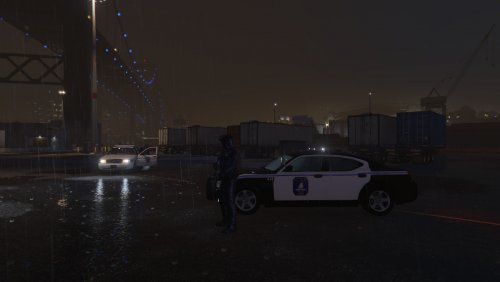 Today's release: a mini-pack of textures for the city of Charleston, South Carolina. Charleston PD doesn't have a lot of variety in their marked fleet, and as such, this pack is quite small, with just 5 textures. A texture is included for: BxBugs123's Crown Vic (also works for his slicktop) MattJeter's 2015 FPIS BlackJesus 2010 Charger OfficerWalter's 2005 Mustang If you'd like me to add textures for any specific vehicles, please let me know. I will be adding an Impala and a Tahoe, but that's the extent of what I plan to add at this moment. City of Charleston FD and Charleston County EMS textures will be released by Sept 27th. Check out my other Charleston-area texture packs in the meantime! Enjoy!
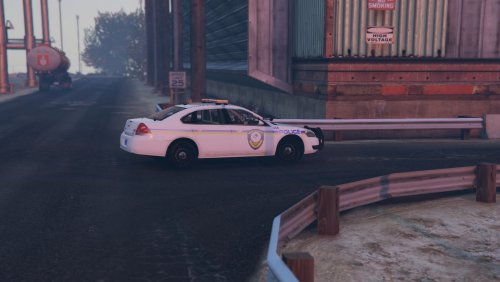 That's right folks! Another South Carolina texture pack! This time, I bring you textures for the vehicles of Mt Pleasant Police Dept. Textures are included for the following vehicles: Gump's 2013 ASP and Whelen Liberty II Tahoes BxBugs123's Impala and Crown Vic 72Will's Chevy Caprice theHurk's 2016 FPIU, and 2013-2015 FPIU Slicktop If you'd like a Mt Pleasant PD texture for any other vehicle, leave a comment or send me a message! This pairs nicely with my Charleston County Sheriff texture pack! Textures for Mt Pleasant FD and other non-LE agencies local to the area should be released by Sept 27th. In the meantime, check out my Dorchester County Sheriff, and North Charleston Police texture packs as well! Also, check out RipplyTiger151's SCHP Pack for a complete experience!Hi there, A while ago, BxBugs123 released Charger PPV wheels that override a couple of the custom wheel choices. I only recently found that download, but I think that is a simple yet great addition to the game. Adds an extra layer of customization to any Charger you use in-game, whether it's one of Bugs' or not. I was curious if anyone would be able to produce and release a couple of other wheels - specifically, the full hub-cap style (06+) Crown Victoria wheels, 07-11 Chevy Tahoe PPV (both in normal black with the silver center cap, and in all silver/grey as seen here) wheels, & their 2015+ all black counterparts. If anyone needs some clarification, let me know! A huge thank you to anyone willing and able to make any!
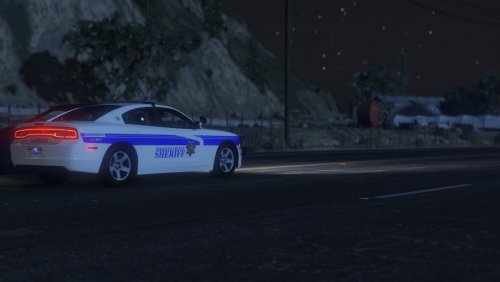 A texture pack for Berkeley County Sheriff's Office, South Carolina. This pack includes a wide variety of vehicles, and textures for both the old and new decals used by the agency. For a more complete experience, check out my Charleston County Sheriff, Dorchester County Sheriff, and North Charleston Police texture packs as well! Other agencies local to the area, including Fire and EMS, are soon to come! Expect updates to this file, as I add vehicles and make slight alterations to textures.
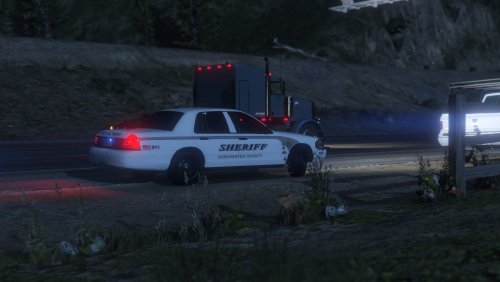 As the title says, this is a minipack of textures for the vehicles of the Dorchester County Sheriff's Office, South Carolina. Click the spoiler to see links to the vehicles I have included textures for! There will be more to come, but this is the basis of their fleet. For a more complete experience, check out my Charleston County Sheriff and North Charleston Police texture packs as well! Berkeley County Sheriff's Office, and other agencies local to the area are soon to come!
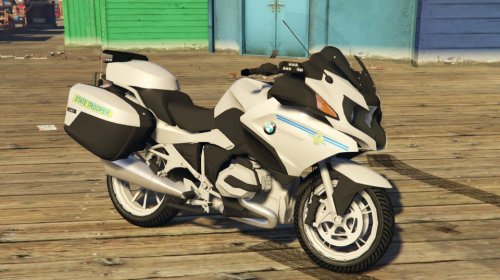 Aw, you beat me to it! Dang! Nicely done! One thing I did to my SCHP textures was make the background transparent instead of grey and change color in-game with a trainer, that way the silver actually shows as a brighter silver. Not a huge difference, but a nice subtle touch in my opinion. Just figured that was worth a mention for your own personal game. Lol By the way, thanks for the link!
- 2 comments
- 2 reviews
-
-

- 1
-
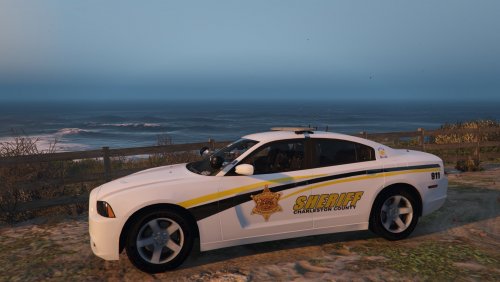 Never put any thought into that - thanks for the pointer! All textures updated with the new license plate font!

