Jay-107
Members
-
Joined
-
Last visited
Everything posted by Jay-107
-
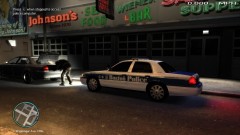
From the album: Jay-107 Screen Shots
-
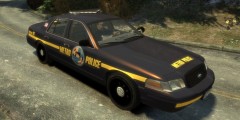 That lightbar is super sexy. Where did you get that model?
 -
First off the dog lived. Secondly the Officer acted correctly. The dog lunged at a passer by and turned on the Officers. He fired one shot at the threat neutralizing it so he could reach the injured party. If he had fired multiple shots then that may be excessive force, but he did not. Now I have read some say well he (the dog) was just protecting his owner. That is irrelevant. The dog was dangerous and acting aggressively at that moment. The Officers did what was necissary for the incident at hand. Its ignorant to monday quarterback his decision when we were not there and only have a few seconds of video to view before the actual shooting. This is my opinion and not aimed at any one person. Also, I have been a dog owner for three years so I can understand the feeling of seeing such a close friend injured.
-
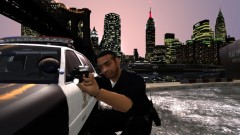 here ya go: http://www.gta4-mods.com/weapons/push-hk-usp-45-with-working-flashlight-v25-f16853
 -
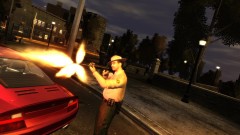
From the album: Jay-107 Screen Shots
-
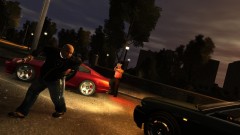
From the album: Jay-107 Screen Shots
-
From the album: Jay-107 Screen Shots
-
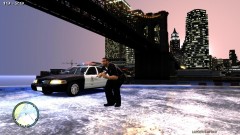
From the album: Jay-107 Screen Shots
-
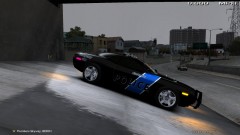 It is available for download on this site.
 -
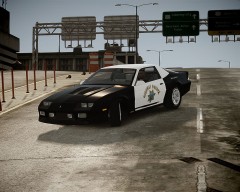 ^^double true
 -
I recently D/L TBOGT from Windows Marketplace and everything seems to run fine minus the trainer. I did re-download and drop the TBOGT.asi/config file in the TBOGT directory as stated but for some reason it still wont work. Anyone had this issue and been able to make it work?
-
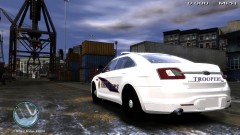
From the album: Jay-107 Screen Shots
-
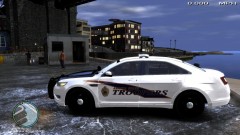
From the album: Jay-107 Screen Shots
-
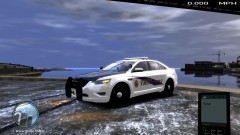
From the album: Jay-107 Screen Shots
-
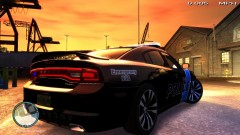
From the album: Jay-107 Screen Shots
-
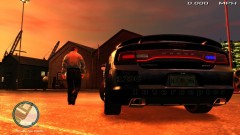
From the album: Jay-107 Screen Shots
-
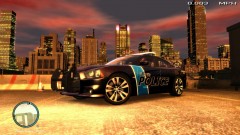
From the album: Jay-107 Screen Shots
-
From the album: Jay-107 Screen Shots
-
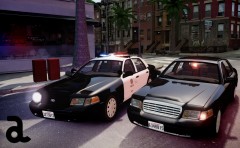 looks sharp bro
 -
-
Thanks; I'll give it another shot.
-
I am using the wired controller. I build out the controls in xpadder as normal then save them. Everything works when not in game but while in game it ignores the xpadder controls completely
-
@Michael, how did you get it to work with the 360 controller?
-
Anyone know how to make this work? I have xpadder and have built out a set of controls for it, and it works when not in game as mapped, but when I am in game I get nothing. Using Xbox 360 remote and have tried a generic remote as well.
-
Does not work on my noose or polpatriot. Great mod though.