Skip to content
View in the app

A better way to browse. Learn more.

LCPDFR.com

A full-screen app on your home screen with push notifications, badges and more.

To install this app on iOS and iPadOS
  1. Tap the Share icon in Safari
  2. Scroll the menu and tap Add to Home Screen.
  3. Tap Add in the top-right corner.
To install this app on Android
  1. Tap the 3-dot menu (⋮) in the top-right corner of the browser.
  2. Tap Add to Home screen or Install app.
  3. Confirm by tapping Install.

bandit28

Members
  • Joined

  • Last visited

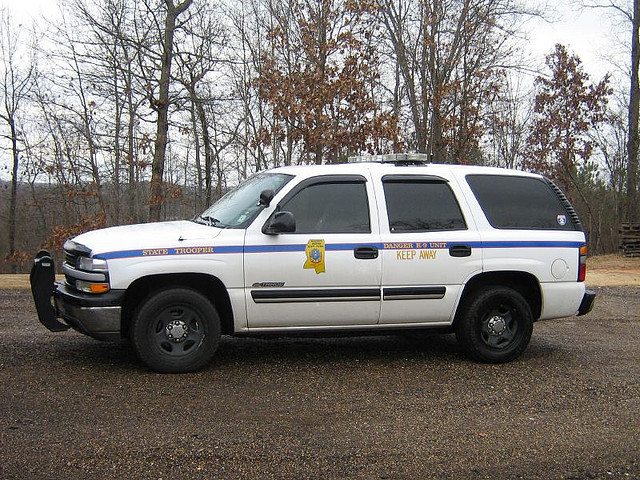
  1. dont know if u hade these pics or not and btw the pack looks great
  2.    bandit28 reacted to a post in a topic: New Non-ELS Collection Thread
  3.    bandit28 reacted to a post in a topic: older ELS vehicles into ELS8 question
  4.    bandit28 reacted to a comment on a file: Mississippi State Trooper skin for CVPI
  5.    bandit28 reacted to a comment on a file: Mississippi State Trooper skin for CVPI
  6. yes they wood dont see meen form mississippi for gta4
  7. it did not come with a manual i bought it form amazon.com and download it and yes its a new laptop
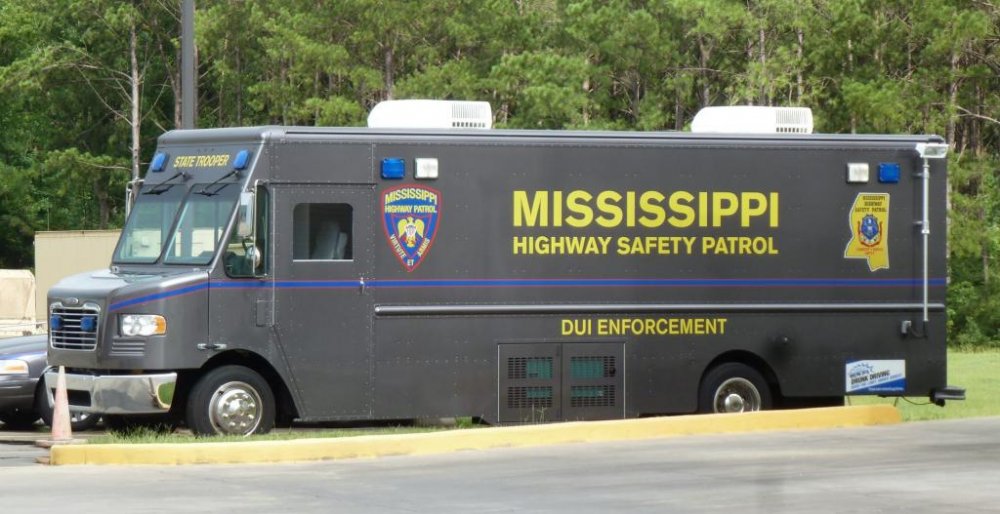
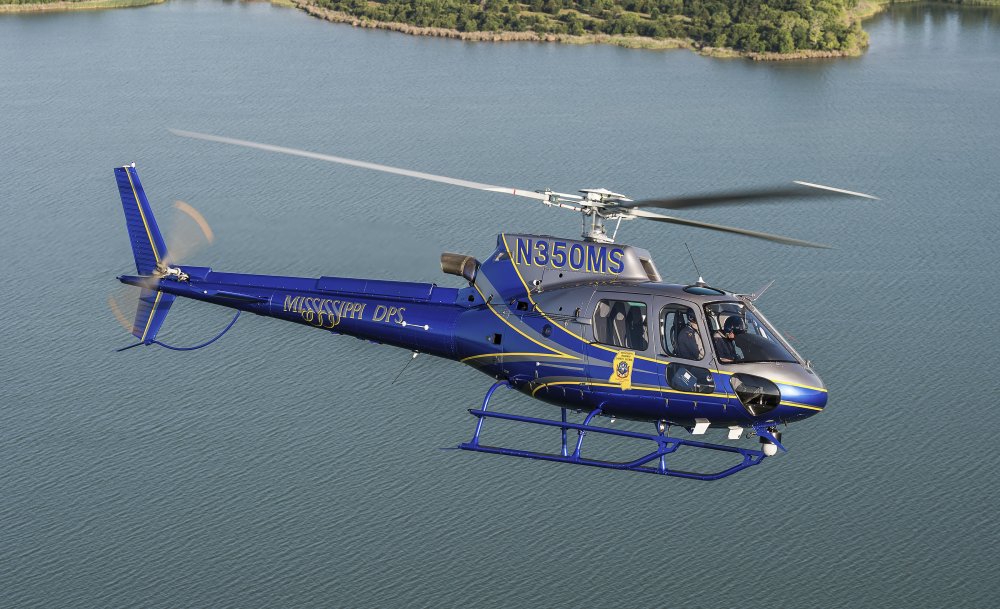
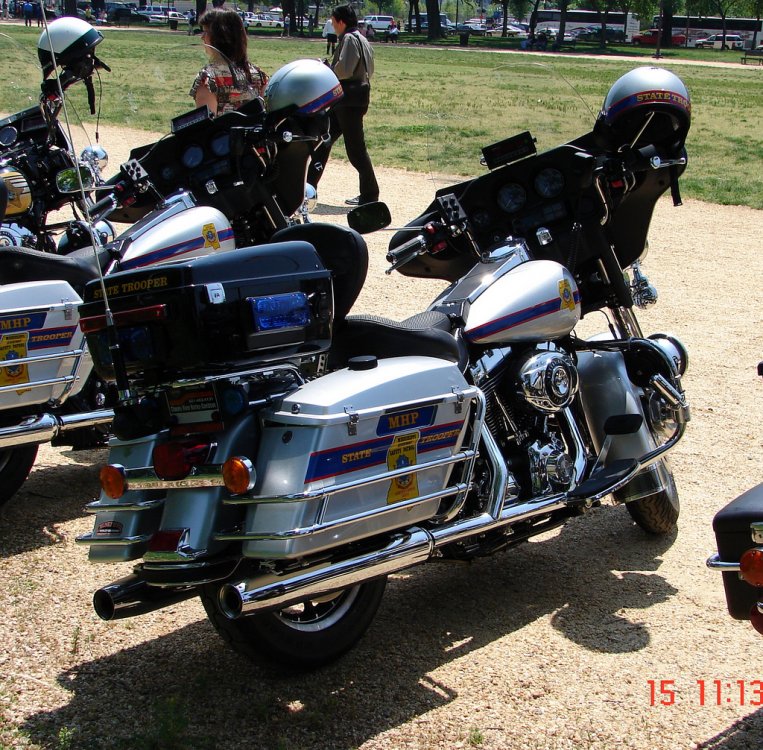
  8. charger and ford and tahoe the pics are of mississippi units all if you can
  9. Can someone please make some skins for me here are the pics http://s1265.photobucket.com/user/bandit291/library/ ?
  10. is there a video or someing to show how To instill. Gta4 on .a windows. 8 laptop if anyone can help plz ?
  11.    bandit28 reacted to a gallery image: Mississippi State Trooper
  12. cant wait looks like its going to be gd if u need pics form mississippi i have some if u need them
  13. i have his 2005 Ford Expedition and his i Mustang
  14. sorry i thought i had it but i dont have it
  15. i thank i have it on my hard drive but not sure let me look

Account

Navigation

Search

Search

Configure browser push notifications

Chrome (Android)
  1. Tap the lock icon next to the address bar.
  2. Tap Permissions → Notifications.
  3. Adjust your preference.
Chrome (Desktop)
  1. Click the padlock icon in the address bar.
  2. Select Site settings.
  3. Find Notifications and adjust your preference.