


OfficerErb
Members
-
Joined
-
Last visited
Everything posted by OfficerErb
-
I removed the asi manager and ScripthookV and it still crashes. I went to the Ragehook page any made sure I have all the requirements, which I do, and uninstalled and reinstalled them. I guess I can't this at all... :(
-
Yeah, I have done that too many times and it's really just a waste of time even when it doesn't fix the problem. Thanks for trying to help though. Regards.
-
Ok. Thanks. I was also reading on other forums and it seems some people are having the same issue, but no one knows how to fix it. Again, thanks for trying help.
-
Yes. I have even uninstalled the game itself just to be sure.
-
Yes. The game runs fine without RPH and I even verified the integrity of the game cache just in case. It didn't find anything unusual.
-
Sorry for not putting a picture in. 1. Yes, I have googled and haven't found an answer. 2. Also yes, they end exactly the same I even tried the .42 Ragehook patch and the log was the same
-
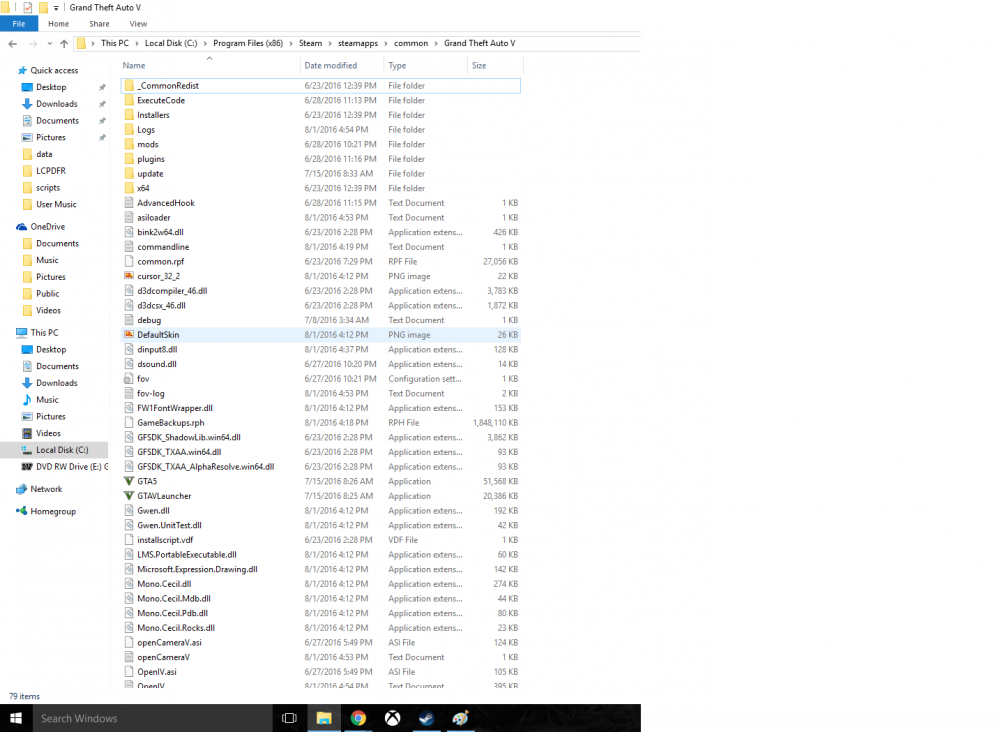
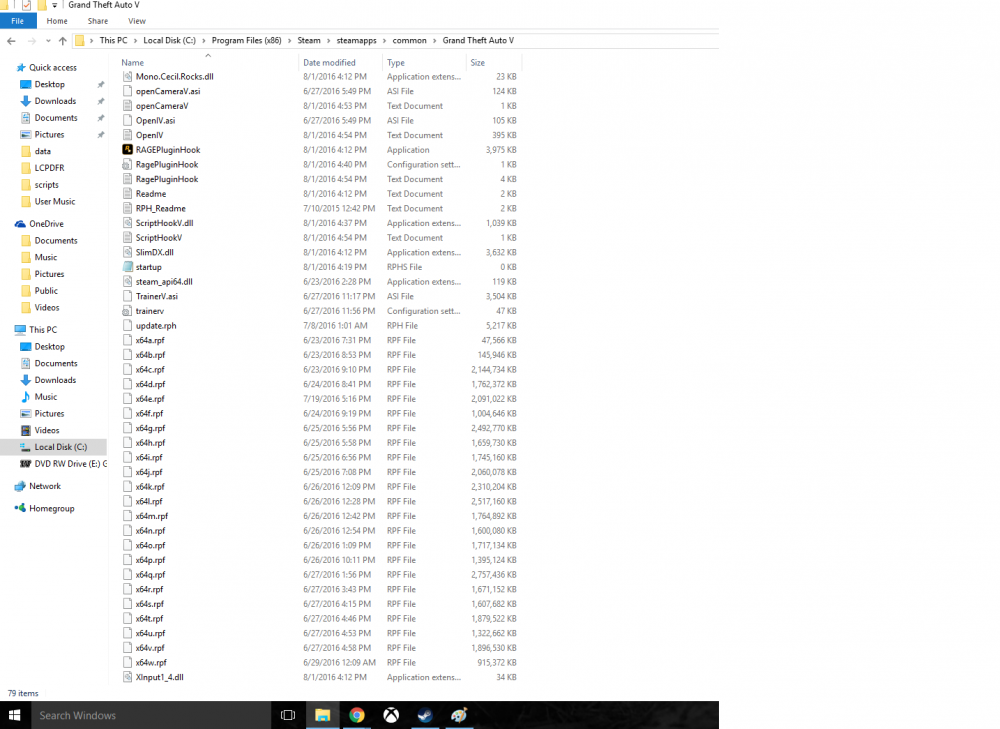
There are no mods. Just the folder itself. Sorry, here you go. [8/4/2016 3:51:03 PM.675] Started new log on 8/4/2016 3:51:03 PM.671 [8/4/2016 3:51:03 PM.678] ==================================================================================================== [8/4/2016 3:51:03 PM.565] Log path: C:\Program Files (x86)\Steam\steamapps\common\Grand Theft Auto V\RagePluginHook.log [8/4/2016 3:51:03 PM.696] Log verbosity: Verbose [8/4/2016 3:51:03 PM.697] Initializing input system [8/4/2016 3:51:03 PM.734] Initializing game console [8/4/2016 3:51:03 PM.824] Console key has been set to F4 (key code: 115) [8/4/2016 3:51:04 PM.603] Initializing console variable "ConsoleScrollAmount". [8/4/2016 3:51:04 PM.626] Type: System.Int32, Reading section: "Miscellaneous", key: ConsoleScrollAmount [8/4/2016 3:51:04 PM.628] Read value: <null> [8/4/2016 3:51:04 PM.629] Initializing console variable "DisableRenderVersionText". [8/4/2016 3:51:04 PM.629] Type: System.Boolean, Reading section: "Miscellaneous", key: DisableRenderVersionText [8/4/2016 3:51:04 PM.634] Read value: False [8/4/2016 3:51:04 PM.634] Setting value of console variable "DisableRenderVersionText" to stored value. [8/4/2016 3:51:04 PM.652] Initializing console variable "ConsoleKey". [8/4/2016 3:51:04 PM.652] Type: System.Windows.Forms.Keys, Reading section: "Miscellaneous", key: ConsoleKey [8/4/2016 3:51:04 PM.653] Read value: F10 [8/4/2016 3:51:04 PM.653] Setting value of console variable "ConsoleKey" to stored value. [8/4/2016 3:51:04 PM.653] Console key has been set to F10 (key code: 121) [8/4/2016 3:51:04 PM.653] Initializing console variable "PluginTimeoutThreshold". [8/4/2016 3:51:04 PM.653] Type: System.Int32, Reading section: "Miscellaneous", key: PluginTimeoutThreshold [8/4/2016 3:51:04 PM.654] Read value: 10000 [8/4/2016 3:51:04 PM.654] Setting value of console variable "PluginTimeoutThreshold" to stored value. [8/4/2016 3:51:04 PM.654] Initializing console variable "AlwaysShowConsoleOutput". [8/4/2016 3:51:04 PM.654] Type: System.Boolean, Reading section: "Miscellaneous", key: AlwaysShowConsoleOutput [8/4/2016 3:51:04 PM.655] Read value: <null> [8/4/2016 3:51:04 PM.655] Initializing console variable "ShowConsoleCommandInfoOnPluginLoad". [8/4/2016 3:51:04 PM.655] Type: System.Boolean, Reading section: "Miscellaneous", key: ShowConsoleCommandInfoOnPluginLoad [8/4/2016 3:51:04 PM.655] Read value: <null> [8/4/2016 3:51:04 PM.655] Initializing console variable "ShowOnScreenWarnings". [8/4/2016 3:51:04 PM.655] Type: System.Boolean, Reading section: "Miscellaneous", key: ShowOnScreenWarnings [8/4/2016 3:51:04 PM.656] Read value: <null> [8/4/2016 3:51:04 PM.656] Console initialized [8/4/2016 3:51:04 PM.656] Initializing forms manager [8/4/2016 3:51:04 PM.735] Version: RAGE Plugin Hook v0.43.977.9059 PUBLIC ALPHA for Grand Theft Auto V [8/4/2016 3:51:04 PM.822] ================ RAGE Plugin Hook ================ [8/4/2016 3:51:04 PM.873] Detected Windows 10 Professional (64-bit) (10.0.10586.0)! [8/4/2016 3:51:04 PM.876] Checking game support It crashes before the Rockstar logo shows up...
-
Hi, I am having a big issue with Rage Hook Plugin and it is quite frustrating. Every time I start the game with the Rage Hook exe, it loads to the GTA V loading screen, then crashes. I am stuck and unable to figure out the issue. Any help would be great. Thanks.
-
I know, but I'm really looking for a skin for a car EDIT: I found some good ones but thanks for letting me know.
-
I am having a hard time finding any good sheriff's cars and it would be nice if anyone could recommend any good ones.
-
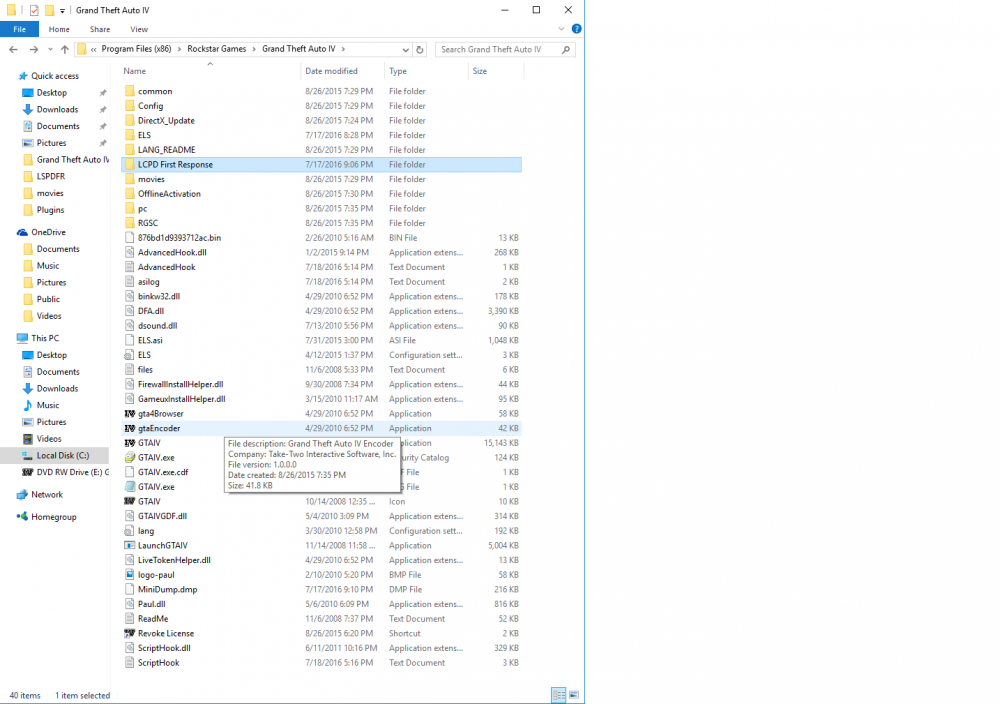
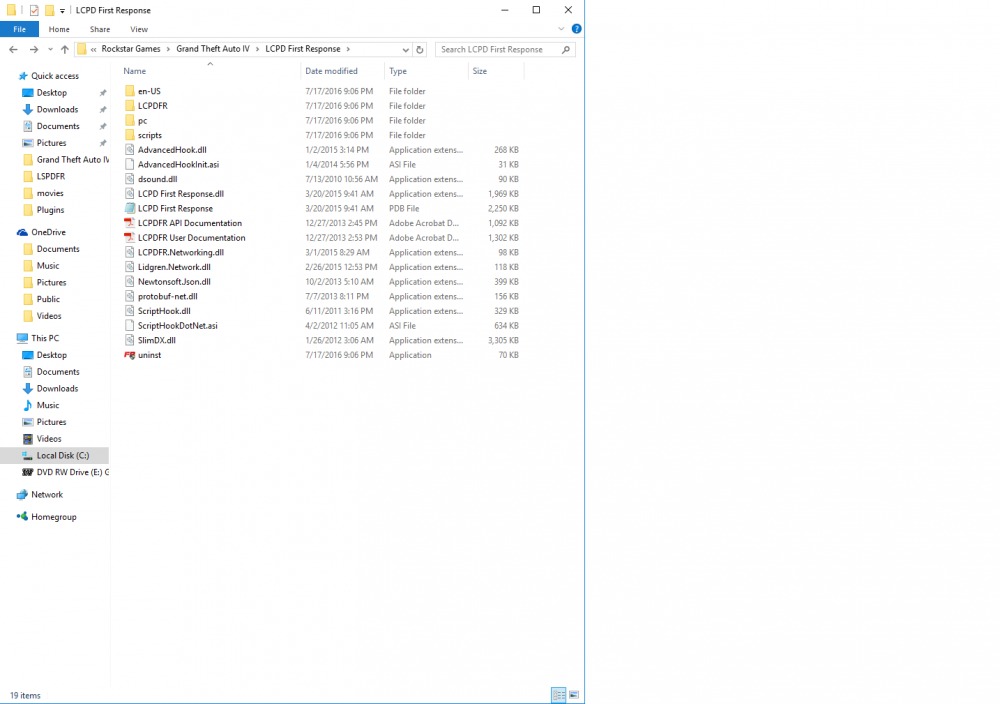
I am having an issue with GTA IV and that LCPDFR is not loading. I reinstalled GTA IV and only installed LCPDFR, but still having issues. Please Help.
-
Oh. I'm such an idiot. Thanks
-
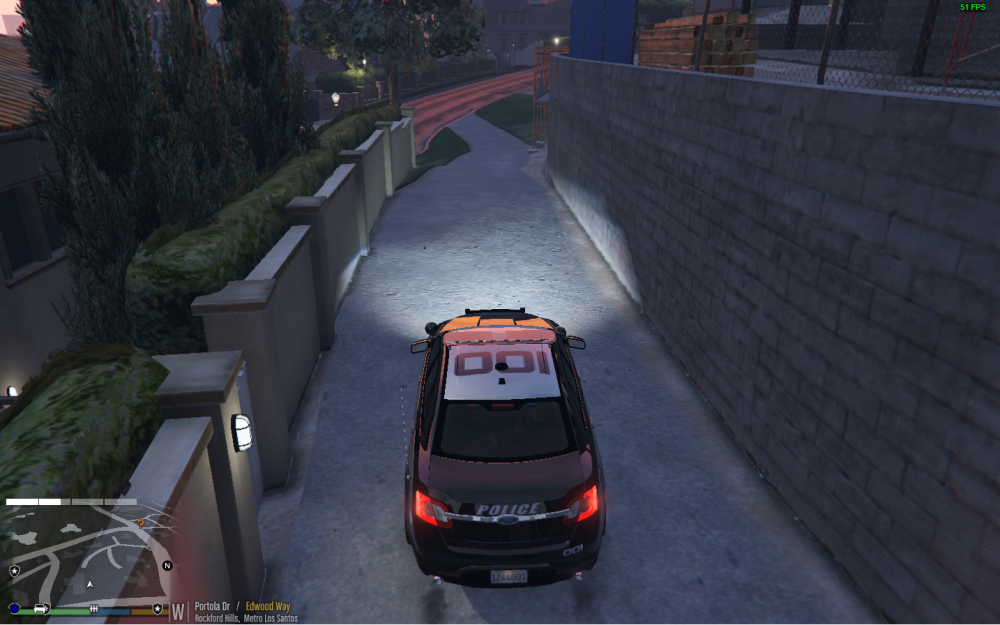
I don't know what's going on..
-
 Hi, just wanted to say this looks very nice, but I am having trouble installing it. I let OpenIV install it but when I go into the game, nothing was installed. I am puzzeled... Thanks EDIT: i fixed it lol I had installed the one from GTA 5 Mods and that didn't work for me. I downloaded the one from LSPDFR and it still didn't work. The problem: I downloaded the one from GTA 5 Mods multiple times and didn't realize it. So once I figured this out, I installed the one from LSPDFR and it worked. If it doesn't work, then I would suggest installing it multiple times.
- 273 comments
- 61 reviews
-
-

- 1
-
-
I don't know what is going on but it's been like this forever and I have found no answers... Anyone care to help?


