


mclovin109
Members
-
Joined
-
Last visited
Everything posted by mclovin109
-
-
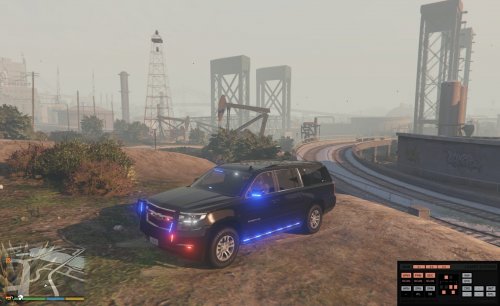 I'm not exactly sure why that happened. It was supposed to be only blue. If you extract the light textures from the ytd and cover the existing blue with a solid dark blue box it should fix it. I'm just not sure if it will have a realistic look so I didn't do it.
- 87 comments
- 22 reviews
-
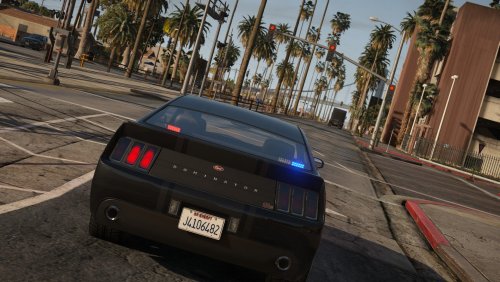 Not ELS but a good undercover FIB Car
 -
awesome
-
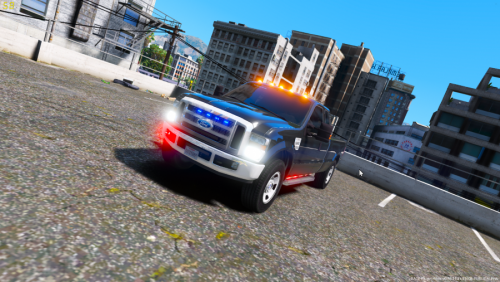 @RangerZ once again the traffic bars are not really by me. i slightly edited EVI's siderunners (straightened and shortened)
- 15 comments
- 3 reviews
-
can someone help me add a rotator. none of the siren settings have more then 5. i need 6 thanks
-
-
-
That is a potential future update. Original model didn't have. I have to see how hard it is to add because it doesn't bother me that much
- 87 comments
- 22 reviews
-
you can edit the texture of whatever model you want to make it amber
-
i finally figured it out. they still had the reverse light ID (12) so only lit up when in reverse. (thank you @OfficerFive0 and @11john11 for your help although you dont even know)
-
Could someone make an emissive that is the exact shape of the 2015 tahoe/suburban reverse lights? I want to use it on my model but i cant do it myself. i followed the recommended steps from different people but no matter what happens the part just flashes without lighting up. if you have a clear instructions (video) that would also be good. thanks
-
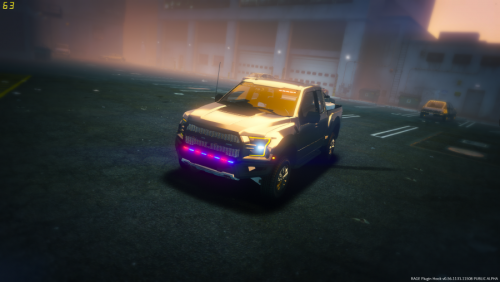 @RangerZ the traffic bars are actually siderunners by EVI that i slightly modified. he really gets the credit
- 12 comments
- 9 reviews
-
-

- 1
-
-
It is a little outdated. I'm not sure what the latest dlc is. I personally use the following for all my add-ons. This is also probably useful
- 87 comments
- 22 reviews
-
Read the guide I linked to right above this. It explains very clearly how to install cars And download and install els. And read instructions provided
- 87 comments
- 22 reviews
-
Did you ever replace a car before? If not then read this. If yes then I don't know what your question is
- 87 comments
- 22 reviews
-
Thanks. That explains why I couldn't get the windshield to map properly. I thought it was the whole top piece for everything. Didn't realize it was split into parts. I'll try to find the right place to remove on the back window
- 87 comments
- 22 reviews
-
I'll try that. I was having trouble remapping the windows but I'll try again. There is only 1 version up right now. 2nd file is just els config
- 87 comments
- 22 reviews
-
-
fixed that and added a temporary fix to the lights. also added your adjustment to the headlight and taillight patterns
- 87 comments
- 22 reviews
-
-
- 1
-
-
-
-
if you create a texture that looks good on the vehicle i can assign it to just the windows. (model is unlocked btw). did you try the texture in game? do the lights shine thru the windows?
- 87 comments
- 22 reviews
-
im trying to add tint. (i need to learn how) currently the pushbar is not an extra because i have lights attached to it. im hopefully going to add a version without the bar or as an extra
- 87 comments
- 22 reviews
-
I'll see what I can do about the tint. I wanted a pushbar and didn't see a good replacement.
- 87 comments
- 22 reviews
-
-
- 1
-
