Cameron Waller
Members
-
Joined
Everything posted by Cameron Waller
-
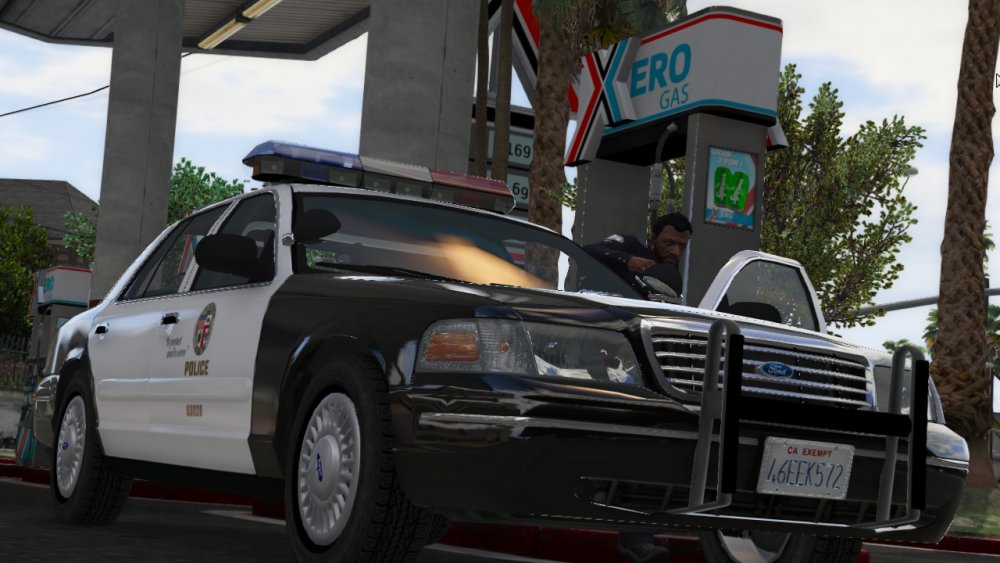
So I modeled a 98 CVPI Traffic LAPD car and it will be ready for release really soon
-
Well I have a american lafrance pumper from the 80s or 90s that I would love to convert, but the problem is I just don't know how, I seen all the tutorials.
-
I would love to use that only if it wasn't 89$
-
I would love to, but where am I going to find these models?
-
I'll see what I can find out about that.
-
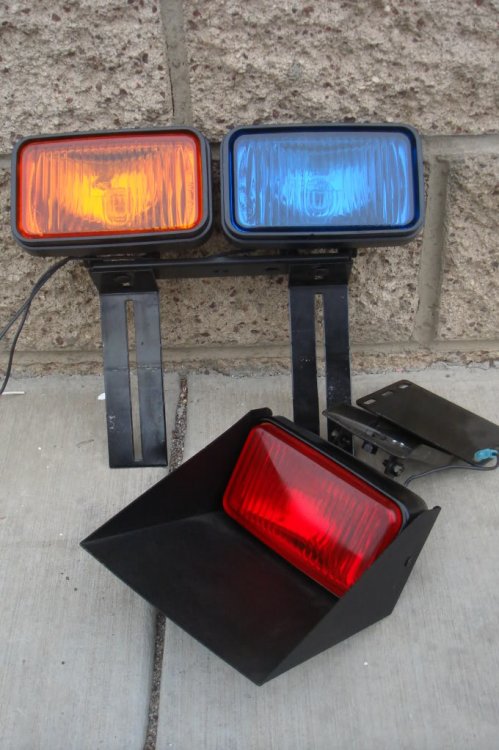
Anyone know where I can get a coplite that will show up in Zmodeler3?
-
I already have that planned.
-
As soon as I get interior equipment and get the Arjent lightbar to work.
-
You guys should give me ideas on what to make.
-
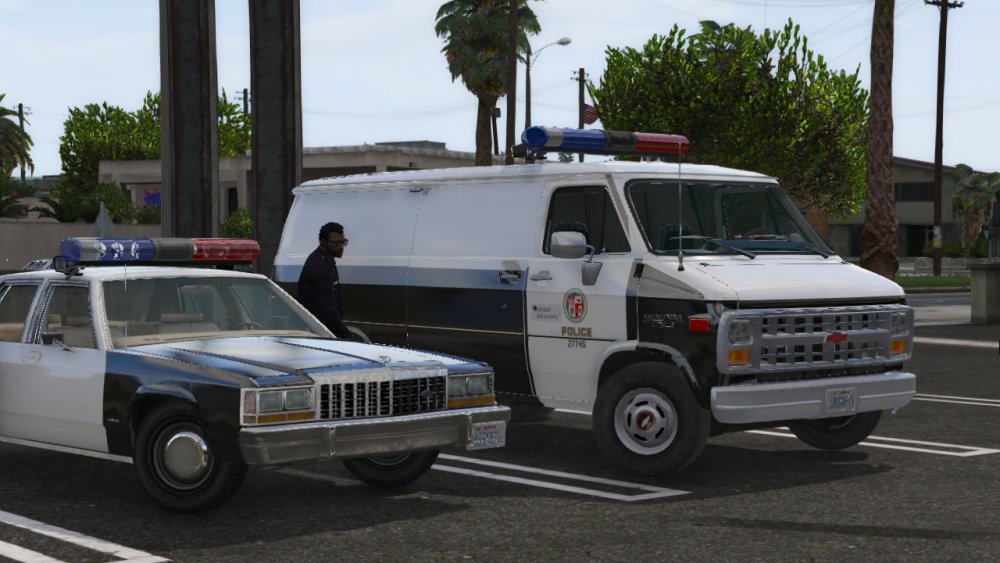
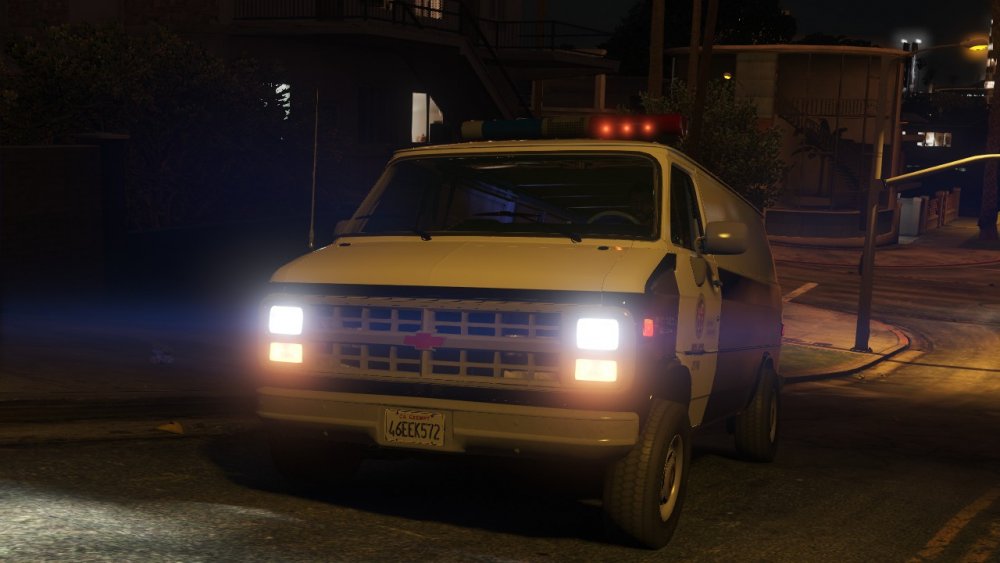
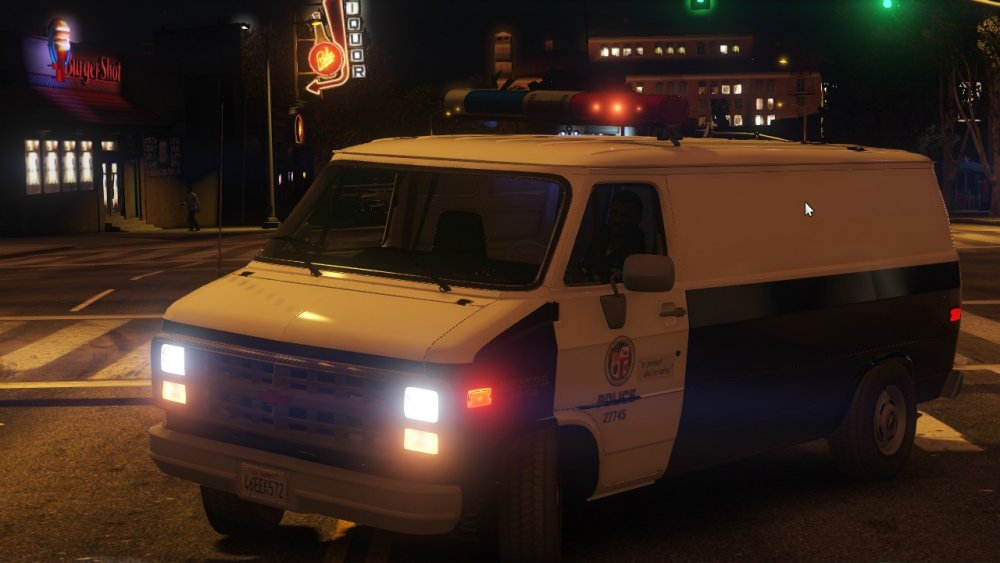
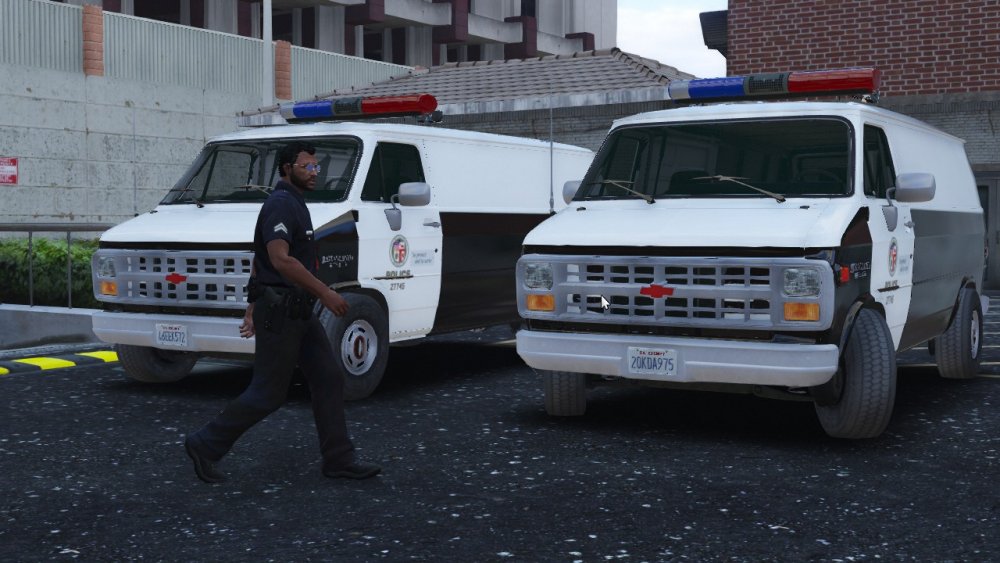
I added another classic LAPD car that I hope to release soon and the LAPD van will be ready when I added some interior parts and see if I can get steady burns and TA lights.
-
From the album: My W.I.P
-
 It does.
 -
From the album: My W.I.P
-
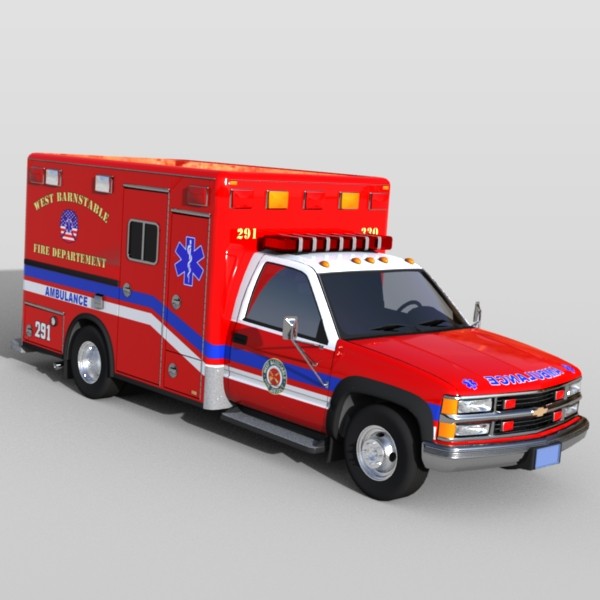
I'm working on converting a Chevy 2500 Ambulance
-
The G20 LAPD Van will be ready for release soon
-
Yep I'm trying to get a hold to some more parts.
-
 It's been a long time coming.
 -
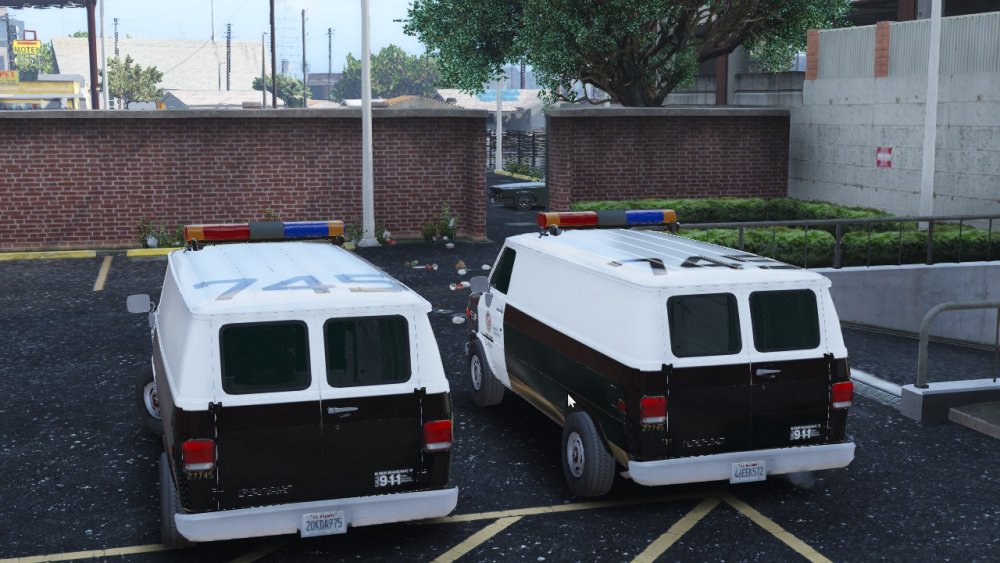
Chevy G20 LAPD Transport Van
-
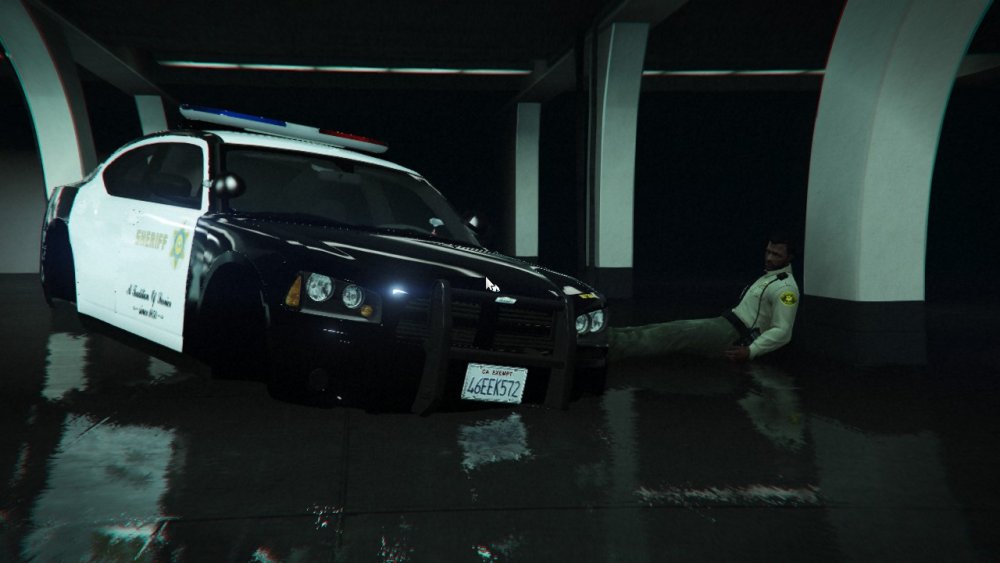
Having some issues with LASD Charger
-
 That looks amazing
 -
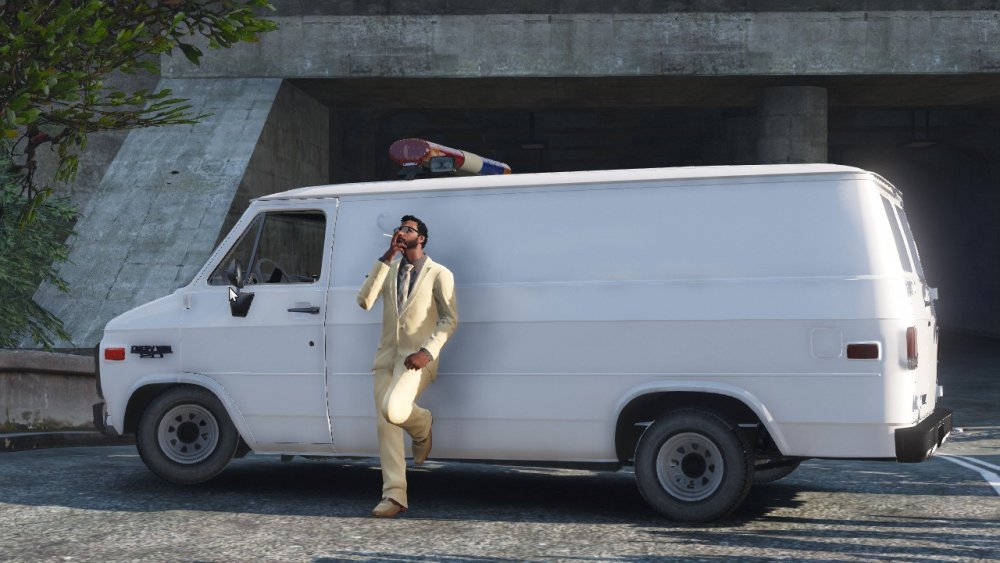
Any guesses?
-
That's been a concept car for years
-
No lights
-
I can't get any lightbar to work and I want to get the model released soon. Any help would be great.
-
I thought I'd add some older hubcaps to the CVPI