
Ricky Spanish
Members
-
Joined
-
Last visited
Everything posted by Ricky Spanish
-
-
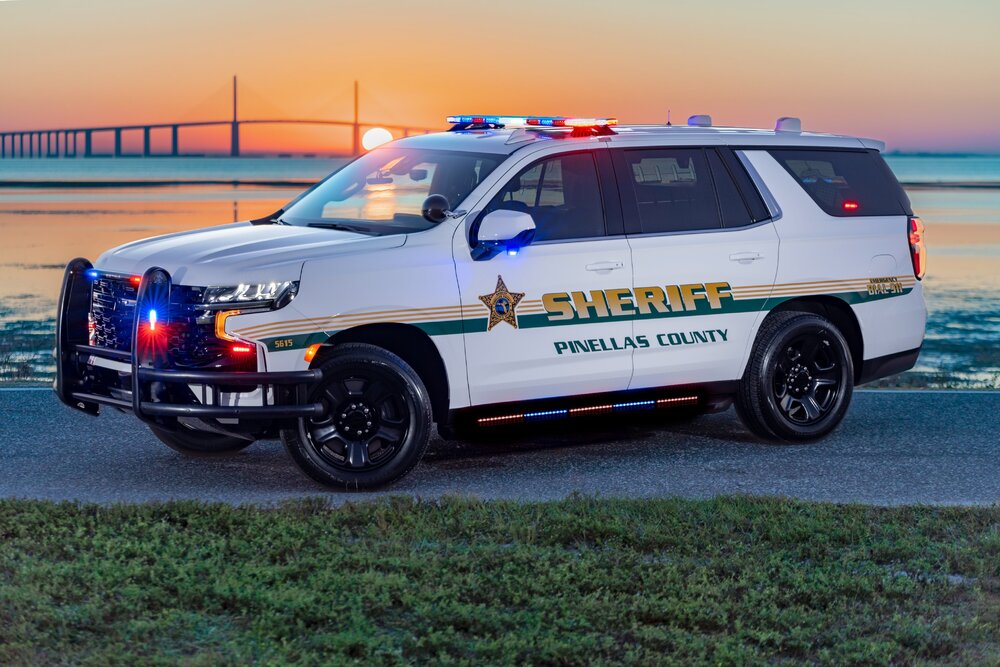
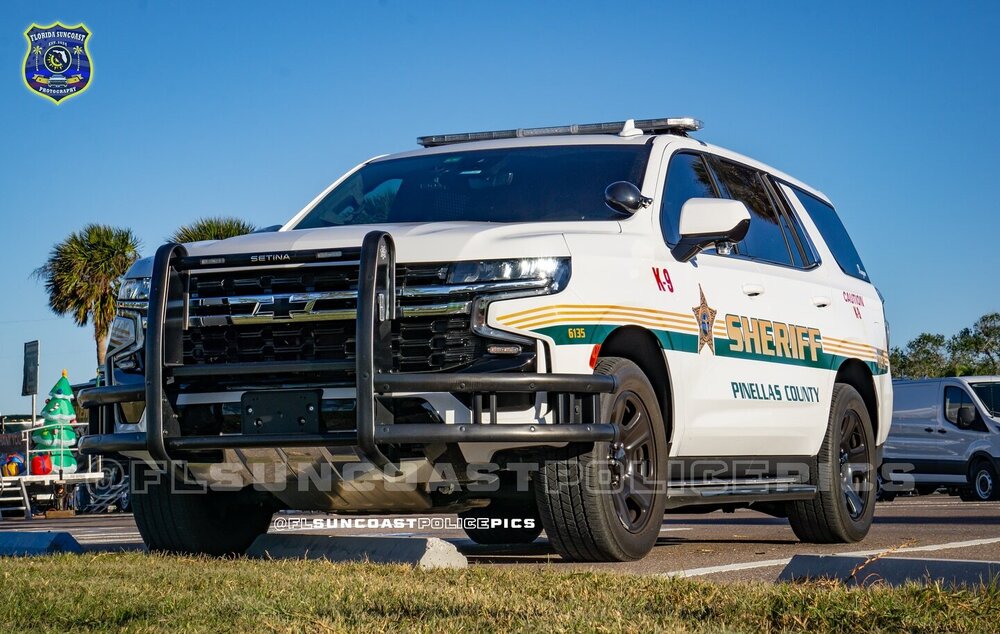
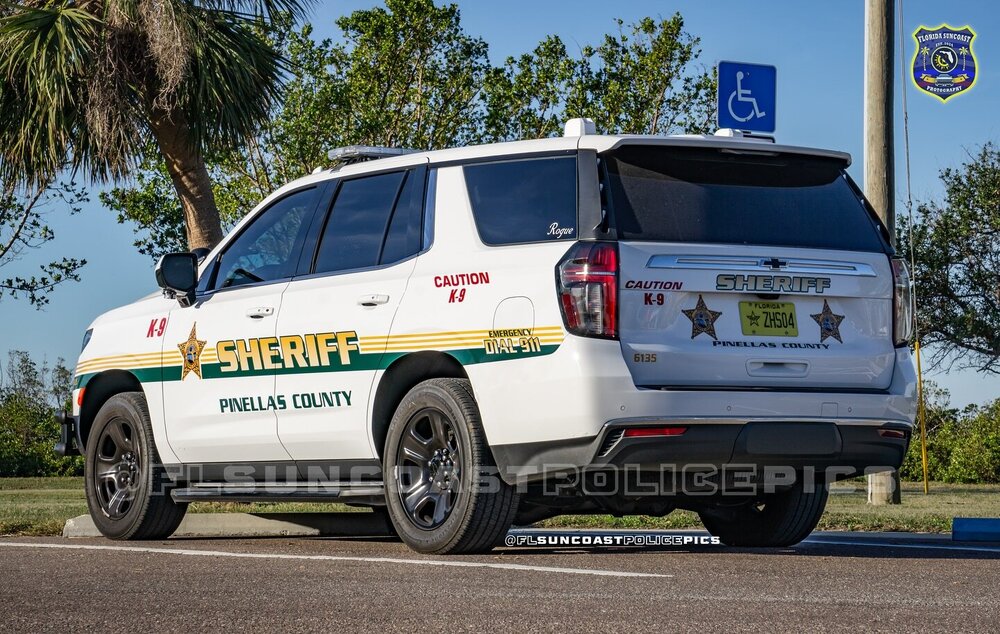
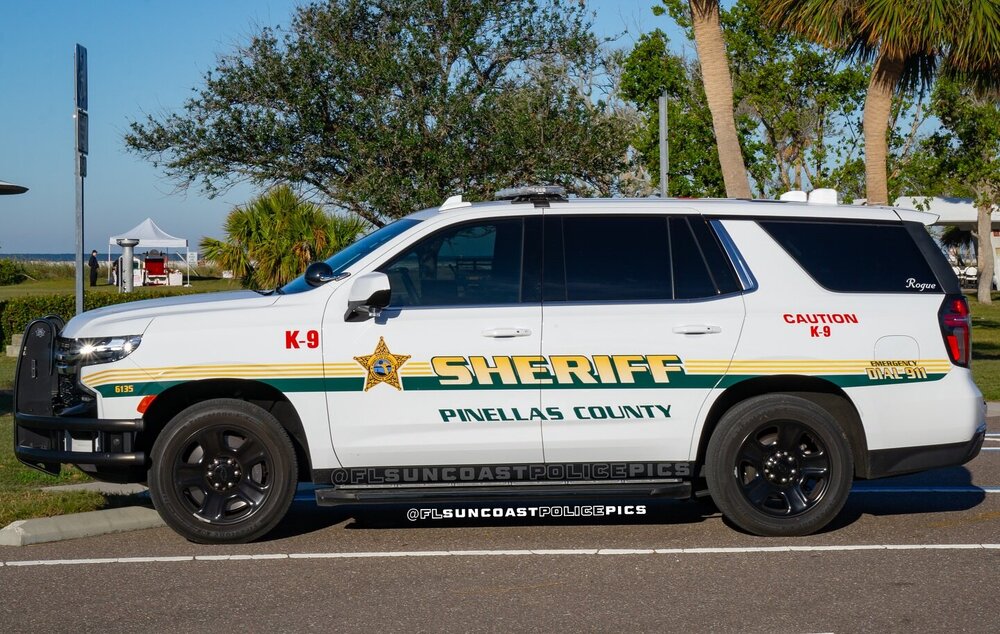
 Most accurate FHP pack on here hands down. Unfortunately, I'm running into an issue where either one set of running board lights turns on or neither do depending on the model. Any fixes?
- 116 comments
- 19 reviews
-
Thank you! You’re an angel!
-
-
Any 5 point FL Sheriff's based star would be greatly appreciated!
-
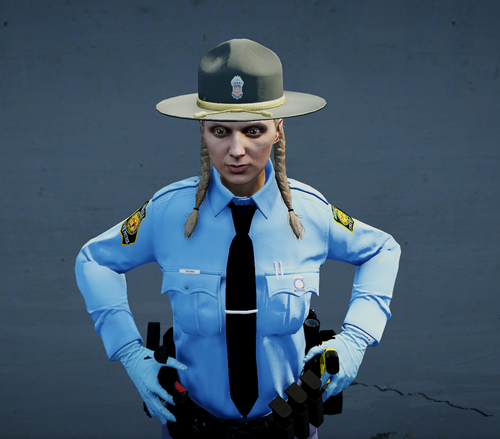 All good, I reinstalled them on a backed up version and as long as I move very slowly in the EUP menu it’s not catastrophic. I was able to do multiple GSP uniforms for m/f as well as completely replace sahp in ultimate backup with them with no crashes. Thanks man, looks great!
 -
These look fantastic and are exactly what I've been waiting for. Unfortuntely, the replacements crash my game in the EUP menu in sp and I'm absolutely lost on where to place the js_gsp add on file. Where in relation to GTA V > Mods > Update > X64 > DLC Packs > EUP > DLC.RPF am I dropping the folder in OpenIV? Also Once I correctly drop the folder in, I have no idea where to locate the server's startup config. I'm assuming this is fivem only and not intended for sp?
-
I figured, I just wanted to mak sure thanks for the fast reply !
-
So I saw that there is an option from els that enables a steady burn(where lights stay on but don't blink) and my computer has been down for a while so I can't try out out myself, but I was wondering if anyone has used it and if the door bug still occurs when using it
-
Ok, I've never heard it referred to as a "steady pattern" only steady burn thanks for the help
-
i just want the lights to stay on but stop blinking momentarily
-
What is crz? Sorry, my computer's been down
-
Is there any way to keep the lights on but momentarily pause the lights from blinking? basically keeping them stationary so the door bug doesn't occur
-
-
Thank you for the help everyone, will do
-
So I want to do some in depth ped editing such as body scaling,patch and badge replacement and I was wondering if I need any type of software to do so , any help is greatly appreciated
-
Thanks again for the help (:
-
If I were to replace an apc with a charger would it still handle like an apc? As always any help is appreciated, thank you
-
Thanks, I'll probably replace the stinger with it since most departments don't have a surplus of gt500's lol
-
Thanks so much
-
I'm thinking about making an unmarked 2013 shelby gt 500 but I saw somewhere that some cars can't use the police computer So before I go through the trouble of making the car I need to know if it can use the computer, thanks any help is always appreciated
-
So I'm going to create a fish and game type branch of the liberty state police (that I'm also creating)and I want to use the legendary ridgerunner's nysp Stetson and re color the purple section to hunter green, so basically I want to know if I download the ped can I edit and use only the hat? Thanks
-
-
I'm trying to do the same thing but do they all have separate uniforms? & if so how? Thank you
-
Alright, so you CAN designate peds with separate uniforms and vehicles to different parts of the map ?