
Not AJ
Members
-
Joined
-
Last visited
Everything posted by Not AJ
-
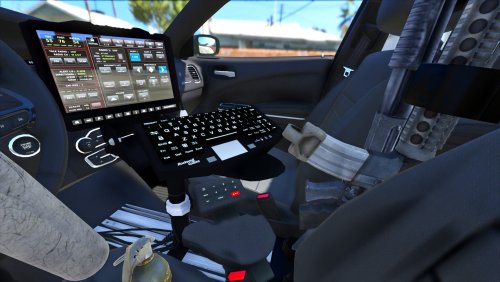 It's Merry Christmas! Get it right, bro! Jk lol, good job. I love it.
 -
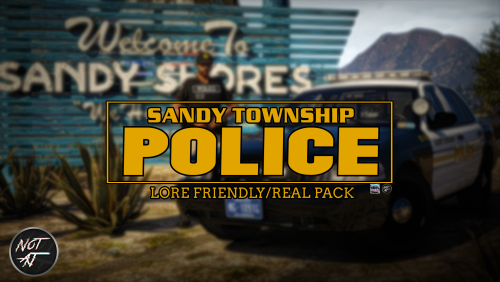 Great job, Chris!! Time for that one we talked about 😉 😍 Yus? PS: Find the hint in the picture!!
- 18 comments
- 5 reviews
-
-

- 3
-
-
-
-
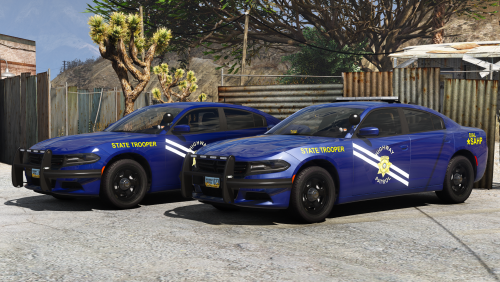
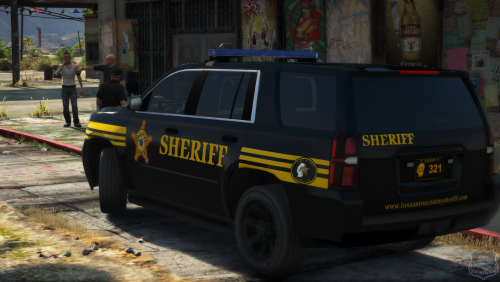 Dude, this is amazing! 😍 I love the reflectivity as well! In the sense that you did "all of the Sheriff's Offices in Ohio", I should congratulate you for doing so. 😂 LOLOL! Due to the fact that you included Los Santos County S.O. ones, I'm gonna be using these in a video pretty soon! Will be posted hopefully around next week! 😼
- 12 comments
- 6 reviews
-
-
- 2
-
-
Long live another legend , Maurice97. 😭 Smh. I'm sorry you had to experience that. Why would the admin even do that? I find that to be wrong and disrespectful. Only admins who I've once appreciated and always will is during the days of 2013, my man. I joined at around the same time as you.
-
I’d miss having you back in all honesty. One of my favorite kinds of staff members. Much love ineseri! I don’t blame you, man. Save travels. Discord is a better way, unfortunately. Your textures are godly, bud 👍 Sad to see this die down.
-
-
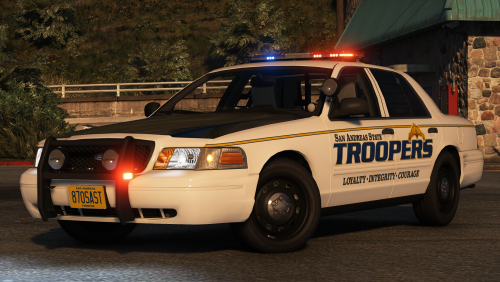 Now, this is delicious 😍 Pack looks like a dam' snack, ye! Yum! Expect to see this in my game soon, bro! Ahaha, love it! Keep it up, buddy! #LiveFR
- 31 comments
- 24 reviews
-
-
- 1
-
-
 Freaking amazing 😍 Keep up the amazing work, Maurice. You're well talented at the modeling you do. I hope to see more! Can't wait for this one, man, as I told you. The blues with Flagler County make it look SUPER CLEAN! The real department should look into that 🤔 Love it, dude.
 -
 Nice job! It's floating btw!
 -
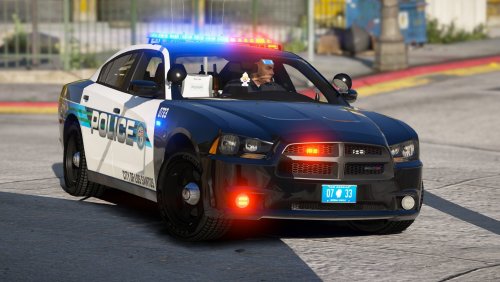 ABSOLUTELY BEAUTIFUL! 😍 Downloaded! Will definitely be on one of newest videos! Lightbar and skins are on fleek. Below is a video on using the 2014 Charger out of the pack! Get a good preview of a night shift episode!
- 22 comments
- 16 reviews
-
-
- 1
-
-
I love that fourth tone! I've been looking for it for so long on this video right here (with the ambulance):
-
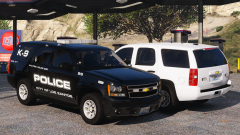 11/10, IGN, I'm using these babes soon when they rel'd
 -
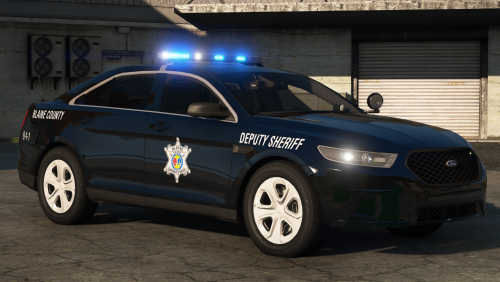 I enjoyed the heck out of it, dude. Thank you for the 'plug' 😉 But dude, this was amazing. My favorite cars thus far: 2009 Charger, 2014 Charger, 2016 Camaro, and 2015 Tahoe! ❤️ 😍 GG, man! I hope to see more from you.
- 46 comments
- 27 reviews
-
-
- 2
-
-
-
 Always impressing, Maurice 🙂
 -
-
 OMG!!!!
 -
-
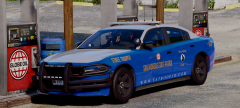 OMG! Can't wait to use this baby on the highway and run radar with it too! OH MA GAW! 😍 Too good 😘 I'd kiss that Charger any day.
 -
-
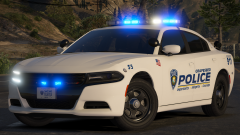 The legend has returned ❤️
 -
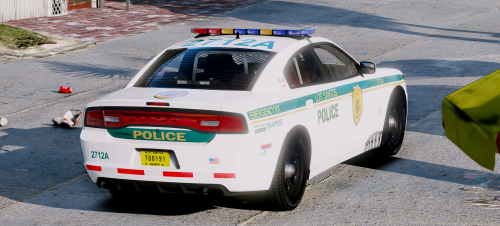 This was a beautiful 14' Charger, boys @Maurice97 and @Sinnisa 😄 Loved it a lot! Keep up the amazing work! ❤️
- 10 comments
- 8 reviews
-
-
- 3
-
-
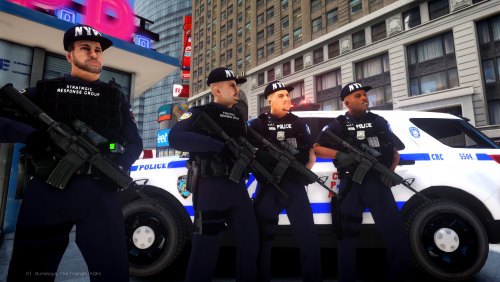
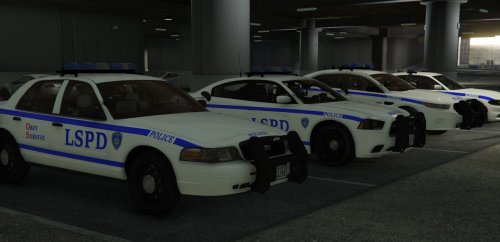 3 stars are neutral, so I don't think anybody can argue with that. Especially for a first-timer. Good try on it. I see where you're trying your hardest on. This is okay for a first-timer. Allow me to bump in a few suggestions: 1. Always use Font Squirrel on a picture if you're unsure of what the font is. The font for NYPD is something along the lines of "Rockwell" or "Rockwell Bold". I forgot. 2. Ask for help. Get others to assist you. Maybe peer review? I know, half the community is pure cancer. Work your way around getting some good people to help 3. Best suggestion from a long time texture creator... always have a picture on one screen, and your photoshop editor on the other. Make sure if things make sense. 4. Look up tutorials. The best person to use as a reference (or who helped me a lot) is Doug1637's skin tutorials / speed-arts. There are others, but he's the only whom I watch. 5. Don't take any reviews too personal. You did well for a first-timer. Once you do this often (over and over), you'll get used to it
- 10 comments
- 5 reviews
-
-
- 1
-