
Lee10
Members
-
Joined
-
Last visited
Everything posted by Lee10
-
You should make a copy of this comment and post it here, he's currently working any errors that come up.
-
 I second this motion, link to model or I call Trevor Phillips. /s
 -
From the album: Random GTA 5 pics
-
From the album: Random GTA 5 pics
-

From the album: Random GTA 5 pics
-
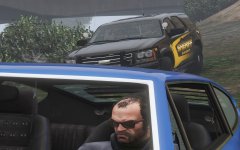
From the album: Random GTA 5 pics
-
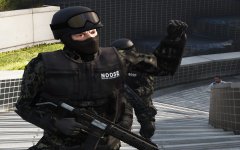
From the album: Random GTA 5 pics
-
And here we see the state of this thread:
-
-
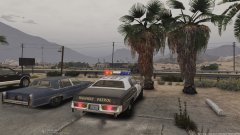 I always like it when we get classic cars in here, nice work dude.
 -
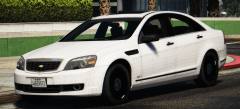 That grille looks great.
 -
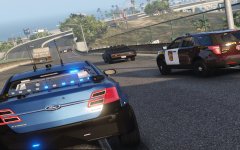
From the album: Random GTA 5 pics
-

From the album: Random GTA 5 pics
-
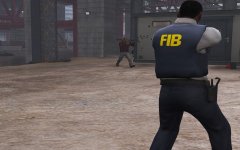
From the album: Random GTA 5 pics
-
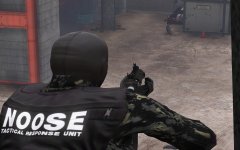
From the album: Random GTA 5 pics
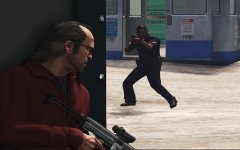
NOOSE agent faces off with Trevor Phillips. -
One callout I recommend is a sniper callout, don't really see that on the downloads page. Also, thanks for being part of the community and creating Callouts.
-
What breed of dog is that?
-
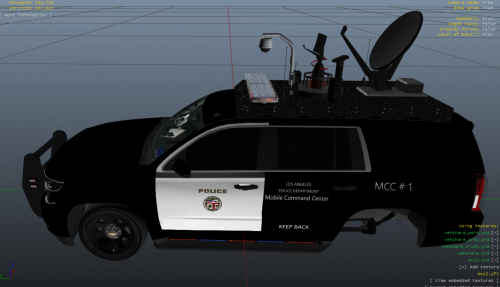 @Jordan824 Hey man nice skin, do you think you make a Lore Friendly FHP skin for an explorer?
 -
Sam sends his regards. Ben is currently calling Trevor to take you down.
-
I'm using Chrome. And yes, it was from the forum index.
-
No, I'm talking about clicking on an image, and the arrow button that used to be there isn't anymore.
-
Update, I just uninstalled all of my mods, including ScriptHook and the game worked just fine, so this is definitely a mod, only thing is all of the Mods I have are up to date, (except for ELS, but I don't see why that would be a problem).
-
https://www.gta5-mods.com/weapons/realistic-weapons-sounds
-
https://www.ford.com/suvs/explorer/2020/ My thoughts on this? I don't know, I want to wait and see, because when the 2016 version was revealed, I instantly hated it, now I love it and use it all the time in my game.

-
From the album: Random GTA 5 pics