




Lee10
Members
-
Joined
-
Last visited
Everything posted by Lee10
-

From the album: Random GTA 5 pics
-
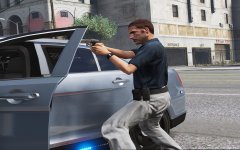
From the album: Random GTA 5 pics
-
It's a small bug, but previously, I could click on a image and click the arrow button to look at some other images posted by the author, now I have to exit and click on each image individually. Hope this gets fixed.
-
Below is a crash report for GTA 5, generated by ragehook. Now I don't knwo what could be causing this, I have VisualV, a trainer, gun sounds mod, along with several vehicle mods. I would like someone to help me, because right now, I'm at a loss. Added some pictures too.
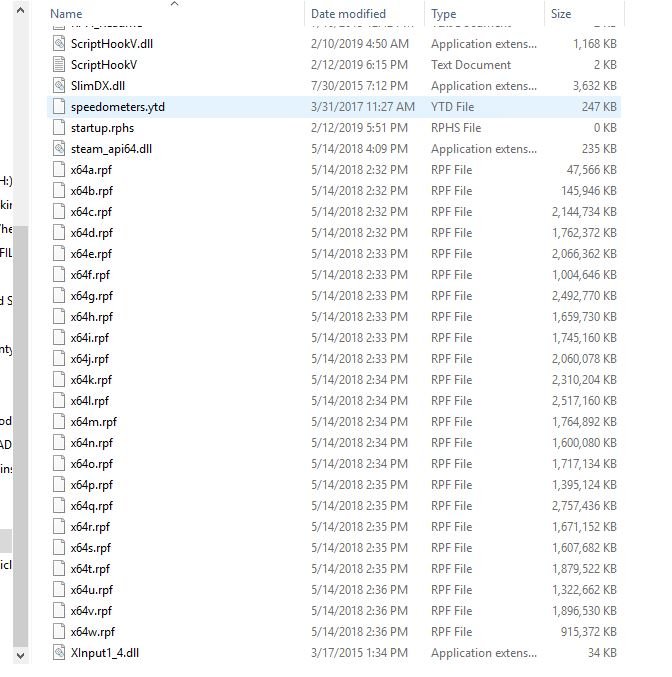
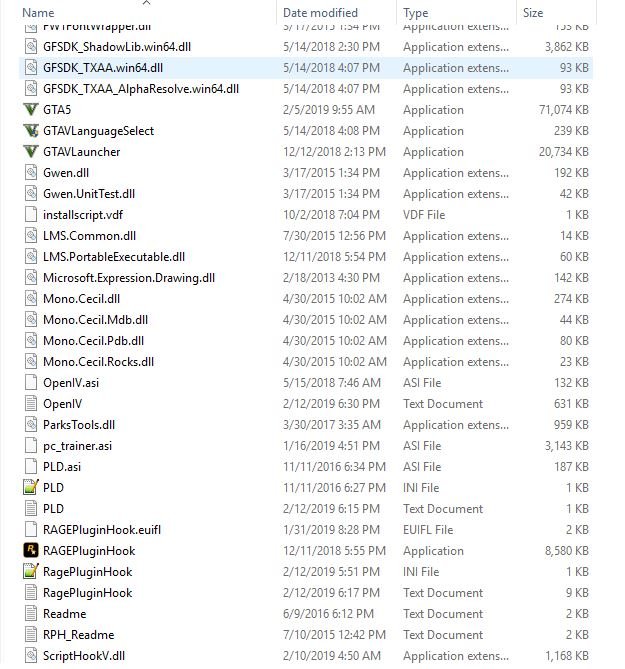
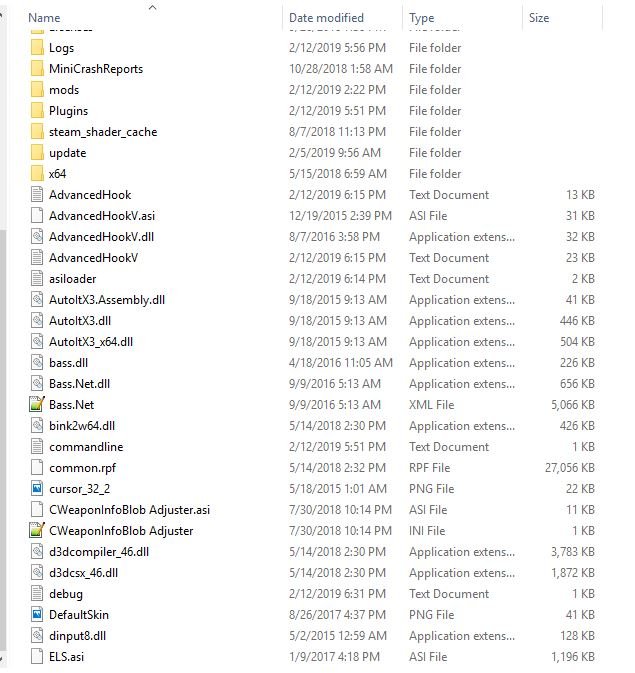
-
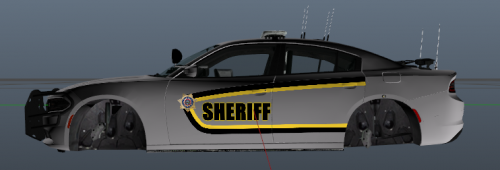 Hey man, are you taking requests? I like your recent skins.
 -
That name that shows up in the LSPDFR statistics.
-
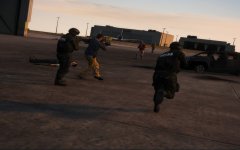
From the album: Random GTA 5 pics
-
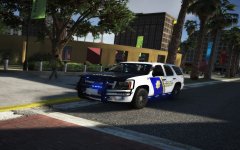
From the album: Random GTA 5 pics
-
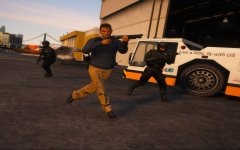
From the album: Random GTA 5 pics
-
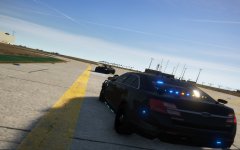
From the album: Random GTA 5 pics
-
@Cyan Probably a obvious question, How do we go about changing our LSPDFR name? I remember mines was my Rockstar or Steam name IIRC.
-
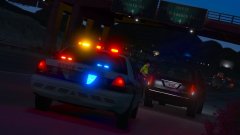 Who made this car?
 -
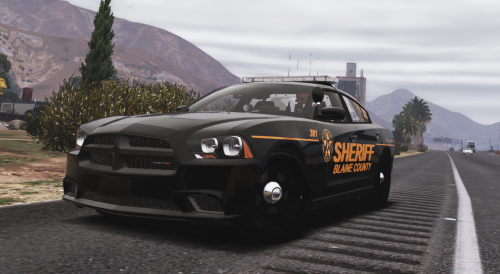 Hey dude are you still doing requests? If so can make that Texas style DPS skin for this CVPI? It's a new pack and the other CVPI skin you made sadly won't fit on it. @Winterphunk
- 1 comment
- 1 review
 Man I wish this was ELS, still an epic looking car.
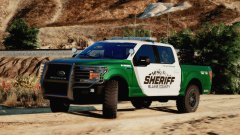 Looks very nice, can't wait to see it in the downloads.
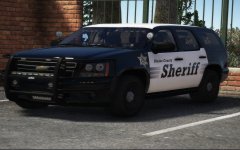 Here are some links.
Dude, what car is this?
Here are some links.
Dude, what car is this?
From the album: Random GTA 5 pics
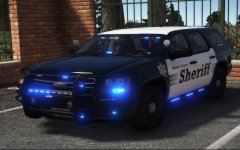
From the album: Random GTA 5 pics
 Nice pictures man, are you using VisualV?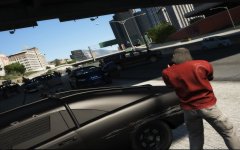
From the album: Random GTA 5 pics
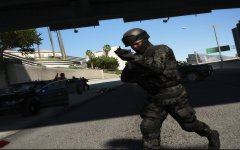
From the album: Random GTA 5 pics
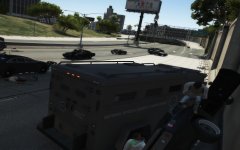
From the album: Random GTA 5 pics
This is probably a one in a million shot.Just so I'm clear, in addition to the additional departments will there be add on slots where we can replace with them with our own cars or?


