Skip to content
View in the app

A better way to browse. Learn more.

LCPDFR.com

A full-screen app on your home screen with push notifications, badges and more.

To install this app on iOS and iPadOS
  1. Tap the Share icon in Safari
  2. Scroll the menu and tap Add to Home Screen.
  3. Tap Add in the top-right corner.
To install this app on Android
  1. Tap the 3-dot menu (⋮) in the top-right corner of the browser.
  2. Tap Add to Home screen or Install app.
  3. Confirm by tapping Install.

RCMPcop1509

Members
  • Joined

  • Last visited

Everything posted by RCMPcop1509

  1. Yeah im having the same exact issue havent found any fixes yet ive tryed reinstalling everything
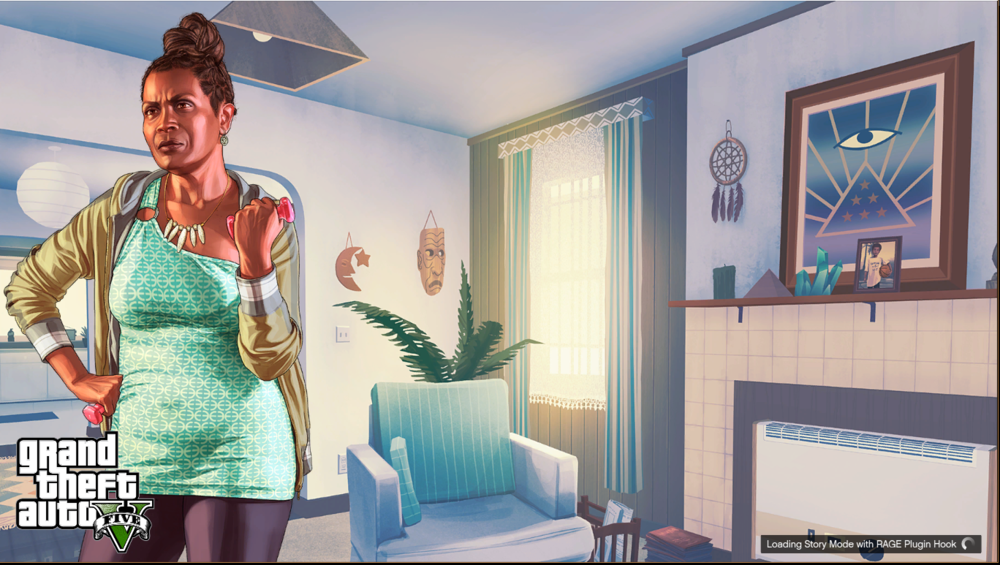
  2. So my Ragehook freezes on the loading screen and doesnt load into the game ive verified all my files and re installed my game and removed all my mods but nothing seems to be helping it just updated my game aswell lspdfr was working before this RagePluginHook.log
  3. Hello there i was wondering if anyone could make a QPS pack or knew of one in development as there isnt many qps things out there that i can find
  4. Hello there i was wondering if anyone could make a QPS pack or knew of one in development as there isnt many qps things out there that i can find

Account

Navigation

Search

Search

Configure browser push notifications

Chrome (Android)
  1. Tap the lock icon next to the address bar.
  2. Tap Permissions → Notifications.
  3. Adjust your preference.
Chrome (Desktop)
  1. Click the padlock icon in the address bar.
  2. Select Site settings.
  3. Find Notifications and adjust your preference.