Skip to content
View in the app

A better way to browse. Learn more.

LCPDFR.com

A full-screen app on your home screen with push notifications, badges and more.

To install this app on iOS and iPadOS
  1. Tap the Share icon in Safari
  2. Scroll the menu and tap Add to Home Screen.
  3. Tap Add in the top-right corner.
To install this app on Android
  1. Tap the 3-dot menu (⋮) in the top-right corner of the browser.
  2. Tap Add to Home screen or Install app.
  3. Confirm by tapping Install.

Element

Members
  • Joined

  • Last visited

Image Comments posted by Element

  1. negative i gave it out privately to some friends to test before i released it and then i got side tracked, ended up never releasing it 

    ​Damn see should have released it.I`d have the proper cars then lol.I got textures not models. Its all good.

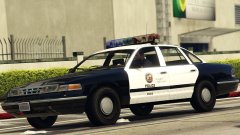
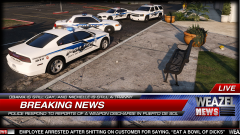
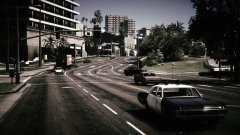
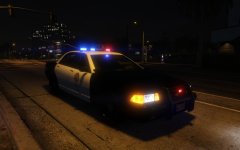
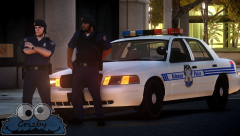
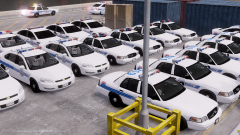
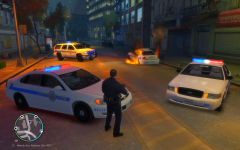
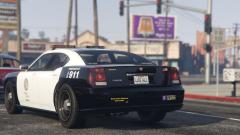
  2. being someone from baltimore i thought you would use some more accurate BPD cars lol

    lol this was put together on the fly, been busy with V.Lack of accurate models that are out as well, did you ever release your BPD model pack .That would have been nice for this. 

Account

Navigation

Search

Search

Configure browser push notifications

Chrome (Android)
  1. Tap the lock icon next to the address bar.
  2. Tap Permissions → Notifications.
  3. Adjust your preference.
Chrome (Desktop)
  1. Click the padlock icon in the address bar.
  2. Select Site settings.
  3. Find Notifications and adjust your preference.