KnugOlsson
Members
-
Joined
-
Last visited
Everything posted by KnugOlsson
-
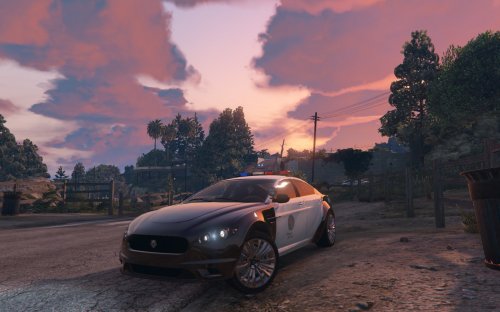 I have a problem. When i install the car in OpenIV, I can clearly see that the files are replaced with the mod ones. (be cause of the data size change) When I then start the game, the launcher downloads new files, so i supose it detects the mod and replace it with the original files, and of course in-game It's the vanilla bufallo car. Any ideas?
- 56 comments
- 7 reviews