


Dandado
Members
-
Joined
-
Last visited
Everything posted by Dandado
-
Yes, I buy because of the storyline, mods are just a bonus.
-
I've just remade it, now it is only 25 seconds.
-
My videos are usually 15 minutes
-
Hey guys I'm thinking about put this as a new intro for my videos, do you like it? http://www.youtube.com/watch?v=vOiJGRWdvZE&list=UUDYz1C2Hs5L3FYof7yncnvg&index=1
-
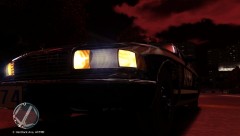
From the album: Dandado's Pictures
Detective arriving crime scene. -
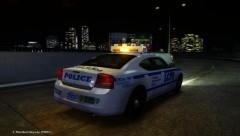
From the album: Dandado's Pictures
Detective arriving crime scene. -
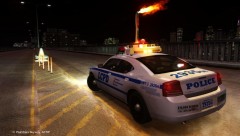
From the album: Dandado's Pictures
Detective arriving crime scene. -
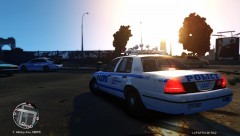 http://www.gta-universe.com/forums/index.php?/files/file/7-nypd-lcpd-cvpi-v21fsv-els/
 -
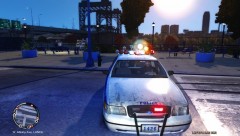 http://www.gta-universe.com/forums/index.php?/files/file/7-nypd-lcpd-cvpi-v21fsv-els/
 -
From the album: Dandado's Pictures
Detective arriving crime scene. -
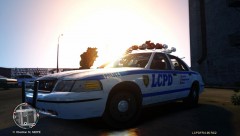
From the album: Dandado's Pictures
Detective arriving crime scene. -
From the album: Dandado's Pictures
Detective arriving crime scene. -
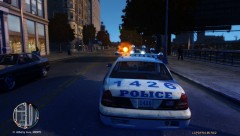
From the album: Dandado's Pictures
Detective arriving crime scene. -
I will explain why they will release it for PC and if they don't release it the reason will not be the piracy. R* is a company like all the others, the main objective is to make money, why would you lose a lot of money on a plataform that a lot of people buy the original game because of piracy? It's better to win some money than don't sell anything and don't win nothing.
-
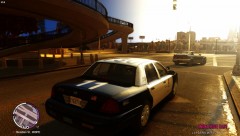
From the album: Dandado's Pictures
Detective arriving crime scene. -
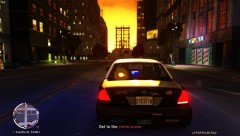
From the album: Dandado's Pictures
Detective arriving crime scene. -
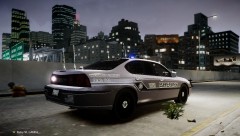
From the album: Dandado's Pictures
Detective arriving crime scene. -
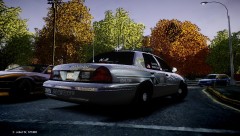
From the album: Dandado's Pictures
Detective arriving crime scene. -
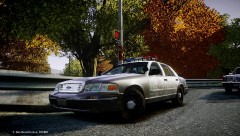
From the album: Dandado's Pictures
Detective arriving crime scene. -
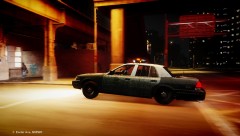
From the album: Dandado's Pictures
Detective arriving crime scene. -
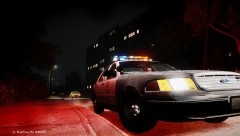
From the album: Dandado's Pictures
Detective arriving crime scene. -
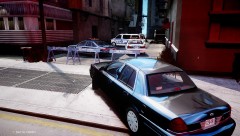
From the album: Dandado's Pictures
Detective arriving crime scene. -
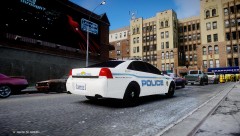
From the album: Dandado's Pictures
Medical Examiner was already at the location -
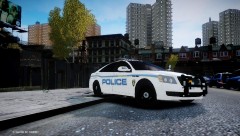
From the album: Dandado's Pictures
Medical Examiner was already at the location -
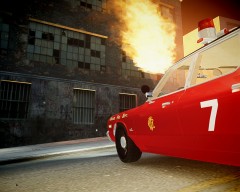 Looks great as usual!

