
ASTK9
Members
-
Joined
-
Last visited
Everything posted by ASTK9
-
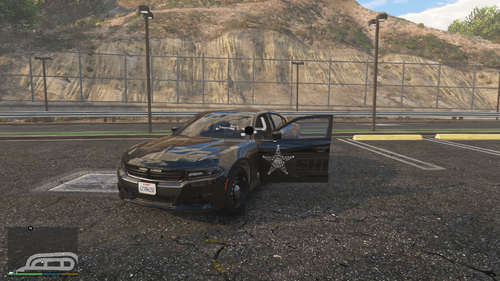 You have to change your els.ini file. Pm me and ill tell you how if still interested.
- 9 comments
- 1 review
-
-
This is the vehicle I based it off of a little bit. Some people like siderunners some don't. Its hard for me to decide lol.
- 9 comments
- 1 review
-
Hello and thank you for downloading my new Stealth unit that I have been working on for a few months now! This car was somewhat based on a vehicle that I have seen and I thought it would be good to have in game. Please let me know about any bugs or issues that I could have missed. I have been busy working and with school so I don't as much modding time as I want but I still try. I hope you enjoy!!! Video:
- 9 comments
- 1 review
-
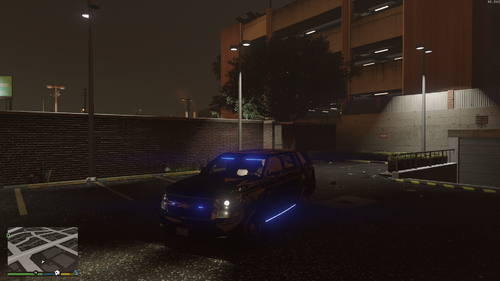 I have a full legal copy. It's not expensive.
 -
Nope there is no bug. This doesn't come with secondary but stage 2 does rear lights.
-
pm me
-
You must have a different XML file. The one included is set to have all of them come on. I don't know why its doing that for you. Try installing the ytd file again. I could but the size it is now is pretty accurate to the Tahoe in real life
-
The texture of the car is white?
-
that's fine. PM me and ill walk you through it.
-
Ohhh my apologies that's because my els ini file is different. My pattern speed is set to 11. I've never made a non els car so that's something I may do in the future haha. Imma have to learn a little more about that.
-
The xml file already has it preset
-
I'll do that today Uhh I'm not sure what caused that. How did you install.
-
This is a simple investigators Tahoe based on a real one with a similar set up. I'm trying to slowly get back into modding since I haven't made anything in a couple of years.
-
.thumb.jpg.bb395a6d912155c26fb5cc6f0e13333b.jpg) for some reason I am having an error when I try to merge the file
for some reason I am having an error when I try to merge the file -
figured it out. Apparently if I have my xbox controller plugged in it will not work. I unplugged it and it worked fine. I never knew that would be the issue.
-
just tried it. still didn't work. I still crashes but it crashes on the loading screen now. Here is a updated crash report. RagePluginHook_16022020_200843.log
-
no... and the game works fine when i launch it normally without ragehook.
-
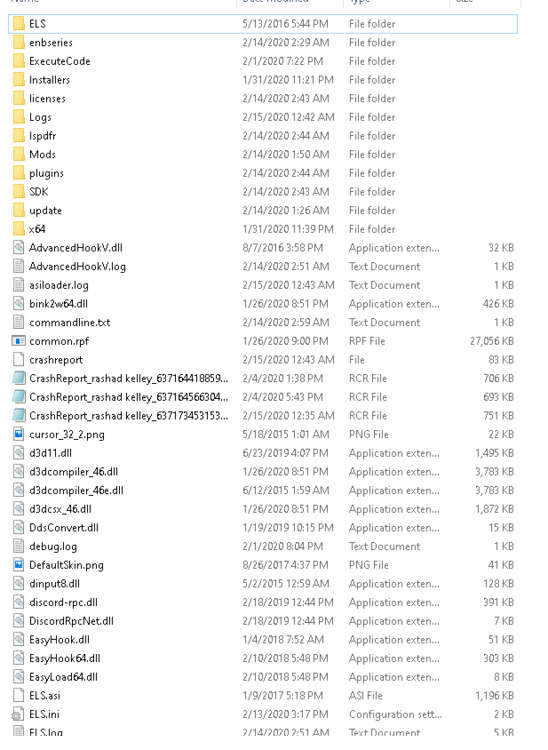
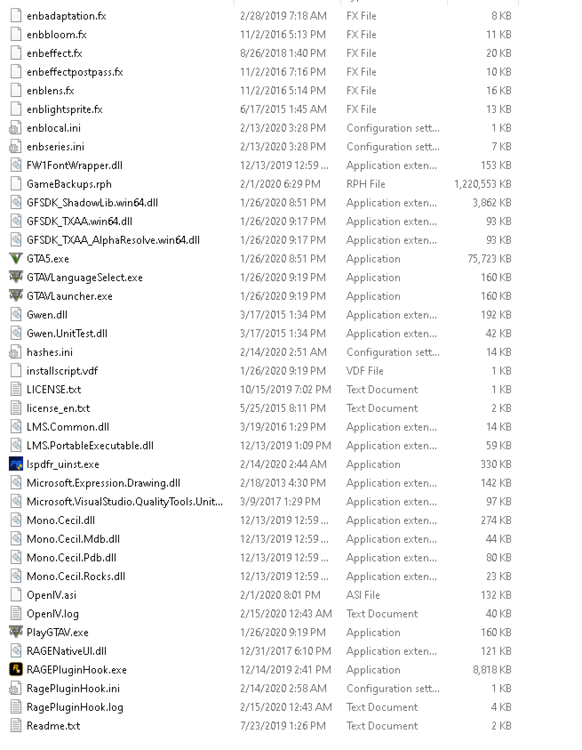
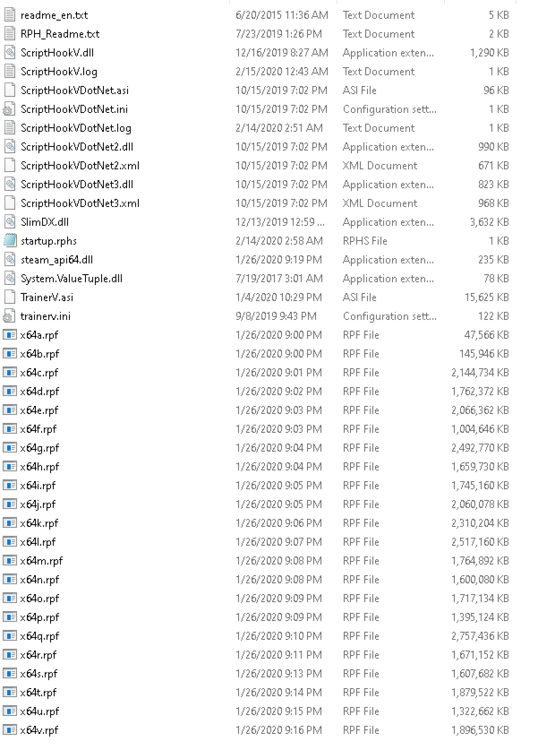
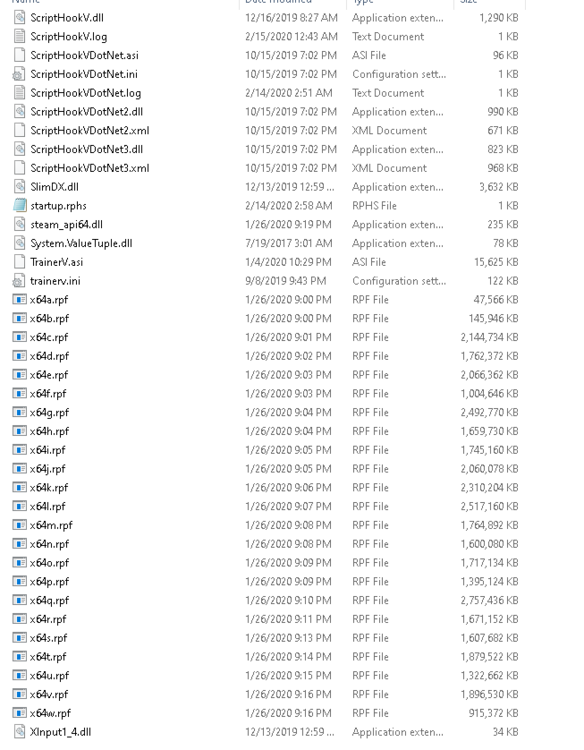
i had to take 4 different screenshots
-
yes. When i take it out of the main directory it still doesn't work.
-
Crash log.txt
-
So I have done both and rage hook will hook the game but now it crashes as soon as it hooks on the loading screen...
-
Kaspersky and windows firewall Ok I'll try as soon as I get home tonight
-
So I have tried a fresh copy of gta with just lspdfr installed with no mods. When I try to launch rage hook sometimes it works but most times it will not hook the game and give me the "slow system insufficient permissions" error. I have disabled my anti viruses and added the game to the exclusions list and it still doesn't work. Does anybody know what I need to do?
-


.thumb.jpg.bb395a6d912155c26fb5cc6f0e13333b.jpg)