



strike
-
Joined
-
Last visited
Image Comments posted by strike
-
-
-
-

-
-
-
-
-
-
Oh, shame:(
1 hour ago, 11john11 said:What's the problem with V? Maybe some one on this site could help you with this.
Yeah, might open a thread about it. Basically, the problem is that everytime I install a weapon modification the game fucks up and crashes while loading, and the backup files won't do anything either so I am kind of sick of reinstalling it for nothing. That and that I still prefer IV over V.
-
-
-
-
-
-
-
-
Edited by strike
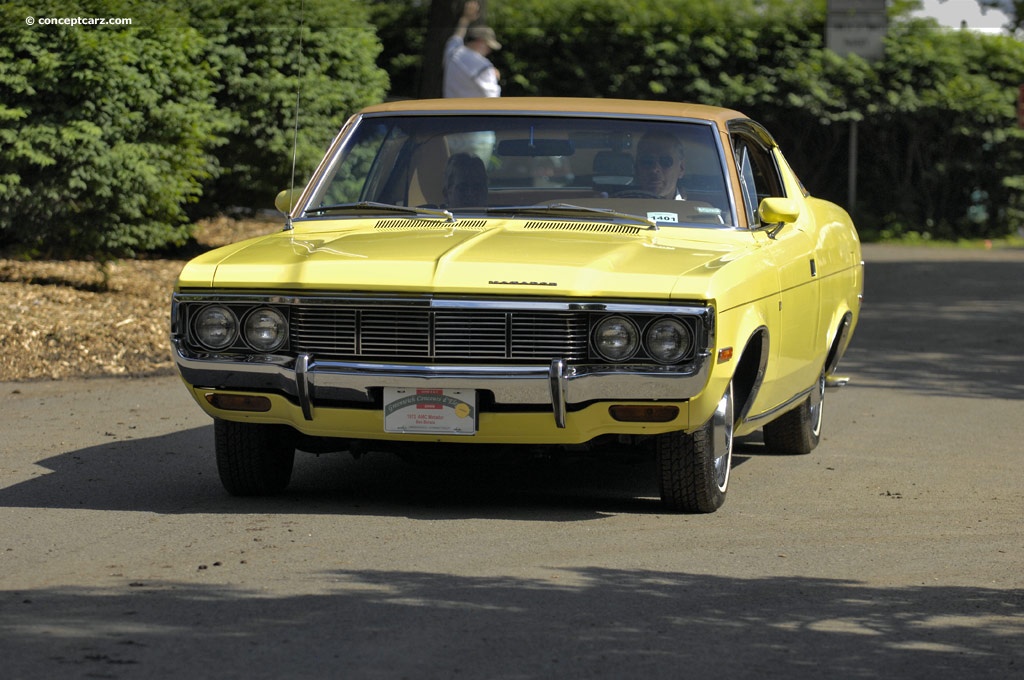
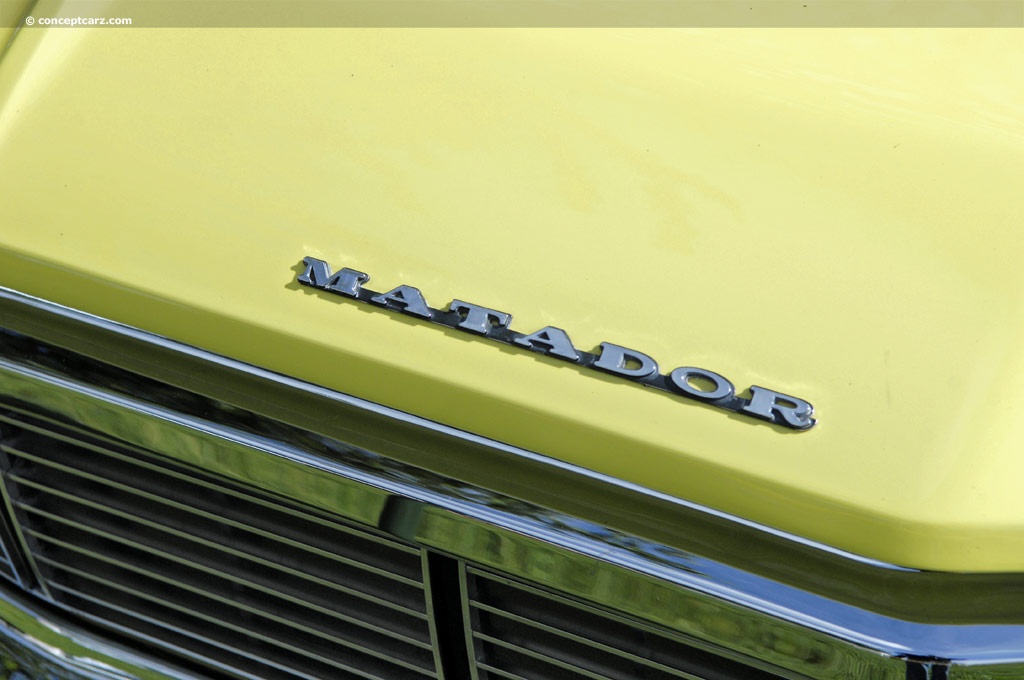
If you are going after the 1972 model you should still add the vertical stripes on the grille.
http://momentcar.com/images/american-motors-matador-1972-9.jpg
http://www.conceptcarz.com/images/AMC/72-AMC_Matador-DV_09_GC_a01.jpg
http://www.conceptcarz.com/images/AMC/72-AMC_Matador-DV_09_GC_a03.jpg
http://www.conceptcarz.com/images/AMC/72-AMC_Metador-DV-09_GC_002.jpg
-
-
-
-
-
-
-


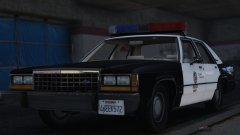


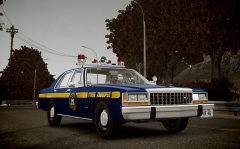
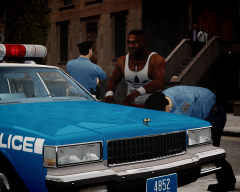
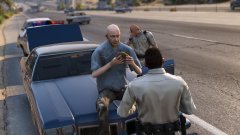


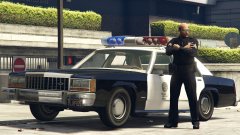

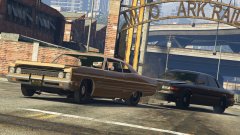


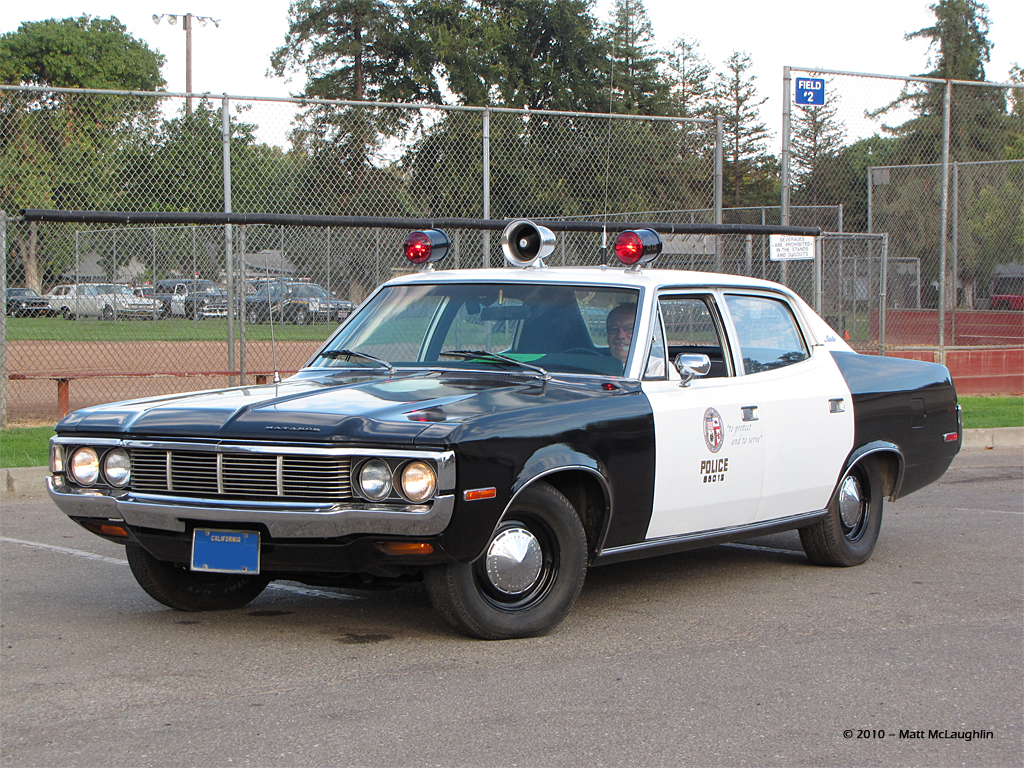

Maryland State Police Chevrolet Caprice 2012
in GTA IV Galleries
·
Edited by strike
I doubt I still have the texture. I don't remember whose model was this, I think it was Kevin's but I can tell for sure. I'm not even sure the model it's longer avaliable. Sorry.