


scottishrebal
Members
-
Joined
-
Last visited
Everything posted by scottishrebal
-
 So i think my ELS setup is working however ive noticed AI Traffic is failing to move to the side/change lanes/stop at intersections when Stage 3 with sirens. Is this supposed to be and can it be edited? Stopped traffic in front of me at Intersections do move and go through red lights using manual horn and secondary siren so thats working.
- 2,698 comments
- 240 reviews
-
 @Cartres Your carvariations or Vehicles.meta will have an error somewhere which causes instant crashes on loading the game. Re check your lines of code that you have added or altered and make sure you haven't missed any special characters or perhaps misplaced <item> tags etc.
- 64 comments
- 29 reviews
-
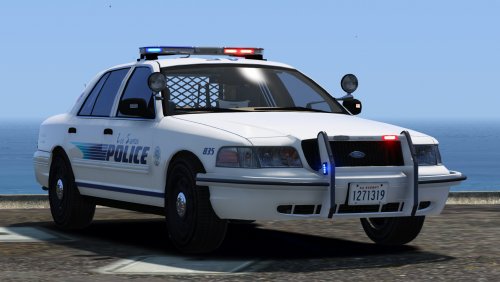
.thumb.jpg.1db0be3e377ccefdd47e57a95ec56762.jpg) Can anyone guide me on how to make this spawn unmarked only as police4 should do?
Can anyone guide me on how to make this spawn unmarked only as police4 should do?- 239 comments
- 70 reviews
-
 Is it possible to get standalone Carvariations.meta and vehicle.meta code for this vehicle so I can add it as an extra car?
- 159 comments
- 53 reviews
-
With the shadows on very high i was getting 20fps and with ELS running you certianly noticed the lights changing almost in a slow montion lol Turned shadows down to high and now getting 30fps with els light patterns looking as they should and the game run smooth. Its certianly more than playable. I take it you like 60fps or higher? Can i ask what settings you currently have?
-
Currently running the following settings:- Resolution: 1980 x 1080 (60Hz) Aspect Ratio: 16:9 Texture Quality: High Reflection Resolution: Very High Water Quality: Very High Shadow Quality: High Night Shadows: High Texture Filter: x16 View Distance: 70 Details Distance: 100 Vehicle Density: 100 Definition: On VSync: Off This runs without lag and at 30fps on the following system:- AMD Phenom

.thumb.jpg.1db0be3e377ccefdd47e57a95ec56762.jpg)
