


Daftpunk1983
Members
-
Joined
-
Last visited
Everything posted by Daftpunk1983
-
Game seems to work without crashes, but seems my EUP/cars obviously dont work currently, so am i guessing that its something to do with one of them?
-
Like this?
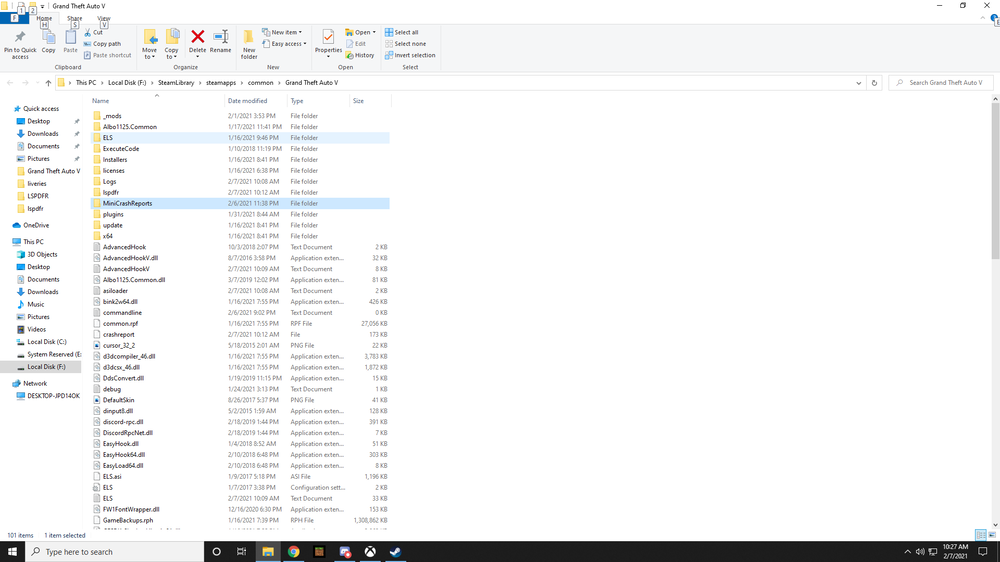
-
Just crashed twice. here is last one:
-
Okay, ill do that one now.
-
dang its only a month old thats nuts lol ok ill do that next.oh opps i didnt see this before i went back in for this report lol. Ok thanks ill update those.yeah i only have the ragepluginhook log cause i was a dumby and didnt save last, so here is that:It still happened after i did this. Any other ideas?Thank you!And here is RPH What is going on? Thanks in advance.
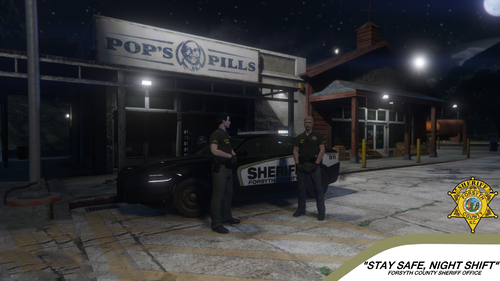 This is what i was looking for!!!!! ❤️
 Want!
Want!


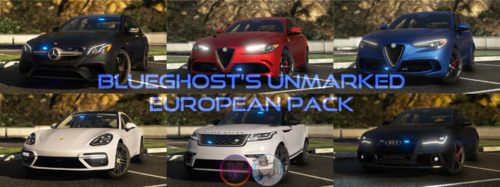




Account
Navigation
Search
Configure browser push notifications
Chrome (Android)
- Tap the lock icon next to the address bar.
- Tap Permissions → Notifications.
- Adjust your preference.
Chrome (Desktop)
- Click the padlock icon in the address bar.
- Select Site settings.
- Find Notifications and adjust your preference.
Safari (iOS 16.4+)
- Ensure the site is installed via Add to Home Screen.
- Open Settings App → Notifications.
- Find your app name and adjust your preference.
Safari (macOS)
- Go to Safari → Preferences.
- Click the Websites tab.
- Select Notifications in the sidebar.
- Find this website and adjust your preference.
Edge (Android)
- Tap the lock icon next to the address bar.
- Tap Permissions.
- Find Notifications and adjust your preference.
Edge (Desktop)
- Click the padlock icon in the address bar.
- Click Permissions for this site.
- Find Notifications and adjust your preference.
Firefox (Android)
- Go to Settings → Site permissions.
- Tap Notifications.
- Find this site in the list and adjust your preference.
Firefox (Desktop)
- Open Firefox Settings.
- Search for Notifications.
- Find this site in the list and adjust your preference.